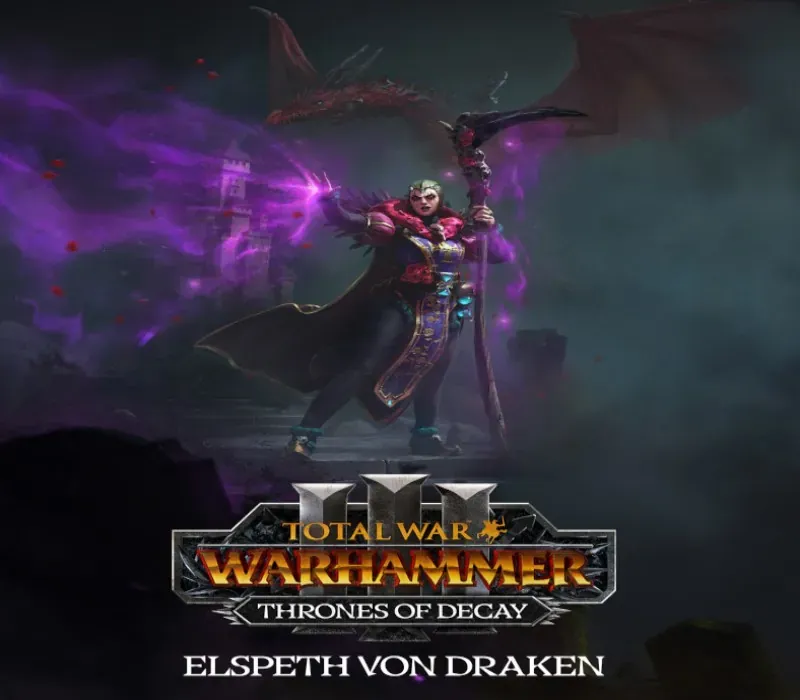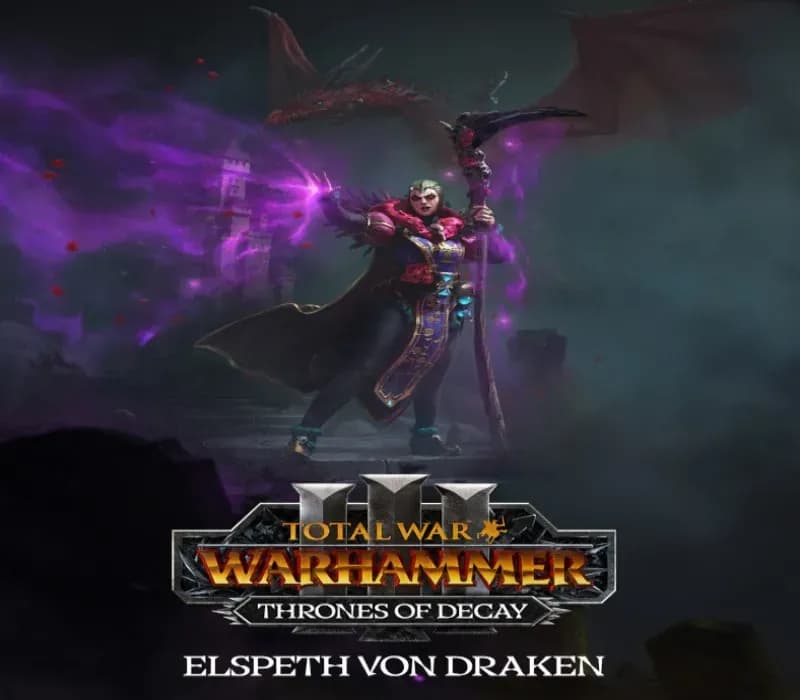

Total War: WARHAMMER III - Elspeth – Thrones of Decay PC Steam CD Key
Total War: WARHAMMER III - Elspeth – Thrones of Decay PC Steam CD Key é uma key digital para Steam, sem bloqueio de região. Entrega instantânea após o pagamento. Preço: $7.68, 14% abaixo de Preço sugerido Steam: $8.99.
⭐ 153,000+ pedidos entregues desde 2018
 Pago Móvil
 Binance Pay
Sobre este jogo
O pacote Elspeth – Thrones of Decay apresenta Elspeth Von Draken, uma nova Lorde Lendária para o Império, utilizável tanto na campanha Realm of Chaos quanto na Immortal Empires.
Abrace a feitiçaria e a sabedoria com novos Lordes, Heróis, Unidades e mecânicas para reforçar seu elenco de campanha dentro e fora do campo de batalha. Elspeth von Draken chega a Total War: WARHAMMER III trazendo mecânicas de campanha únicas para o Império, com um objetivo totalmente novo no Realm of Chaos, independente da história de Ursun. Além disso, novas Unidades e Heróis para ajudar Elspeth a alcançar a vitória total. Abrace a força da magia e da pólvora com a Escola Imperial de Artilharia de Nuln.
Compre unidades poderosas e exclusivas ao desbloquear o Arsenal de Ametista. Viaje instantaneamente entre assentamentos aliados com os Jardins de Morr. Theodore Bruckner, o Cão do Julgamento e habilidoso lutador, junta-se ao Império como Herói Lendário. Melhore suas chances com 5 novas Unidades, um Lorde Genérico, um Herói Genérico e mais 3 Regimentos de Renome.
Requisitos do sistema
- Windows: Mínimos: SO *: Windows 7 64 bits Processador: Série Intel i3/Ryzen 3 Memória: 6 GB de RAM Placa de vídeo: Série Nvidia GTX 900/AMD RX 400 | Intel Iris Xe Graphics DirectX: Versão 11 Armazenamento: 120 GB de espaço disponível
- Mac: Mínimos: SO: macOS 12.5 Processador: Apple M1 (8‑Core CPU) ou superior Memória: 8 GB de RAM Placa de vídeo: Apple M1 (7‑Core GPU) ou superior Armazenamento: 125 GB de espaço disponível
Como ativar
- Abra o cliente Steam no seu computador e inicie sessão, ou acesse store.steampowered.com/account/registerkey no navegador.
- Clique no menu "Jogos" no topo (ou "+ Adicionar um Jogo" no canto inferior esquerdo) e selecione "Ativar um produto no Steam...".
- Siga as instruções no ecrã, aceite o Acordo de Subscrição do Steam e insira a chave no campo "Código de Produto".
- Clique em "Avançar" e "Concluir". O jogo ficará disponível na sua Biblioteca Steam pronto para instalar.
Avaliações de clientes
Perguntas frequentes
Para qual região é?
Esta é a versão Global: não tem bloqueio de região.
Como ativo Total War: WARHAMMER III - Elspeth – Thrones of Decay PC Steam CD Key no Steam?
1. Abra o cliente Steam no seu computador e inicie sessão, ou acesse store.steampowered.com/account/registerkey no navegador. 2. Clique no menu "Jogos" no topo (ou "+ Adicionar um Jogo" no canto inferior esquerdo) e selecione "Ativar um produto no Steam...". 3. Siga as instruções no ecrã, aceite o Acordo de Subscrição do Steam e insira a chave no campo "Código de Produto". 4. Clique em "Avançar" e "Concluir". O jogo ficará disponível na sua Biblioteca Steam pronto para instalar.
Qual é a rapidez da entrega?
Sua key aparece na sua conta e é enviada por e-mail logo após o pagamento.