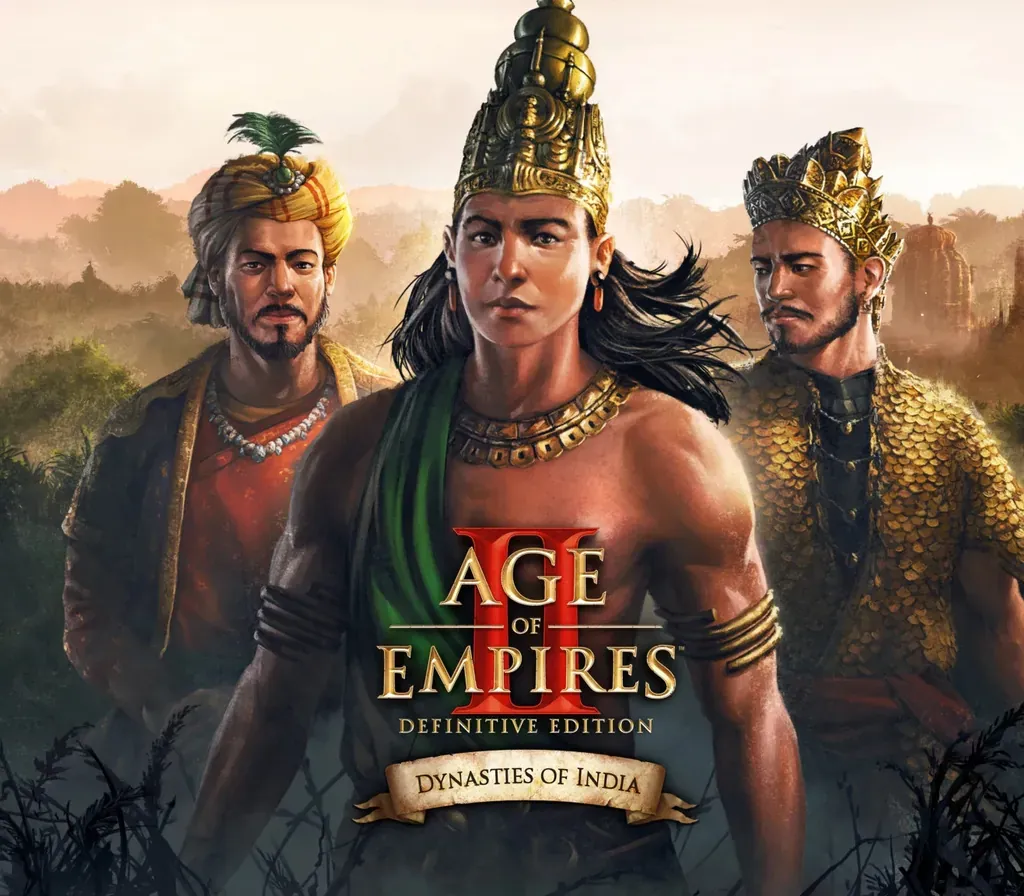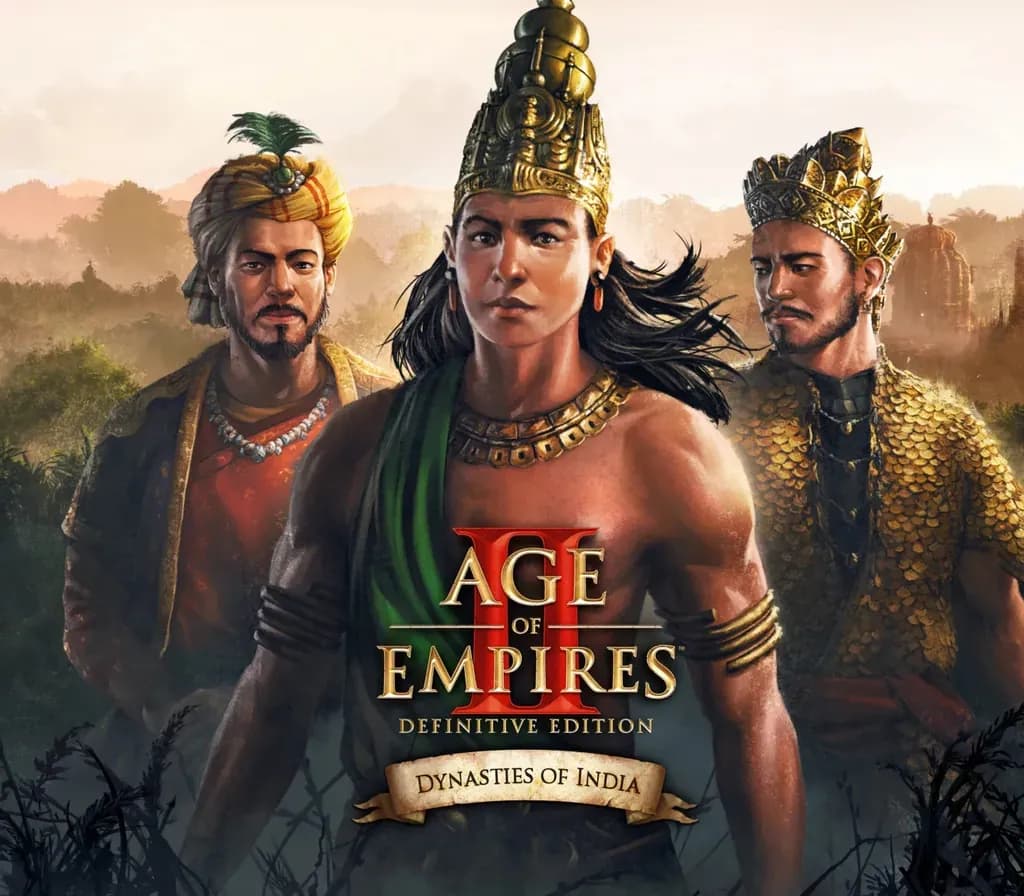
Age of Empires II: Definitive Edition - Dynasties of India PC Steam CD Key
Age of Empires II: Definitive Edition - Dynasties of India PC Steam CD Key is a digital key for Steam, not region-locked. Delivered instantly after payment. Price: $16.68, 52% below the Steam MSRP of $34.99.
⭐ 153,000+ orders delivered since 2018
 Pago Móvil
 Binance Pay
About this game
This expansion brings three playable civilizations of India to Age of Empires II: Definitive Edition for the first time, with three fully voiced campaigns and new achievements. The Indian civilizations provide a broad range of added content, including nine new units, 15 exciting new single player missions, new buildings and new achievements.
3 new playable civilizations
Bengalis — Navigate the winding rivers and dense jungles of Bengal as you build a thriving economy to fuel unstoppable armies of elephants. The Bengali unique unit is the Ratha, a sturdy chariot that can switch between melee and ranged attack modes.
Dravidians — Seize control of the lucrative Indian Ocean trade routes and utilize advanced metallurgy as you build one of the wealthiest sea empires of medieval Asia. The Dravidian unique units are the Urumi Swordsman, a warrior wielding a scathing flexible sword, and the Thirisadai, a massive vessel that dominates the high seas.
Gurjaras — Ride swift mounts across the fertile fields and open plains of western India and unleash diverse armies of sturdy warriors upon your enemies. The Gurjara unique units are the Shrivamsha Rider, a speedy cavalry unit that can dodge enemy attacks, and the Chakram Thrower, an infantry unit that unleashes volleys of deadly metal discs.
3 Brand-new Full Campaigns
Babur — Nearly a century after Tamerlane’s death, his descendants are still fighting for supremacy in Transoxiana and Persia. The youngest among them is Zahir ud-Din Muhammad – also known as Babur, ‘the tiger’. He dreams of restoring the crumbled empire, but another wave of invading horsemen from the northern steppes is about to change everything. In this campaign, you will play as the Tatars and Hindustanis.
Rajendra — The dread of inevitable corruption plagues the ambitious Rajendra Chola as he navigates the harsh political climate of south India. Can Rajendra escape moral decay as he expands the empire that he inherited from his father, or is his fear of corruption the true enemy within? In this campaign, you will play as the Dravidians.
Devapala — Guided by the teachings of Mahayana Buddhism, Devapala rules a rich and vibrant empire. However, as dangerous rivals threaten his realm, the ambitious emperor finds it increasingly difficult to balance his policies with his morals. Will the ends ultimately justify the means, or will Devapala’s quest for his own enlightenment and that of his subjects fail? In this campaign, you will play as the Bengalis.
System Requirements
Minimum
- OS: Windows 10 64bit
- Processor: Intel Core 2 Duo or AMD Athlon 64x2 5600+
- Memory: 4 GB RAM
- Graphics: NVIDIA® GeForce® GT 420 or ATI™ Radeon™ HD 6850 or Intel® HD Graphics 4000 or better with 2 GB VRAM
- DirectX: Version 11
- Storage: 150 MB available space
- Additional Notes: 2GB of video memory + 4GB of system memory required
Recommended
- OS: Windows 10 64bit
- Processor: 2.4 Ghz i5 or greater or AMD equivalent
- Memory: 8 GB RAM
- Graphics: Nvidia® GTX 650 or AMD HD 5850 or better
- DirectX: Version 12
- Storage: 150 MB available space
How to activate
- Launch the Steam desktop client and log in to your account, or visit store.steampowered.com/account/registerkey in your browser.
- Click the "Games" menu at the top of the client (or click "+ Add a Game" at the bottom-left) and select "Activate a Product on Steam...".
- Follow the on-screen prompts, accept the Steam Subscriber Agreement, and enter your CD-Key in the "Product Code" field.
- Click "Next" and "Finish" to register the game. It will now appear permanently in your Steam Library ready to install.
Customer Reviews
Frequently asked questions
Which region is this for?
This is the Global version: it is not region-locked.
How do I activate Age of Empires II: Definitive Edition - Dynasties of India PC Steam CD Key on Steam?
1. Launch the Steam desktop client and log in to your account, or visit store.steampowered.com/account/registerkey in your browser. 2. Click the "Games" menu at the top of the client (or click "+ Add a Game" at the bottom-left) and select "Activate a Product on Steam...". 3. Follow the on-screen prompts, accept the Steam Subscriber Agreement, and enter your CD-Key in the "Product Code" field. 4. Click "Next" and "Finish" to register the game. It will now appear permanently in your Steam Library ready to install.
How fast is delivery?
Your key appears in your account and is emailed to you right after payment.