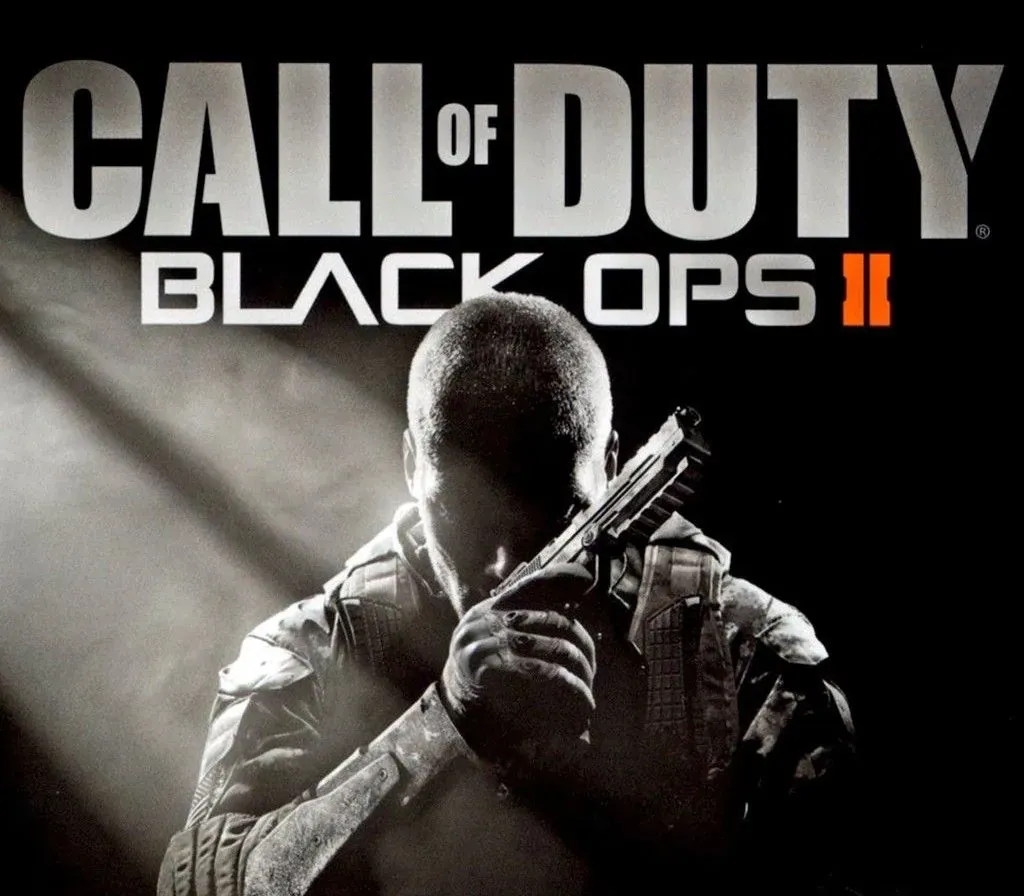

Call of Duty: Black Ops II PC Steam Gift (NA)
Call of Duty: Black Ops II PC Steam Gift (NA) is a gift for Steam, valid in North America.
⭐ 153,000+ orders delivered since 2018
 Pago Móvil
 Binance Pay
About this game
Pushing the boundaries of what fans have come to expect from the record-setting entertainment franchise, Call of Duty®: Black Ops II propels players into a near future, 21st Century Cold War, where technology and weapons have converged to create a new generation of warfare.
System Requirements
Minimum
- OS: Windows Vista SP2 or Windows 7. Windows XP is not supported
- Processor: Intel Core2 Duo E8200 2.66 GHz or AMD Phenom X3 8750 2.4 GHz
- Memory: 2 GB for 32-bit OS or 4 GB for 64-bit OS
- Graphics: Nvidia GeForce 8800GT 512 MB or ATI Radeon HD 3870 512 MB
- DirectX: Version 9.0c
- Hard Drive: 16 GB
- Sound: DirectX 11.0c compatible
- Additional: Broadband connection required for activation and multiplayer gameplay
- Note: Windows XP Operating System is not supported
- Further information: Available here
How to activate
- Log into your Steam account via the desktop client or browser at store.steampowered.com.
- If delivered via activation link, open the link from your order and follow the prompt to accept the bot's friend request or direct gift transfer.
- In the Steam client, click the gift envelope / notification icon in the top-right corner to open the pending gift prompt.
- Select "Accept Gift" and choose "Add to my library" to bind the game permanently to your account.
Customer Reviews
Frequently asked questions
Which region is this for?
This is the North America version. Make sure your account is registered in that region before buying.
How do I activate Call of Duty: Black Ops II PC Steam Gift (NA) on Steam?
1. Log into your Steam account via the desktop client or browser at store.steampowered.com. 2. If delivered via activation link, open the link from your order and follow the prompt to accept the bot's friend request or direct gift transfer. 3. In the Steam client, click the gift envelope / notification icon in the top-right corner to open the pending gift prompt. 4. Select "Accept Gift" and choose "Add to my library" to bind the game permanently to your account.
What does “gift” mean?
You receive the game as a gift on your Steam account. There is no key to redeem.