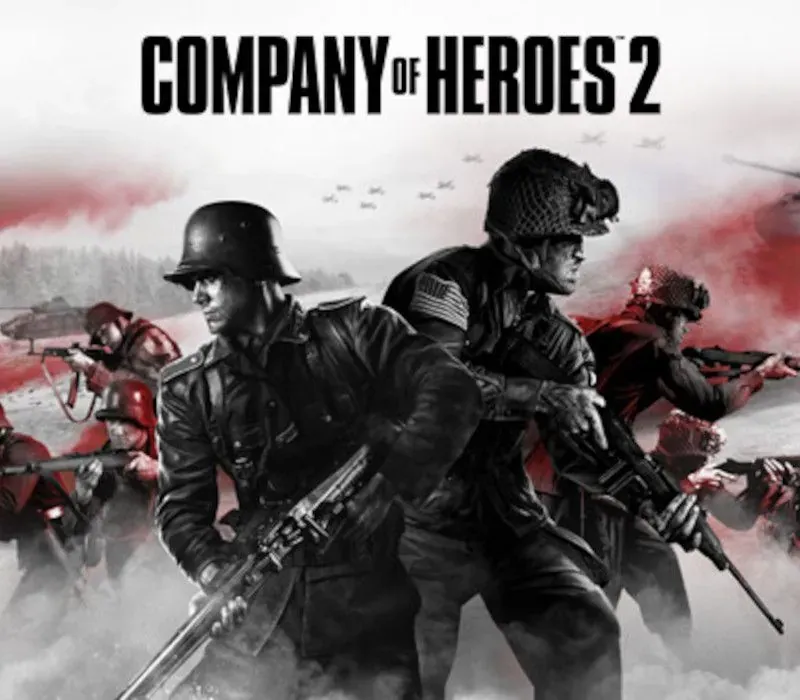
Company of Heroes 2 PC Steam Gift
Company of Heroes 2 PC Steam Gift is a gift for Steam, not region-locked. Price: $5.90, 70% below the Steam MSRP of $19.99.
⭐ 153,000+ orders delivered since 2018
 Pago Móvil
 Binance Pay
About this game
Powered by the Essence Engine 3.0, the Company of Heroes 2 series feature some unique mechanics rewarding thoughtful players. From the TrueSight™ system that emulates the units’ line of sight to the cover-system that encourages clever unit placement – not to mention the combined arms approach and the hard and soft counters gameplay that will make you think twice before trying to destroy a tank with a simple squad of riflemen – each game presents players with an uninterrupted stream of meaningful tactical choices that can turn the tide of war.
PICK YOUR FIGHT
NB: multiplayer standalones allow you to play on any map against anyone owning any COH2 product.
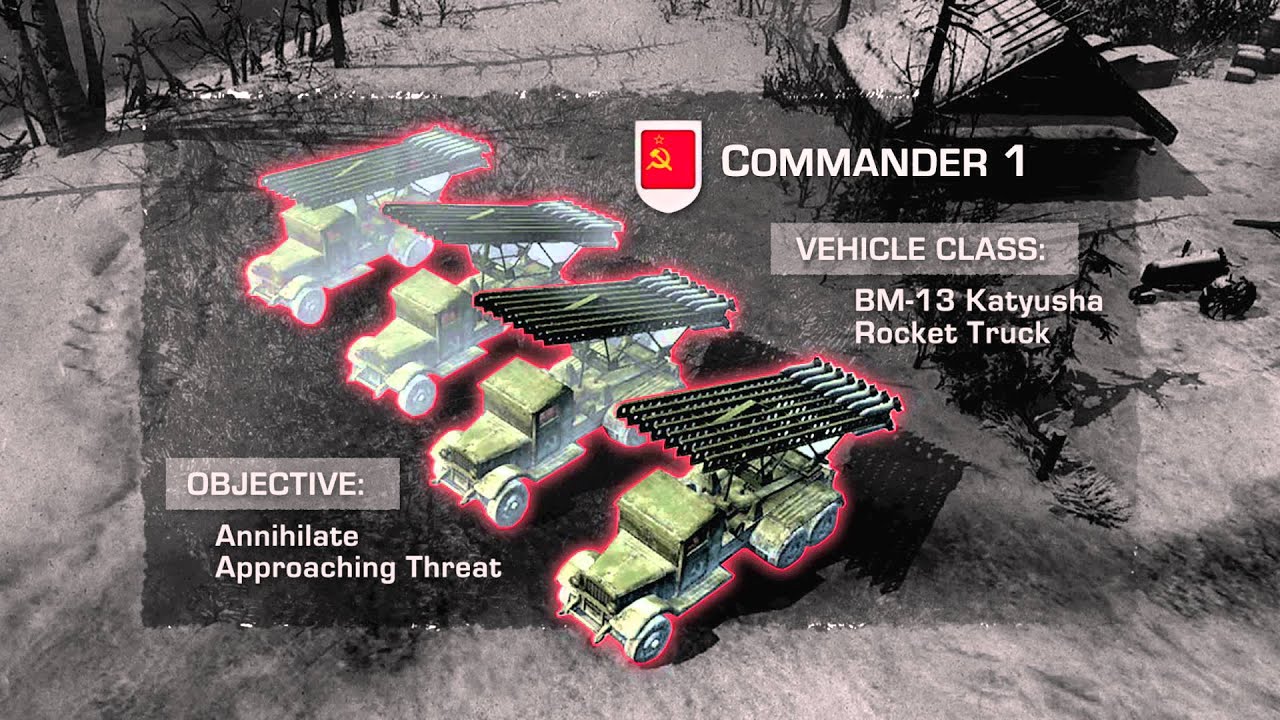
The Company of Heroes 2 base game gives you access to two multiplayer armies from the Eastern Front: the Red Army (SOV) and the Wehrmacht Ostheer (GER). It also comes with a gritty single-player campaign that will give you a chance to familiarize yourself with the series core tenets. Step into the boots of a Soviet commander of the Red Army, entrenched in brutal frontline warfare to free Mother Russia from the Enemy invaders! Adjust your tactics to take into account the brutal weather conditions and wield the might of the Soviet Empire as you smash your way to Berlin.
Company of Heroes 2: The Western Front Armies adds two new factions from the Western Front to the roster of playable multiplayer armies: the Oberkommando West (OKW) and the US Forces (USF). While the former puts you in charge of an aggressive and powerful army with very specialized and elite units – yet in very limited numbers – the latter introduces an expeditionary corps that allows for a variety of approaches and very powerful combined arms tactics, but which inevitably falls a bit short in the heavy armor department.
Company of Heroes 2: Ardennes Assault offers a compelling single-player campaign for the USF faction revolving around the Battle of the Bulge. Engage in a dynamic non-linear campaign across the Ardennes landscape consisting of 18 scenarios, choose between three iconic companies, customize their abilities and bear the consequences of your actions as overall company health persists between missions.
Company of Heroes 2: The British Forces is the latest entry in the series and features this iconic Allied army from WWII (UKF). Experience a unique tech-tree that challenges the player to balance the constant trade-off between mobility and defense.
System Requirements
Minimum
- Memory: 2GB RAM
- Processor: 2Ghz Intel Core2 Duo or equivalent
- Graphics: 512MB Direct3D 10 capable video card (GeForce 8800 GT or Radeon HD 2900XT)
- OS: 32bit Vista
- Internet: Broadband Internet connection
- Hard Drive: 30GB free Hard disc space
Recommended
- Memory: 4GB RAM
- Processor: 3Ghz Intel i5 quad core or equivalent
- Graphics: 1024 MB Direct3D 11 capable video card (GeForce GTX 470 or Radeon HD 5850)
- OS: 64bit Windows 7 and above
- Internet: Broadband Internet connection
- Hard Drive: 30GB free Hard disc space
How to activate
- Log into your Steam account via the desktop client or browser at store.steampowered.com.
- If delivered via activation link, open the link from your order and follow the prompt to accept the bot's friend request or direct gift transfer.
- In the Steam client, click the gift envelope / notification icon in the top-right corner to open the pending gift prompt.
- Select "Accept Gift" and choose "Add to my library" to bind the game permanently to your account.
Customer Reviews
Frequently asked questions
Which region is this for?
This is the Global version: it is not region-locked.
How do I activate Company of Heroes 2 PC Steam Gift on Steam?
1. Log into your Steam account via the desktop client or browser at store.steampowered.com. 2. If delivered via activation link, open the link from your order and follow the prompt to accept the bot's friend request or direct gift transfer. 3. In the Steam client, click the gift envelope / notification icon in the top-right corner to open the pending gift prompt. 4. Select "Accept Gift" and choose "Add to my library" to bind the game permanently to your account.
What does “gift” mean?
You receive the game as a gift on your Steam account. There is no key to redeem.