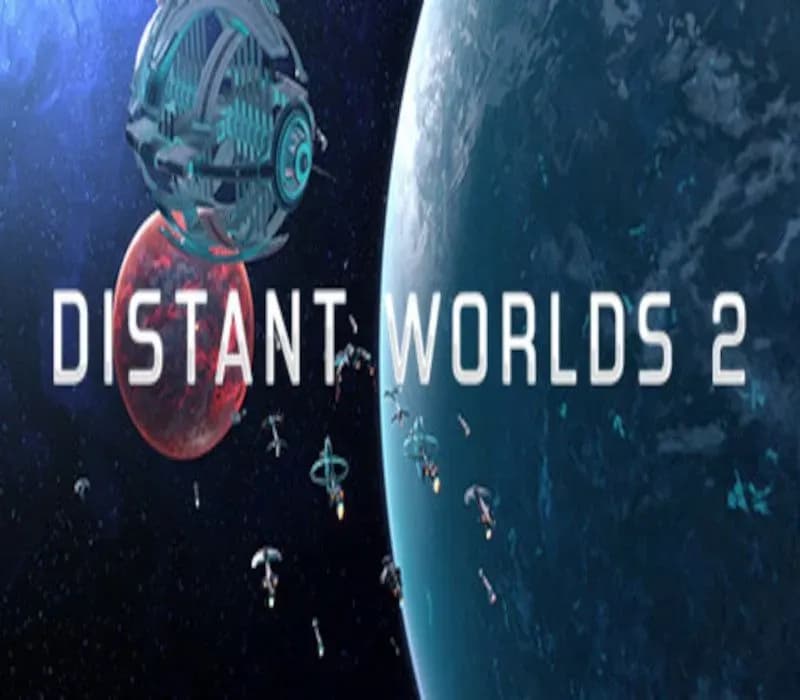
Distant Worlds 2 PC Steam CD Key (EU)
Distant Worlds 2 PC Steam CD Key (EU) is a digital key for Steam, valid in Europe. Your key arrives as soon as payment clears.
Choose your version
How to buy it
- Steam
 Europe
- Product code
154,000+ sales in our store and on marketplaces
 Pago Móvil
 Binance Pay
About this game
Distant Worlds Returns! Distant Worlds, the critically acclaimed 4X space strategy game is back with a brand new 64-bit engine, 3D graphics and a polished interface to begin an epic new Distant Worlds series with Distant Worlds 2.
Distant Worlds 2 is a vast, pausable real-time 4X space strategy game. Experience the full depth and detail of turn-based strategy, but with the simplicity and ease of real-time, and on the scale of a massively-multiplayer online game. The Universe is Yours!
Huge Galaxies with up to 2,000 star systems and tens of thousands of planets, moons and asteroids are yours to explore and exploit, whether peacefully through mining and diplomacy or by conquest! The complex process of generating a galaxy ensures that every new game will be different and the many galaxy setup options ensure incredible replayability as well as the ability to have your game be just the way you like it.
Galaxies are so deep, fun and immersive that you won’t want to finish the game. Choose from seven playable base game factions which cover a wide variety of playstyles.
Build, expand and improve your empire while playing through the storylines, with victory conditions or in an open-ended sandbox mode. Each galaxy is packed with life and activity. Encounter other empires, independent alien colonies, traders, pirates and space monsters. Explore star systems, asteroid fields, galactic storms and black holes. Discover evidence of civilizations long since past, uncovering secrets about the galaxy's troubled history...
Intelligent automation allows you to tailor the game to your preferred playstyle and scale. Decide how much you want to control and which gameplay areas suit you best. You can limit your focus to just one ship or expand it all the way up to everything in a vast galactic empire. Let your advisors and the intelligent automation handle the rest!
A Built-in Game Editor allows you to fine-tune your own galaxy, adding or removing star systems, planets, asteroids, ships, star bases, space monsters or anything else. Modify the attributes of any empire in your game for the ultimate custom experience.
Extensive In-Game Help is included. Exhaustive, built-in, context-sensitive help is always only a single key-press away.
System Requirements
Minimum
- OS: Windows 11 (64-bit only) (The game will run on Windows 7, 8, and Windows 10 (64-bit only) but these operating systems are not officially supported)
- Processor: 4+ Physical Core CPU @ 2.5GHz (e.g. Intel: Core i3-8100, Core i5-750, Core i7-920 / AMD: Athlon 64 FX-8100, Athlon II X4, Phenom X4, Phenom II X4, Ryzen 3 1200, Ryzen 5 1400, Ryzen 7 1700)
- Memory: 8 GB RAM
- Graphics: NVidia GTX 760-equivalent or better, 2+Gb VRAM, DirectX 11 compliant
- DirectX: Version 11
- Storage: 20 GB available space
- Sound Card: DirectX 11 compatible sound card
- Additional Notes: Screen Resolution: 1024x768 minimum but not ideal for best UI experience
Recommended
- OS: Windows 11 (64-bit only)
- Processor: 8+ Core CPU @ 3GHz.
- Memory: 16 GB RAM
- Graphics: NVidia GTX 1050-equivalent or better, 4+Gb VRAM, DirectX 11 compliant
- DirectX: Version 11
- Storage: 20 GB available space
- Sound Card: DirectX 11 compatible sound card
- Additional Notes: Screen Resolution: 1920x1080+ for best UI experience; Mouse: Recommend using a mouse with a scroll wheel
How to activate
- Launch the Steam desktop client and log in to your account, or visit store.steampowered.com/account/registerkey in your browser.
- Click the "Games" menu at the top of the client (or click "+ Add a Game" at the bottom-left) and select "Activate a Product on Steam...".
- Follow the on-screen prompts, accept the Steam Subscriber Agreement, and enter your CD-Key in the "Product Code" field.
- Click "Next" and "Finish" to register the game. It will now appear permanently in your Steam Library ready to install.
About this game
Distant Worlds Returns! Distant Worlds, the critically acclaimed 4X space strategy game is back with a brand new 64-bit engine, 3D graphics and a polished interface to begin an epic new Distant Worlds series with Distant Worlds 2.
Distant Worlds 2 is a vast, pausable real-time 4X space strategy game. Experience the full depth and detail of turn-based strategy, but with the simplicity and ease of real-time, and on the scale of a massively-multiplayer online game. The Universe is Yours!
Huge Galaxies with up to 2,000 star systems and tens of thousands of planets, moons and asteroids are yours to explore and exploit, whether peacefully through mining and diplomacy or by conquest! The complex process of generating a galaxy ensures that every new game will be different and the many galaxy setup options ensure incredible replayability as well as the ability to have your game be just the way you like it.
Galaxies are so deep, fun and immersive that you won’t want to finish the game. Choose from seven playable base game factions which cover a wide variety of playstyles.
Build, expand and improve your empire while playing through the storylines, with victory conditions or in an open-ended sandbox mode. Each galaxy is packed with life and activity. Encounter other empires, independent alien colonies, traders, pirates and space monsters. Explore star systems, asteroid fields, galactic storms and black holes. Discover evidence of civilizations long since past, uncovering secrets about the galaxy's troubled history...
Intelligent automation allows you to tailor the game to your preferred playstyle and scale. Decide how much you want to control and which gameplay areas suit you best. You can limit your focus to just one ship or expand it all the way up to everything in a vast galactic empire. Let your advisors and the intelligent automation handle the rest!
A Built-in Game Editor allows you to fine-tune your own galaxy, adding or removing star systems, planets, asteroids, ships, star bases, space monsters or anything else. Modify the attributes of any empire in your game for the ultimate custom experience.
Extensive In-Game Help is included. Exhaustive, built-in, context-sensitive help is always only a single key-press away.
System Requirements
Minimum
- OS: Windows 11 (64-bit only) (The game will run on Windows 7, 8, and Windows 10 (64-bit only) but these operating systems are not officially supported)
- Processor: 4+ Physical Core CPU @ 2.5GHz (e.g. Intel: Core i3-8100, Core i5-750, Core i7-920 / AMD: Athlon 64 FX-8100, Athlon II X4, Phenom X4, Phenom II X4, Ryzen 3 1200, Ryzen 5 1400, Ryzen 7 1700)
- Memory: 8 GB RAM
- Graphics: NVidia GTX 760-equivalent or better, 2+Gb VRAM, DirectX 11 compliant
- DirectX: Version 11
- Storage: 20 GB available space
- Sound Card: DirectX 11 compatible sound card
- Additional Notes: Screen Resolution: 1024x768 minimum but not ideal for best UI experience
Recommended
- OS: Windows 11 (64-bit only)
- Processor: 8+ Core CPU @ 3GHz.
- Memory: 16 GB RAM
- Graphics: NVidia GTX 1050-equivalent or better, 4+Gb VRAM, DirectX 11 compliant
- DirectX: Version 11
- Storage: 20 GB available space
- Sound Card: DirectX 11 compatible sound card
- Additional Notes: Screen Resolution: 1920x1080+ for best UI experience; Mouse: Recommend using a mouse with a scroll wheel
Customer Reviews
Nobody has reviewed this game yet. If you buy it, tell us how it went.
Frequently asked questions
Which region is this for?
This is the Europe version. Make sure your account is registered in that region before buying.
How do I activate Distant Worlds 2 PC Steam CD Key (EU) on Steam?
1. Launch the Steam desktop client and log in to your account, or visit store.steampowered.com/account/registerkey in your browser. 2. Click the "Games" menu at the top of the client (or click "+ Add a Game" at the bottom-left) and select "Activate a Product on Steam...". 3. Follow the on-screen prompts, accept the Steam Subscriber Agreement, and enter your CD-Key in the "Product Code" field. 4. Click "Next" and "Finish" to register the game. It will now appear permanently in your Steam Library ready to install.
How fast is delivery?
Your key appears in your account and is emailed to you right after payment.