Don't Starve Together PC Steam Gift (EU)
⭐ 153,000+ orders delivered since 2018
 Pago Móvil
 Binance Pay
About this game
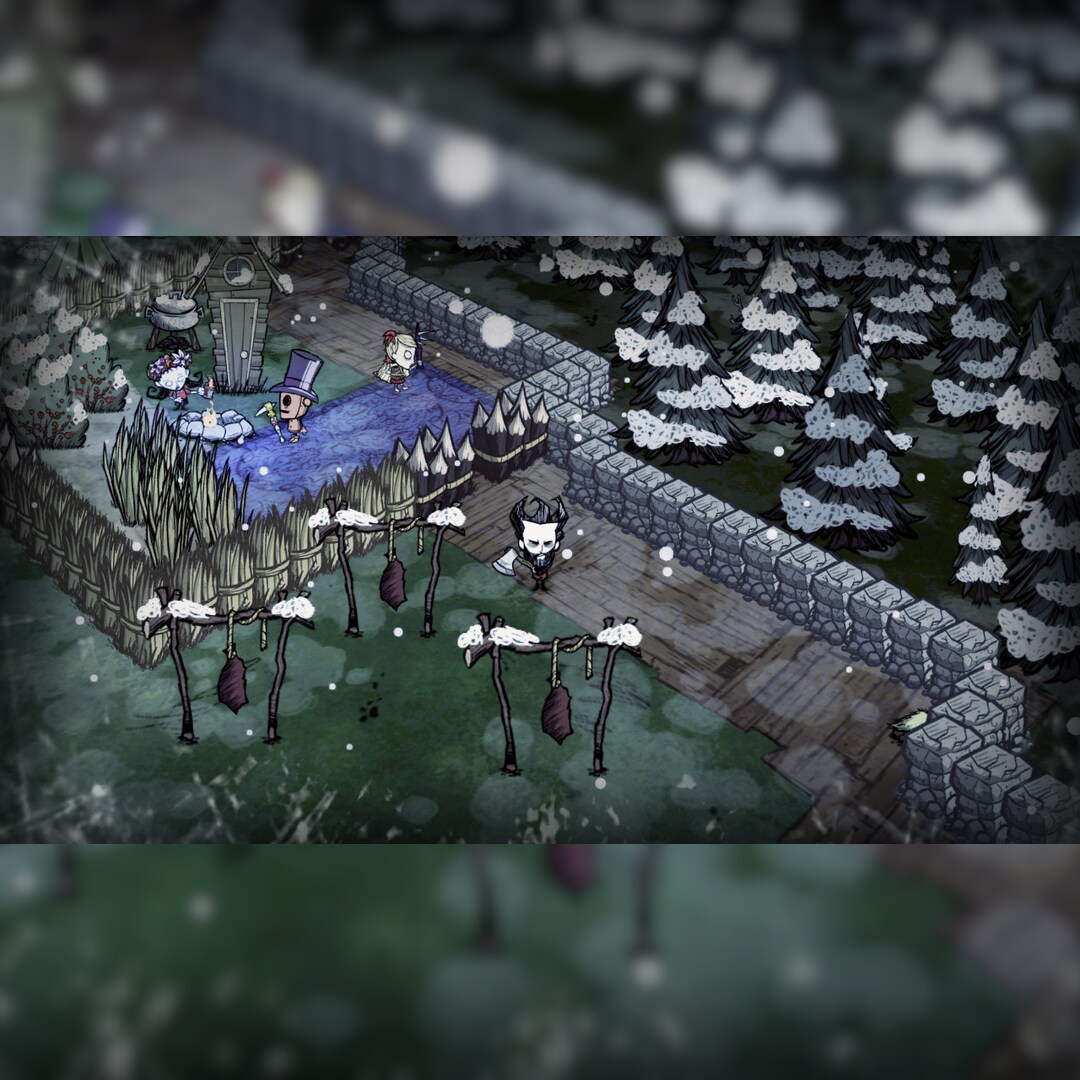
To enjoy the game with your group of friends we recommend a server hosting packet. Don't Starve Together is a standalone multiplayer expansion for the uncompromising wilderness survival game Don't Starve. It allows friends or complete strangers to survive together, in either public or private games. Don’t Starve is an uncompromising wilderness survival game full of science and magic.
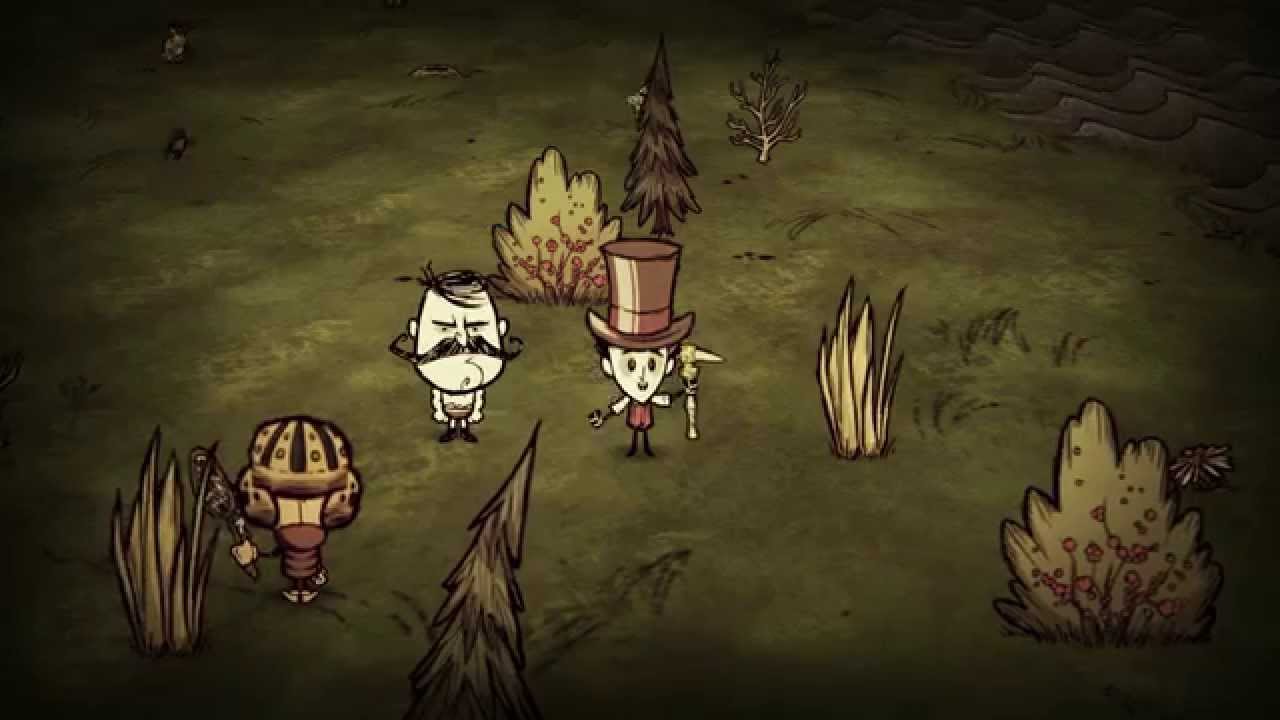
You play as Wilson, an intrepid Gentleman Scientist who has been trapped by a demon and transported to a mysterious wilderness world. Wilson must learn to exploit his environment and its inhabitants if he ever hopes to escape and find his way back home. Enter a strange and unexplored world full of strange creatures, dangers, and surprises. Gather resources to craft items and structures that match your survival style.
Play your way as you unravel the mysteries of this strange land.
Features
Uncompromising Survival & World Exploration:No instructions. No help. No hand holding. Start with nothing and craft, hunt, research, farm and fight to survive.
Constant Updates:Join an active community that is helping to shape the game for release! Provide feedback and joint discussions with the community and developers. Dark and Whimsical Visuals:2D characters and odd creatures inhabiting a unique 3D world. Randomly Generated New Worlds:Want a new map?
No problem! At any time you can generate a new living and breathing world that hates you and wants you to die.
System Requirements
- Windows: OS:Windows XP/Vista/Windows 7/Windows 8 Processor:1.7+ GHz or better Memory:1+ gigs of RAM GB RAM Graphics:Radeon HD5450 or better; 256 MB or higher DirectX®:9.0c Hard Drive:500 MB HD space Sound:100% DirectX9.0c compatible sound card and drivers
How to activate
- Launch the Steam desktop client and log in to your account, or visit store.steampowered.com/account/registerkey in your browser.
- Click the "Games" menu at the top of the client (or click "+ Add a Game" at the bottom-left) and select "Activate a Product on Steam...".
- Follow the on-screen prompts, accept the Steam Subscriber Agreement, and enter your CD-Key in the "Product Code" field.
- Click "Next" and "Finish" to register the game. It will now appear permanently in your Steam Library ready to install.