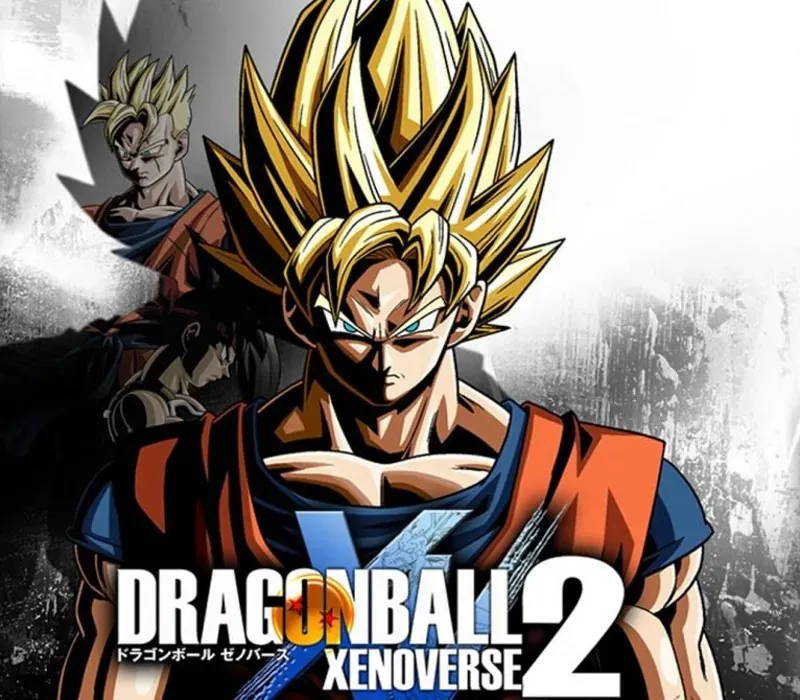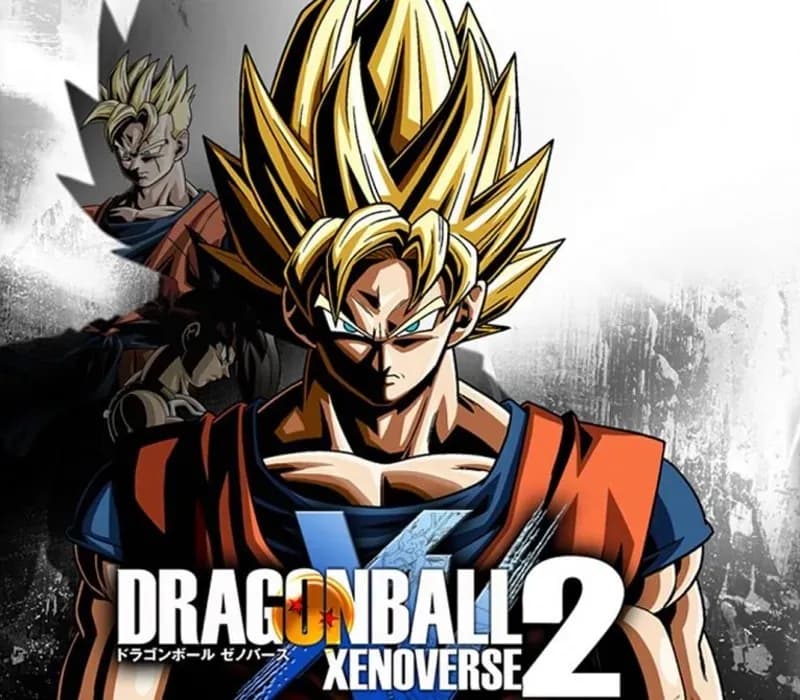

Dragon Ball Xenoverse 2 PC Steam CD Key
Dragon Ball Xenoverse 2 PC Steam CD Key is a digital key for Steam, not region-locked. Delivered instantly after payment. Price: $6.14, 69% below the Steam MSRP of $19.99.
⭐ 153,000+ orders delivered since 2018
 Pago Móvil
 Binance Pay
Compare editions
See what's included in each edition
| Dragon Ball Xenoverse 2 | Standard EditionYour edition | |
|---|---|---|
Base game | ||
Hero of Justice Pack Set Hero of Justice Packs 1 and 2 (Gamma 1, Gamma 2, Gohan Beast, Orange Piccolo) | — | |
Super Pass Super Packs 1, 2, 3, 4 with 9 playable characters, story episodes, and masters | — | |
Future Trunks Early Unlock Playable character unlock from Dragon Ball Super | — | |
| Source | Steam | Steam |
About this game
YOUR STORY, YOUR AVATAR, YOUR DRAGON BALL WORLD
Dragon Ball Xenoverse 2 is the ultimate Dragon Ball gaming experience, packed with thrilling action, epic battles, and endless customization options. Create your own character, explore Conton City and team up with iconic characters from the series as a teacher to train and be ready to battle against formidable enemies to rescue the flow of History!
As you progress through the game, you can customize your character's appearance, abilities, and moveset, allowing you to create a truly unique and powerful fighter.
The fun doesn't stop there! Dragon Ball Xenoverse 2 also features online multiplayer modes, where you can battle against other players from around the world in epic showdowns or participate in Raid Battles to face gigantic foes with other players.
With 7 years worth of DLC packs, there's always something new to discover and experience in Conton City!
THE FIGHTER YOU ALWAYS WANTED TO BE.
With a vast array of customization options, you can create a character that truly fits your style and personality. From race and appearance to abilities and moveset, you have complete control over your fighter.
AN INFINITE ONLINE EXPERIENCE.
With several online multiplayer modes and in-game events, battles never stop! Face against other players from around the world in epic showdowns or team up with them against gigantic threats in Raid Battles.
LET YOUR FIGHTING SPIRIT BURN!
Dive into the intense and action-packed battles typical of Dragon Ball. Whether it's during one-on-one fights or massive battles against multiple enemies, let yourself go in the thrill of the fight!
THE WHOLE DRAGON BALL UNIVERSE AWAITS.
Jump into different locations and timelines of Dragon Ball! Battle in iconic locations from the Dragon Ball universe and interact with famous characters to protect history.
EVERYTHING DRAGON BALL, ALL HERE.
Dragon Ball Xenoverse 2 is packed with fan service, featuring all iconic characters, locations, and moments from the series that fans will love to see and experience in-game.
7 YEARS OF EXPANSIONS!
Dragon Ball Xenoverse 2 is bigger than ever! After 7 years of regular releases of new DLC content, discover more than 40 new characters, storylines, and much more from Dragon Ball Z, Dragon Ball Super and even Dragon Ball movies. Stay tuned and enjoy the free updates as well!
System Requirements
Minimum
- OS: Windows 10
- Processor: Intel Core i5-3570 / AMD Ryzen 5 1600
- Memory: 4 GB RAM
- Graphics: Nvidia GeForce GTX 1030 / AMD Radeon HD 7770
- DirectX: Version 11
- Network: Broadband Internet connection
Recommended
- OS: Windows 10 / Windows 11
- Processor: AMD Ryzen 3 3100 / Intel Core i5-6400
- Memory: 4 GB RAM
- Graphics: Nvidia GeForce 750 Ti / AMD Radeon HD 7850 / Intel Arc A380
- DirectX: Version 11
- Network: Broadband Internet connection
How to activate
- Launch the Steam desktop client and log in to your account, or visit store.steampowered.com/account/registerkey in your browser.
- Click the "Games" menu at the top of the client (or click "+ Add a Game" at the bottom-left) and select "Activate a Product on Steam...".
- Follow the on-screen prompts, accept the Steam Subscriber Agreement, and enter your CD-Key in the "Product Code" field.
- Click "Next" and "Finish" to register the game. It will now appear permanently in your Steam Library ready to install.
Customer Reviews
Frequently asked questions
Which region is this for?
This is the Global version: it is not region-locked.
How do I activate Dragon Ball Xenoverse 2 PC Steam CD Key on Steam?
1. Launch the Steam desktop client and log in to your account, or visit store.steampowered.com/account/registerkey in your browser. 2. Click the "Games" menu at the top of the client (or click "+ Add a Game" at the bottom-left) and select "Activate a Product on Steam...". 3. Follow the on-screen prompts, accept the Steam Subscriber Agreement, and enter your CD-Key in the "Product Code" field. 4. Click "Next" and "Finish" to register the game. It will now appear permanently in your Steam Library ready to install.
How fast is delivery?
Your key appears in your account and is emailed to you right after payment.
What does the Standard Edition include?
Base game