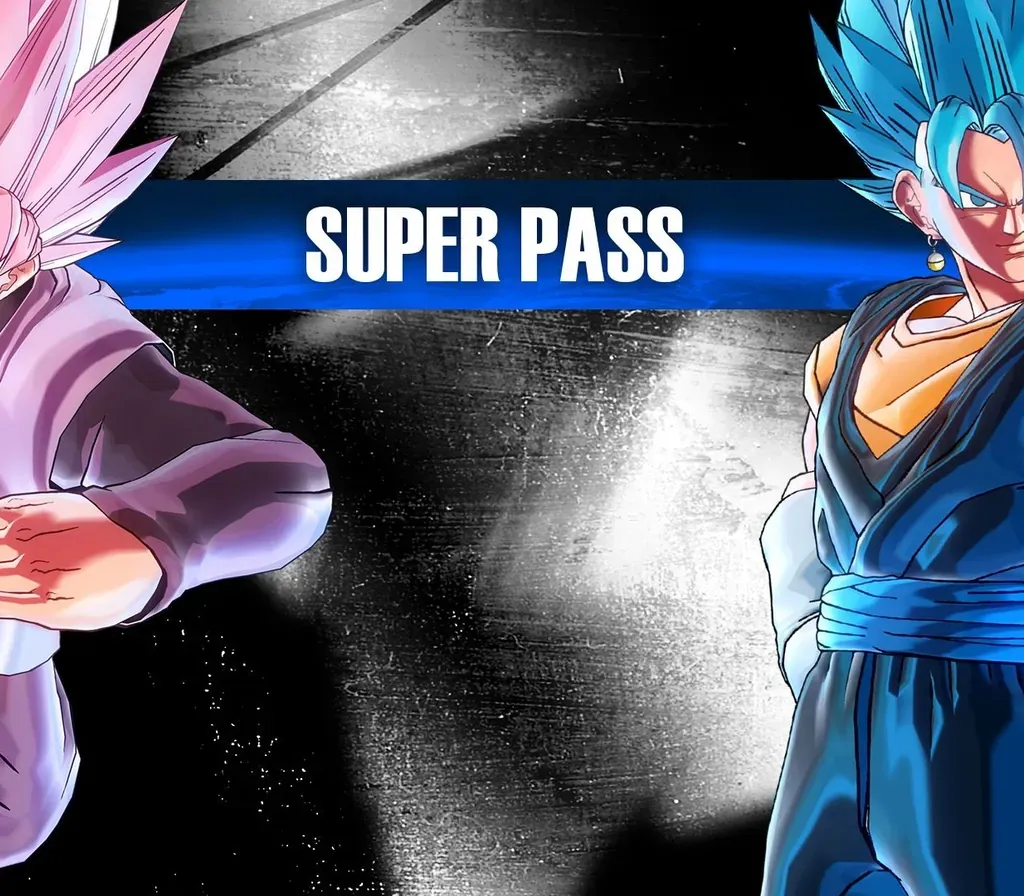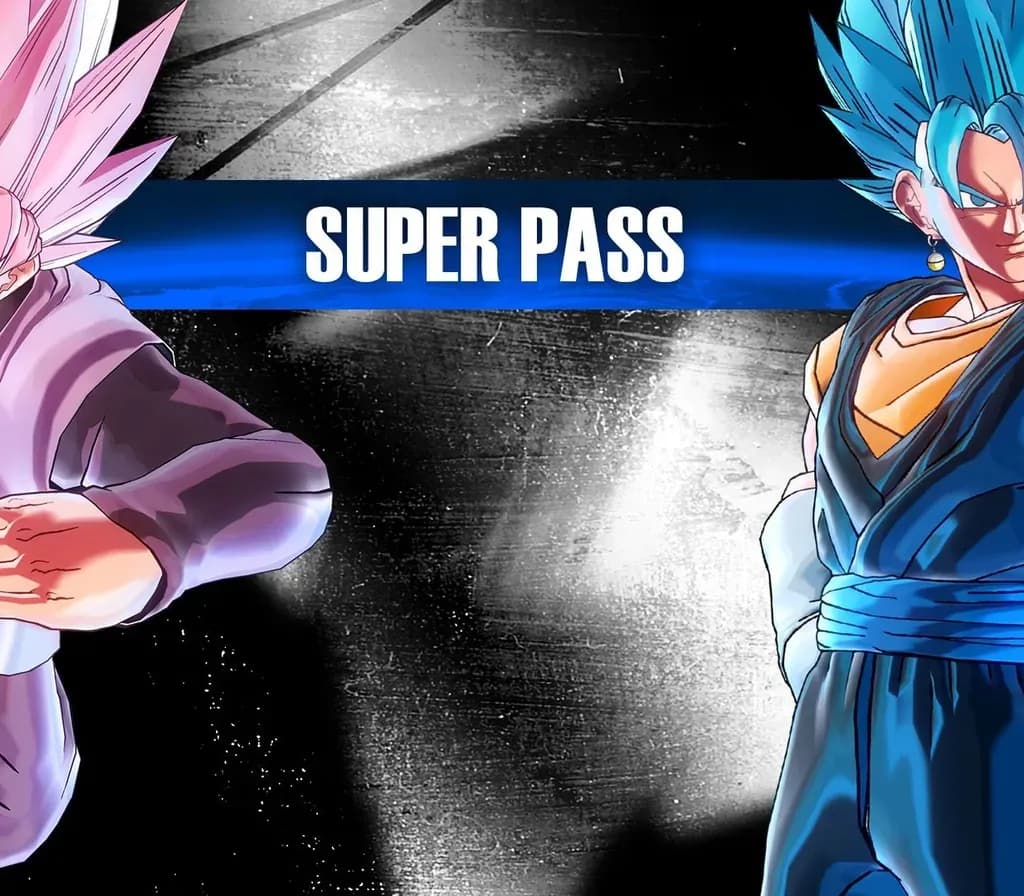
DRAGON BALL XENOVERSE 2 - Super Pass PC Steam CD Key
DRAGON BALL XENOVERSE 2 - Super Pass PC Steam CD Key is a digital key for Steam, not region-locked. Delivered instantly after payment. Price: $12.83, 57% below the Steam MSRP of $29.99.
⭐ 153,000+ orders delivered since 2018
 Pago Móvil
 Binance Pay
Choose your edition
Edition
Delivery
About this game
Extend your experience with DRAGON BALL XENOVERSE 2 - Super Pass and get access to 4 content packs.
This Super Pass includes
- 9 new playable characters: Cabbe, Frost, Champa, Vados, Goku Black Rosé, Zamasu, Bojack, SSGSS Vegito, Fused Zamasu - Episodes and quests - Masters and master quests - New stages - Skills, costumes and accessories
System Requirements
Minimum
- OS: Windows 7 and higher (64 bit only)
- Processor: AMD Phenom II X2 550, 3.1GHz | Intel Pentium G4400, 3.30GHz
- Memory: 2 GB RAM
- Graphics: GeForce GT 650 | Radeon HD 6570
- DirectX: Version 11
- Network: Broadband Internet connection
- Additional Notes: For Windows 7, service pack 1 is required
Recommended
- OS: Windows 10 (64 bit only)
- Processor: Intel Core i5-3470, 3.20GHz | AMD FX-6300, 3.5Ghz
- Memory: 4 GB RAM
- Graphics: GeForce GT 660 | Radeon HD 7770
- DirectX: Version 11
- Network: Broadband Internet connection
How to activate
- Launch the Steam desktop client and log in to your account, or visit store.steampowered.com/account/registerkey in your browser.
- Click the "Games" menu at the top of the client (or click "+ Add a Game" at the bottom-left) and select "Activate a Product on Steam...".
- Follow the on-screen prompts, accept the Steam Subscriber Agreement, and enter your CD-Key in the "Product Code" field.
- Click "Next" and "Finish" to register the game. It will now appear permanently in your Steam Library ready to install.
Customer Reviews
Frequently asked questions
Which region is this for?
This is the Global version: it is not region-locked.
How do I activate DRAGON BALL XENOVERSE 2 - Super Pass PC Steam CD Key on Steam?
1. Launch the Steam desktop client and log in to your account, or visit store.steampowered.com/account/registerkey in your browser. 2. Click the "Games" menu at the top of the client (or click "+ Add a Game" at the bottom-left) and select "Activate a Product on Steam...". 3. Follow the on-screen prompts, accept the Steam Subscriber Agreement, and enter your CD-Key in the "Product Code" field. 4. Click "Next" and "Finish" to register the game. It will now appear permanently in your Steam Library ready to install.
How fast is delivery?
Your key appears in your account and is emailed to you right after payment.