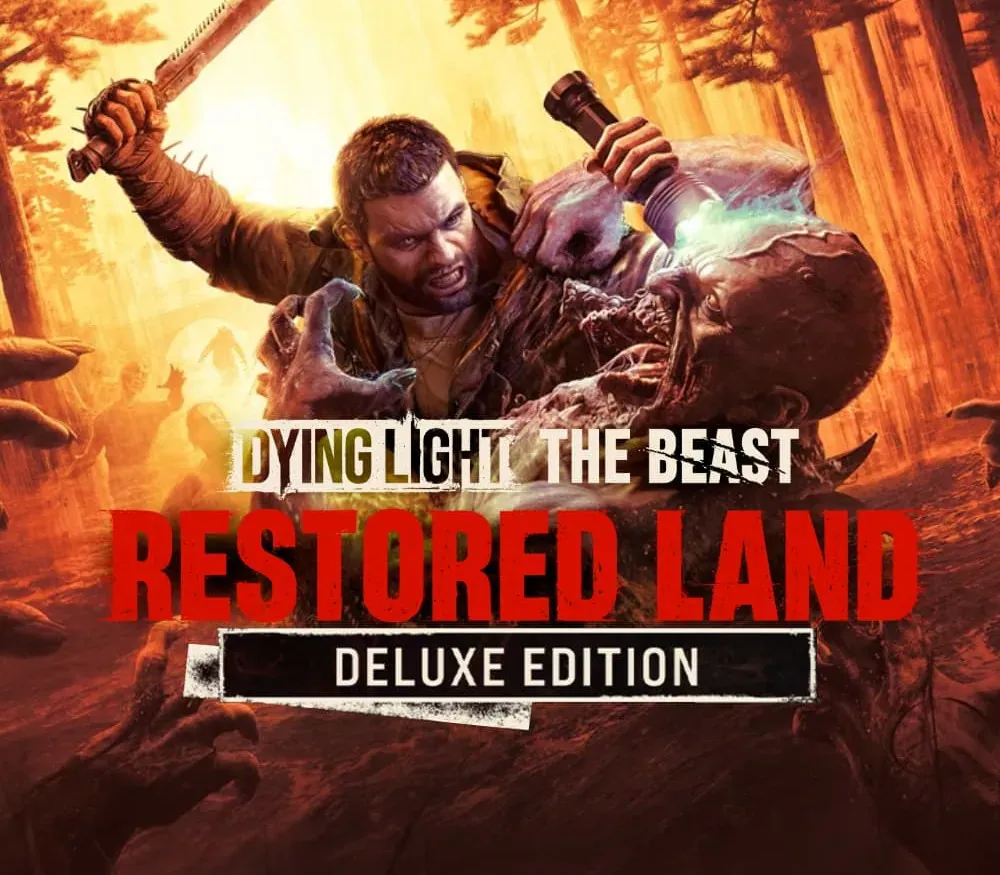
Dying Light: The Beast Restored Land Deluxe Edition PC Steam CD Key
Dying Light: The Beast Restored Land Deluxe Edition PC Steam CD Key is a digital key for Steam, not region-locked. Delivered instantly after payment.
⭐ 153,000+ orders delivered since 2018
 Pago Móvil
 Binance Pay
About this game
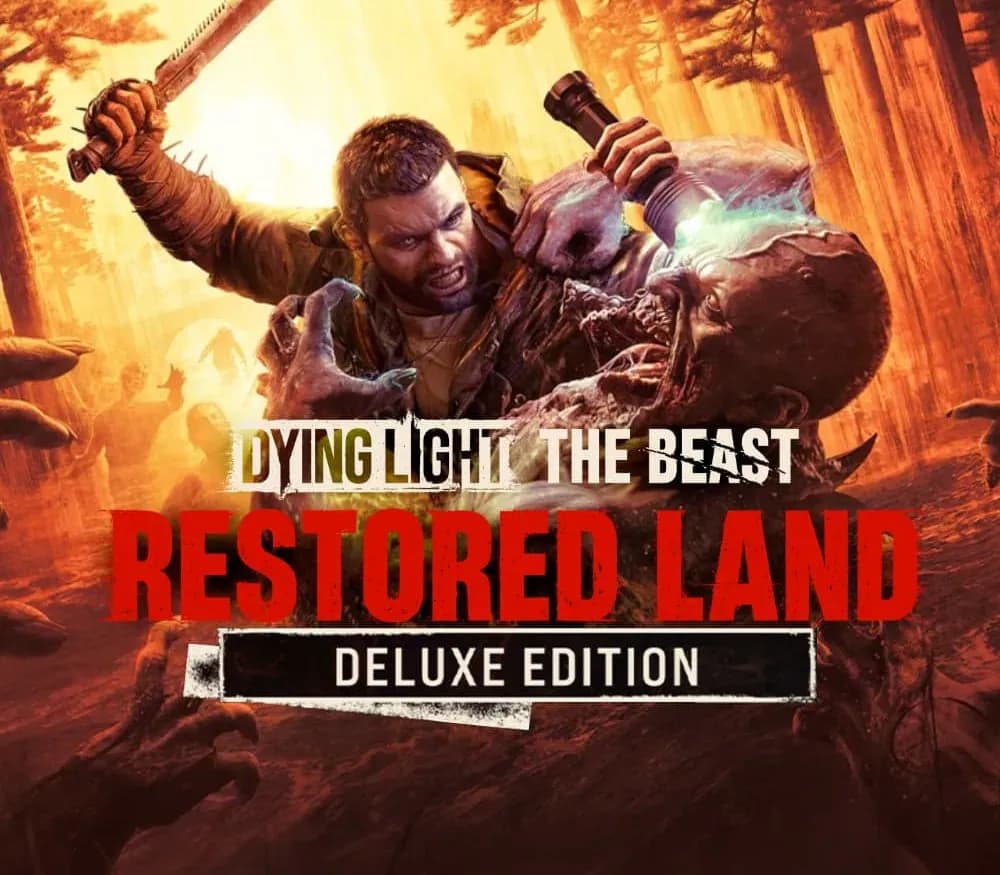
Survive a perilous world with the Dying Light: The Beast Restored Land Deluxe Edition PC Steam CD Key. Face dangerous infected and explore harsh environments on your PC via Steam. Utilize parkour movement and craft weapons to stay alive in this immersive action adventure.
How to activate
- Launch the Steam desktop client and log in to your account, or visit store.steampowered.com/account/registerkey in your browser.
- Click the "Games" menu at the top of the client (or click "+ Add a Game" at the bottom-left) and select "Activate a Product on Steam...".
- Follow the on-screen prompts, accept the Steam Subscriber Agreement, and enter your CD-Key in the "Product Code" field.
- Click "Next" and "Finish" to register the game. It will now appear permanently in your Steam Library ready to install.
Customer Reviews
Frequently asked questions
Which region is this for?
This is the Global version: it is not region-locked.
How do I activate Dying Light: The Beast Restored Land Deluxe Edition PC Steam CD Key on Steam?
1. Launch the Steam desktop client and log in to your account, or visit store.steampowered.com/account/registerkey in your browser. 2. Click the "Games" menu at the top of the client (or click "+ Add a Game" at the bottom-left) and select "Activate a Product on Steam...". 3. Follow the on-screen prompts, accept the Steam Subscriber Agreement, and enter your CD-Key in the "Product Code" field. 4. Click "Next" and "Finish" to register the game. It will now appear permanently in your Steam Library ready to install.
How fast is delivery?
Your key appears in your account and is emailed to you right after payment.