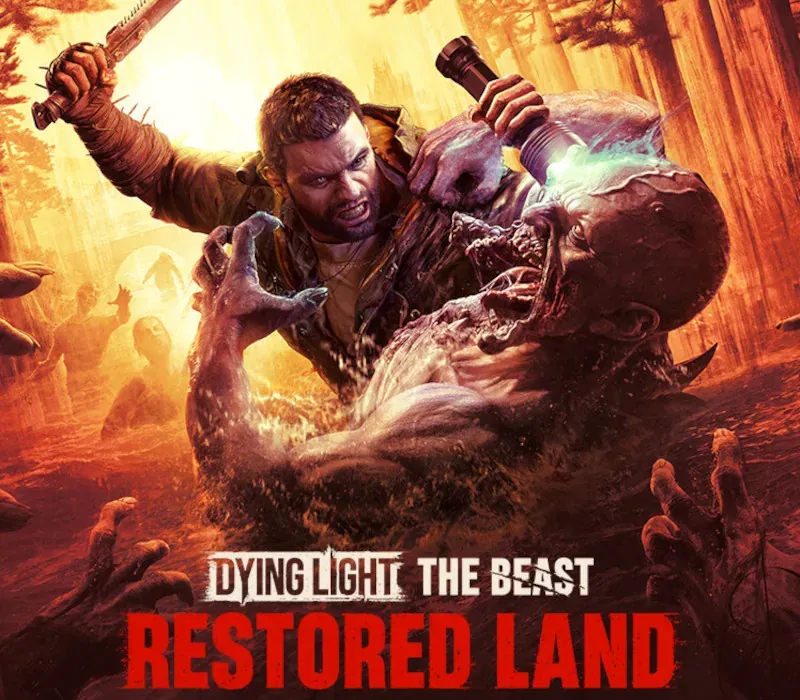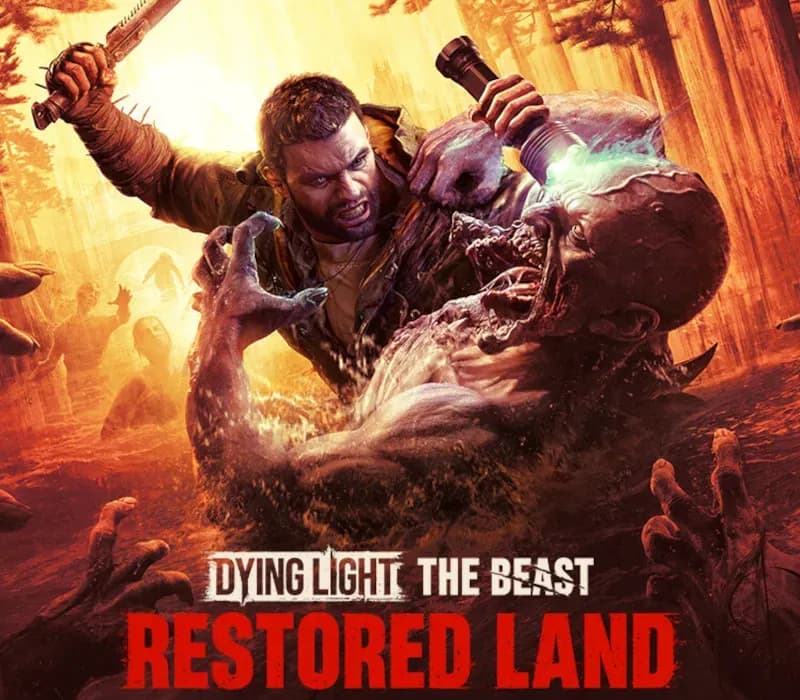
Dying Light: The Beast Restored Land PC Steam CD Key
Dying Light: The Beast Restored Land PC Steam CD Key is a digital key for Steam, not region-locked. Delivered instantly after payment. Price: $31.33, 47% below the Steam MSRP of $59.99.
⭐ 153,000+ orders delivered since 2018
 Pago Móvil
 Binance Pay
About this game
Dying Light: The Beast is the next AAA Dying Light game and the best-reviewed entry in the franchise’s history. Packed with more than 40 hours of survival adventure, both in single-player and shared progression co-op, it delivers the most ambitious, modern and content-rich Dying Light experience ever created. Immerse yourself in the expansive open world of Castor Woods and get lost in the scope, atmosphere and innovation of this must-play survival horror.
A terrifying new chapter in the Dying Light universe begins. As Kyle Crane, explore the vast and unpredictable wilderness, uncover a deadly evolution of the infected, and learn to control the beastly powers awakening inside you.
"The Beast really is Dying Light 3.” - GamesRadar+
The highest-rated Dying Light game ever, shaped by a decade of Techland’s experience with the series. Everything fans love - immersion, exploration, physical FPP melee combat, grounded parkour, and the iconic day–night cycle - refined and elevated to the next level. A perfect return for veterans, and the ideal entry point for newcomers.
"Kyle Crane Steals The Show And Gives Dying Light Its Best Story Yet" - The Gamer
Dive into a gripping tale of vengeance filled with twists, shifting alliances, and characters you’re never sure you can trust. Follow Kyle Crane’s powerful journey as his fight for justice uncovers reveals dangers far greater than he ever imagined.
"Techland perfectly nailed it, the Beast Mode really makes you feel like you could tear through anything" - WCCFtech
Play as Kyle Crane, a hero with the DNA of both man and beast. Freely switch between two playstyles and face a fierce conflict that lead to the acceptance of the monster within.
"Melee combat is once again a highlight of the game, with heft behind every attempt to take out a zombie, and so many different weapons and modifiers to choose from" - Gamespot
Feel the full force of Dying Light’s most physical combat yet. Your blows land with real momentum, enemies react believably, and your emerging beast-like abilities add intensity without losing the challenge and immersion.
"The night continues to be one of Dying Light’s greatest gameplay" - GamingBIBLE
The distinct experiences of night and day, a signature of the Dying Light series, merge into one unique whole. Explore and scavenge by day, but remember the constantly ticking clock. Because once the sun sets, the night unleashes horrors that leave you with just three choices: run, hide or fight for your life.
System Requirements
Minimum
- OS: Windows 10 or newer
- Processor: Intel i5-9600K / AMD Ryzen 5 3600
- Memory: 16 GB RAM
- Graphics: NVIDIA GeForce 1060 / AMD Radeon 5500 XT / Intel ARC A750
- Storage: 70 GB available space
- Additional Notes: SSD Required
Recommended
- OS: Windows 10 or newer
- Processor: Intel i5-13400F / AMD Ryzen 7 7700
- Memory: 16 GB RAM
- Graphics: NVIDIA GeForce RTX 3070 TI / AMD Radeon 6750 XT / Intel ARC B580
- Storage: 70 GB available space
- Additional Notes: SSD Required
How to activate
- Launch the Steam desktop client and log in to your account, or visit store.steampowered.com/account/registerkey in your browser.
- Click the "Games" menu at the top of the client (or click "+ Add a Game" at the bottom-left) and select "Activate a Product on Steam...".
- Follow the on-screen prompts, accept the Steam Subscriber Agreement, and enter your CD-Key in the "Product Code" field.
- Click "Next" and "Finish" to register the game. It will now appear permanently in your Steam Library ready to install.
Customer Reviews
Frequently asked questions
Which region is this for?
This is the Global version: it is not region-locked.
How do I activate Dying Light: The Beast Restored Land PC Steam CD Key on Steam?
1. Launch the Steam desktop client and log in to your account, or visit store.steampowered.com/account/registerkey in your browser. 2. Click the "Games" menu at the top of the client (or click "+ Add a Game" at the bottom-left) and select "Activate a Product on Steam...". 3. Follow the on-screen prompts, accept the Steam Subscriber Agreement, and enter your CD-Key in the "Product Code" field. 4. Click "Next" and "Finish" to register the game. It will now appear permanently in your Steam Library ready to install.
How fast is delivery?
Your key appears in your account and is emailed to you right after payment.