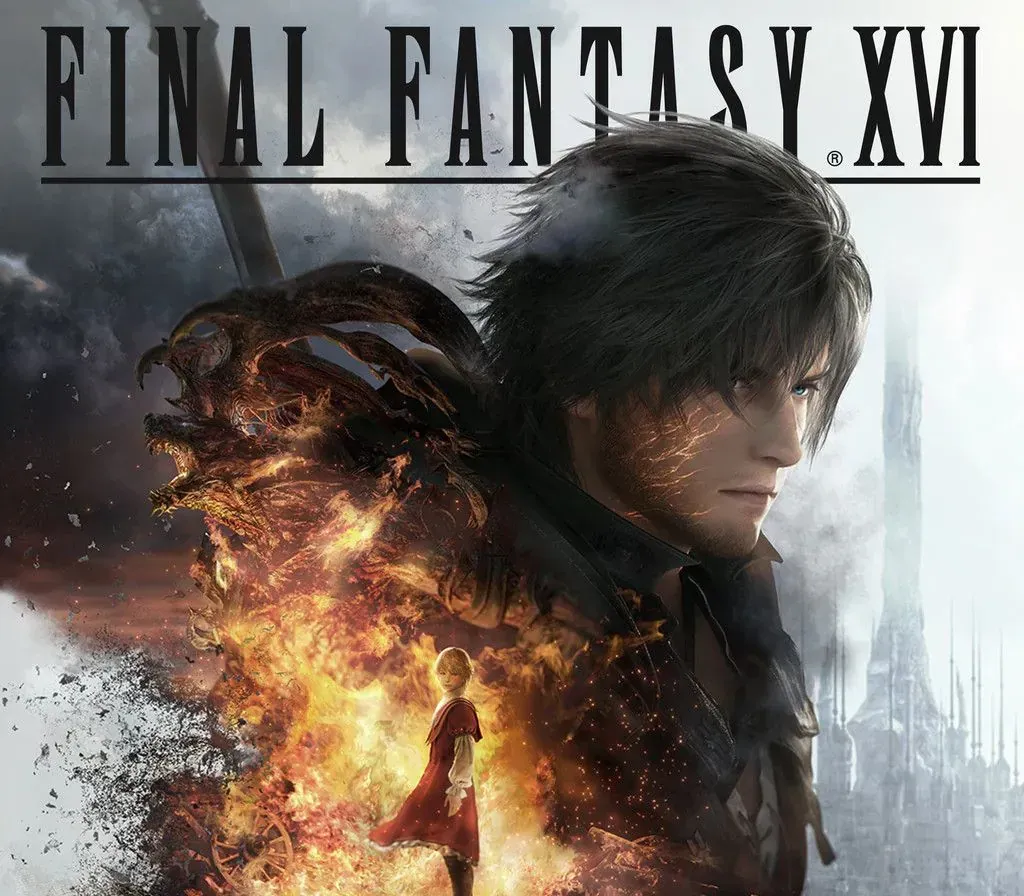
FINAL FANTASY XVI PC Steam CD Key
FINAL FANTASY XVI PC Steam CD Key is a digital key for Steam, not region-locked. Delivered instantly after payment. Price: $24.75, 50% below the Steam MSRP of $49.99.
⭐ 153,000+ orders delivered since 2018
 Pago Móvil
 Binance Pay
About this game
The first fully fledged Action RPG in the mainline Final Fantasy series. An epic dark fantasy world where the fate of the land is decided by the mighty Eikons and the Dominants who wield them. This is the tale of Clive Rosfield, a warrior granted the title “First Shield of Rosaria” and sworn to protect his younger brother Joshua, the dominant of the Phoenix. Before long, Clive will be caught up in a great tragedy and swear revenge on the Dark Eikon Ifrit, a mysterious entity that brings calamity in its wake.
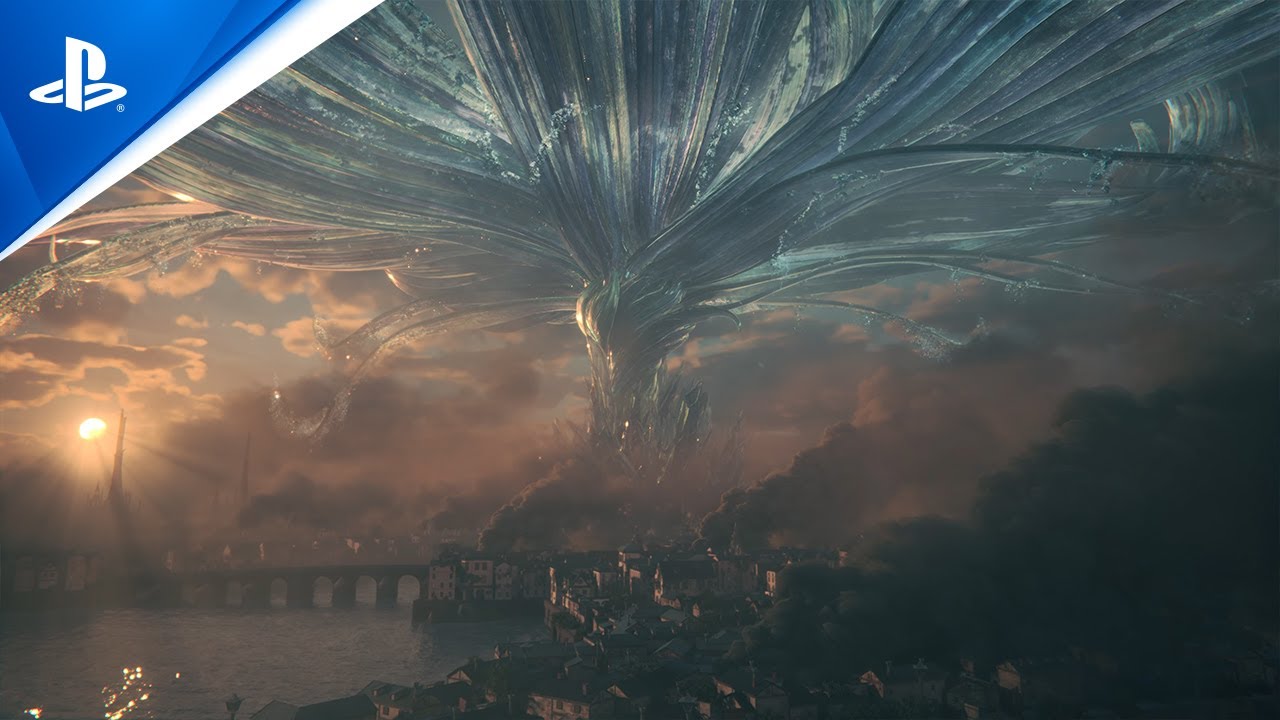
Titanic Clashes - When rival Dominants come head to head, epic battles between their Eikons ensue!
Eikonic Action - Clive utilizes the powers of multiple Eikons in breakneck battle!
From Strength to Strength
A plethora of powerful swordplay techniques and Eikonic abilities lie within Clive's remit—and it is up to you to decide which ones you wish to learn or upgrade. If you're having trouble choosing, upgrades can be unlocked automatically.
Story-focused mode is recommended for those players who are less comfortable with action games and wish to focus more on the game's story elements. In this mode, Clive will automatically evade some attacks, and epic Eikonic combos can be triggered with simple button presses. Action-focused mode, where Clive's every action is controlled by the player, is available for those who are confident in their skill—or want to test it.
■Content included with this product
- FINAL FANTASY XVI Base Game - “Onion Sword” weapon (Available for redemption from the System tab in the Main Menu upon reaching the main scenario quest "A Chance Encounter.")
System Requirements
Minimum
- OS: Windows® 10 / 11 64-bit
- Processor: AMD Ryzen™ 5 1600 / Intel® Core™ i5-8400
- Memory: 16 GB RAM
- Graphics: AMD Radeon™ RX 5700 / Intel® Arc™ A580 / NVIDIA® GeForce® GTX 1070
- DirectX: Version 12
- Storage: 170 GB available space
- Additional Notes: 30FPS at 720p expected. SSD required. VRAM 8GB or above.
Recommended
- OS: Windows® 10 / 11 64-bit
- Processor: AMD Ryzen™ 7 5700X / Intel® Core™ i7-10700
- Memory: 16 GB RAM
- Graphics: AMD Radeon™ RX 6700 XT / NVIDIA® GeForce® RTX 2080
- DirectX: Version 12
- Storage: 170 GB available space
- Additional Notes: 60FPS at 1080p expected. SSD required. VRAM 8GB or above.
How to activate
- Launch the Steam desktop client and log in to your account, or visit store.steampowered.com/account/registerkey in your browser.
- Click the "Games" menu at the top of the client (or click "+ Add a Game" at the bottom-left) and select "Activate a Product on Steam...".
- Follow the on-screen prompts, accept the Steam Subscriber Agreement, and enter your CD-Key in the "Product Code" field.
- Click "Next" and "Finish" to register the game. It will now appear permanently in your Steam Library ready to install.
Customer Reviews
Frequently asked questions
Which region is this for?
This is the Global version: it is not region-locked.
How do I activate FINAL FANTASY XVI PC Steam CD Key on Steam?
1. Launch the Steam desktop client and log in to your account, or visit store.steampowered.com/account/registerkey in your browser. 2. Click the "Games" menu at the top of the client (or click "+ Add a Game" at the bottom-left) and select "Activate a Product on Steam...". 3. Follow the on-screen prompts, accept the Steam Subscriber Agreement, and enter your CD-Key in the "Product Code" field. 4. Click "Next" and "Finish" to register the game. It will now appear permanently in your Steam Library ready to install.
How fast is delivery?
Your key appears in your account and is emailed to you right after payment.