JoJo's Bizarre Adventure: All-Star Battle R PC Steam CD Key
JoJo's Bizarre Adventure: All-Star Battle R PC Steam CD Key is a digital key for Steam, not region-locked. Delivered instantly after payment. Price: $11.85, 76% below the Steam MSRP of $49.99.
⭐ 153,000+ orders delivered since 2018
 Pago Móvil
 Binance Pay
About this game
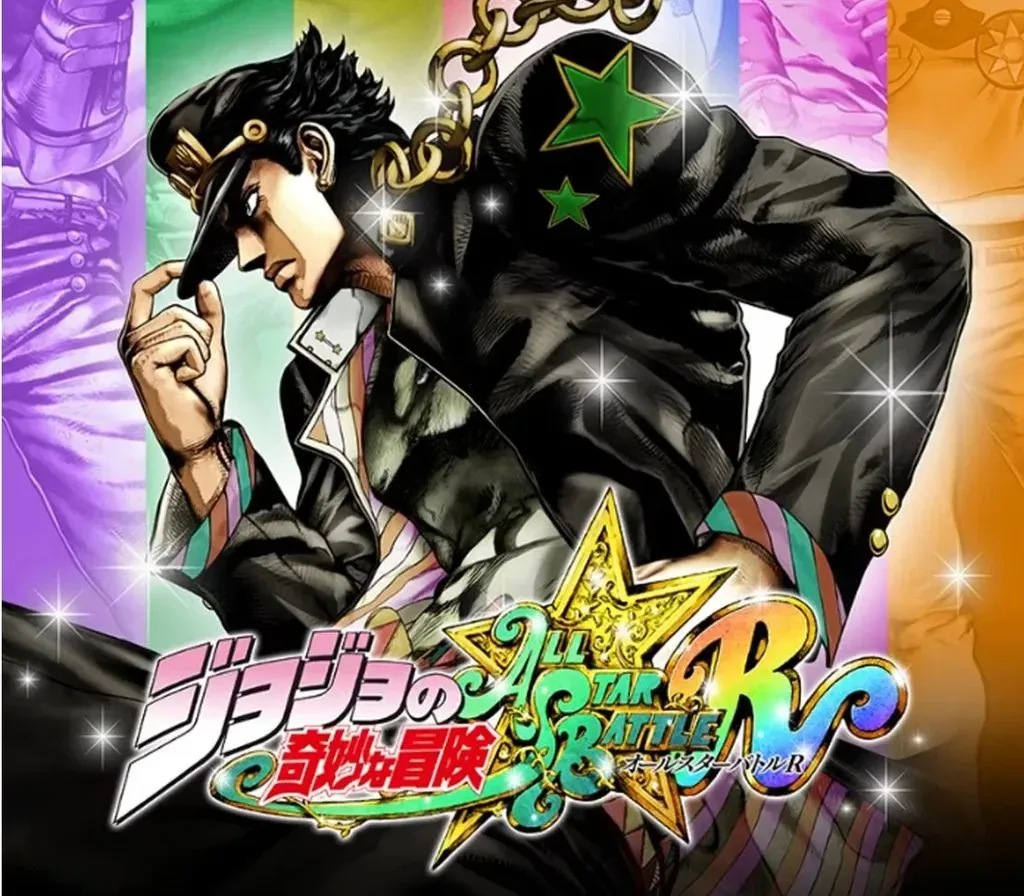
Well known for its charismatic heroes, striking art style, and unforgettable catch phrases (“Yare yare daze…”), another installment of JoJo’s Bizarre Adventure is coming! JoJo's Bizarre Adventure: All-Star Battle R!
- Stunning visuals authentic to Hirohiko Araki’s Style
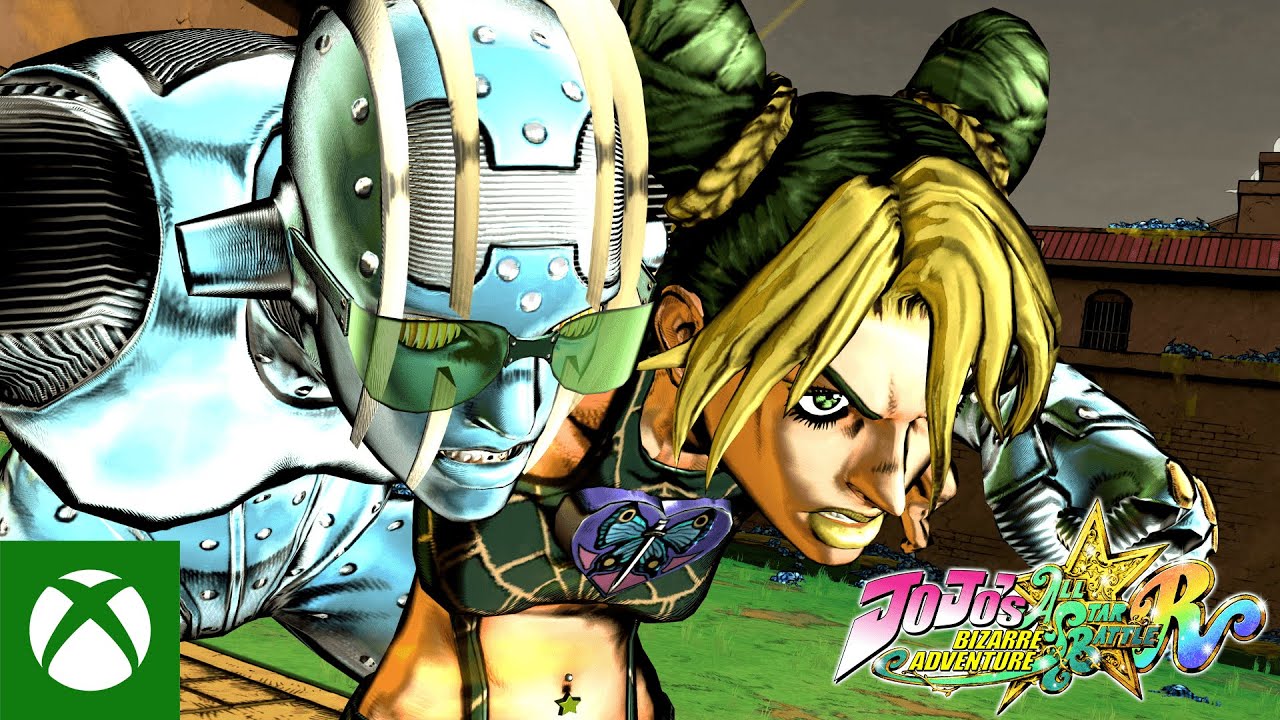
JoJo’s Bizarre Adventure: All-Star Battle R captures the over-the-top art style that is vintage JoJo, allowing you to experience the JoJo universe with powerful imagery as if Hirohiko Araki's manga had come to life. Now you too can freely move the characters created by Hirohiko Araki with your own hands, and feel as if you’re inside the manga where graphics and text meet to invoke the characteristic “ゴゴゴゴゴ“.
- 50 playable characters from all JoJo arcs
Jonathan Joestar, Jotaro Kujo, DIO, Jolyne Cujoh, and other characters from JoJo's Bizarre Adventure gather across multiple generations! With 50 playable characters from all arcs, you can experience popular battles from each story, and see characters from different universes interact for the first time!
- A variety of game modes
JoJo's Bizarre Adventure: All-Star Battle R consists of All Star Battle Mode, Arcade Mode, Online Mode, Versus Mode, Practice Mode, and Gallery Mode. The main mode, All Star Battle Mode, features not only clashes between characters from the original game, but also brand new battles that are unique to All-Star Battle R. You can play through over 100 battles with various settings and conditions. All Star Battle Mode also offers special cosmetic skins for characters and unique illustrations that can be enjoyed in gallery mode.
- How the game has evolved from the original All Star Battle
Based on the All Star Battle system released in 2014, the game design of JoJo’s Bizarre Adventure: All-Star Battle R reinvigorates the experience with adjustments to the fighting tempo and the addition of hit stops and jump dashes. With new audio recordings from the Part 6 anime voice actors, the full atmosphere of the animated series is realized. Both fans who have played the original All Star Battle and newcomers will be able to enjoy the experience.
System Requirements
Minimum
- OS: Windows 10
- Processor: AMD FX-4350 or Intel Core i3-6300
- Memory: 8 GB RAM
- Graphics: Nvidia GeForce GTX 770 or AMD Radeon HD 7950
- DirectX: Version 11
- Storage: 6 GB available space
- Sound Card: DirectSound Supported
- Additional Notes: Estimated performance: 1080p/60fps with graphics settings at "Low". Framerate might drop in graphics-intensive scenes. - 64-bit processor and operating system are required.
Recommended
- OS: Windows 10
- Processor: AMD FX-9590 or Intel Core i5-5675C
- Memory: 16 GB RAM
- Graphics: Nvidia GeForce GTX 1060 or AMD Radeon R9 390
- DirectX: Version 11
- Storage: 6 GB available space
- Sound Card: DirectSound Supported
- Additional Notes: Estimated performance: 1080p/60fps with graphics settings at "High". Framerate might drop in graphics-intensive scenes. - 64-bit processor and operating system are required. - Windows 10 (Version 1809 or later) and a 4GB VRAM GPU (graphics board or video card) are required for DirectX 12 API.
How to activate
- Launch the Steam desktop client and log in to your account, or visit store.steampowered.com/account/registerkey in your browser.
- Click the "Games" menu at the top of the client (or click "+ Add a Game" at the bottom-left) and select "Activate a Product on Steam...".
- Follow the on-screen prompts, accept the Steam Subscriber Agreement, and enter your CD-Key in the "Product Code" field.
- Click "Next" and "Finish" to register the game. It will now appear permanently in your Steam Library ready to install.
Customer Reviews
Frequently asked questions
Which region is this for?
This is the Global version: it is not region-locked.
How do I activate JoJo's Bizarre Adventure: All-Star Battle R PC Steam CD Key on Steam?
1. Launch the Steam desktop client and log in to your account, or visit store.steampowered.com/account/registerkey in your browser. 2. Click the "Games" menu at the top of the client (or click "+ Add a Game" at the bottom-left) and select "Activate a Product on Steam...". 3. Follow the on-screen prompts, accept the Steam Subscriber Agreement, and enter your CD-Key in the "Product Code" field. 4. Click "Next" and "Finish" to register the game. It will now appear permanently in your Steam Library ready to install.
How fast is delivery?
Your key appears in your account and is emailed to you right after payment.