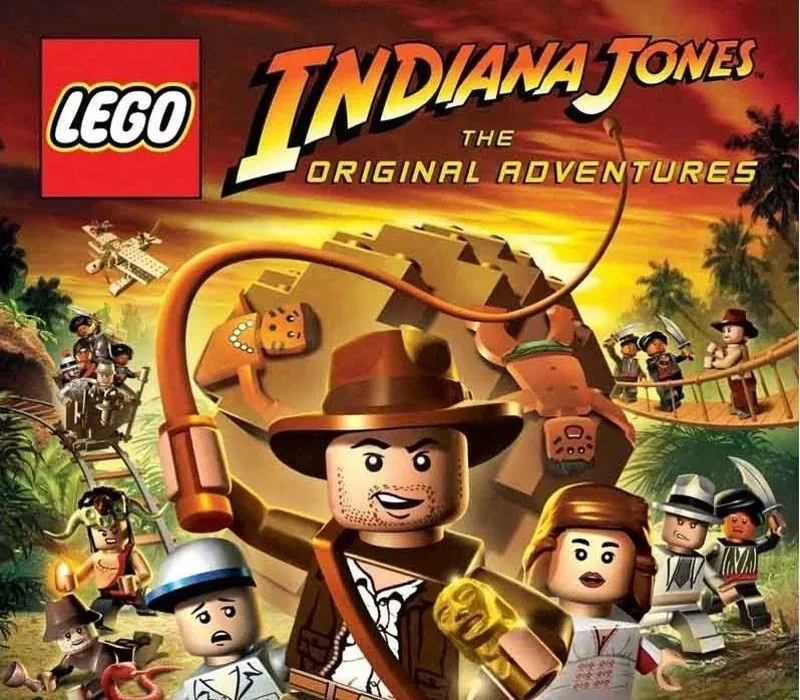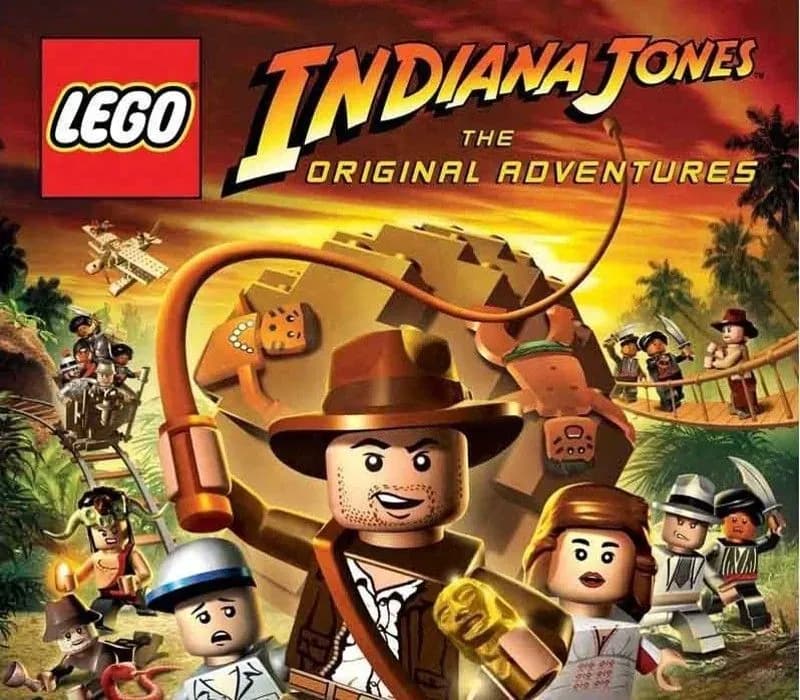
LEGO Indiana Jones: The Original Adventures PC Steam CD Key
LEGO Indiana Jones: The Original Adventures PC Steam CD Key is a digital key for Steam, not region-locked. Delivered instantly after payment. Price: $16.14, 19% below the Steam MSRP of $19.99.
⭐ 153,000+ orders delivered since 2018
 Pago Móvil
 Binance Pay
About this game
Build, Battle and Brawl your way out of trouble! Play through all three classic Indiana Jones™ movies and relive your favorite Indy adventures in the tongue-in-cheek worlds of LEGO®.
- Explore and Discover - Battle enemies, solve puzzles, and seek out the world's greatest treasures.
- More Than 60 Playable Characters - Take control of Indy, his friends, and even his enemies. Team up with a friend and together search for fortune and glory.
- Whip Into Action! - Attack and disarm enemies, swing over perilous pits, and interact with LEGO® objects and puzzles!
System Requirements
Minimum
- OS: Windows XP or Vista
- Processor: Intel Pentium 3 1GHz or AMD Athlon XP
- Memory: 256 MB (XP), 512 MB (Vista)
- Graphics: 128 MB Graphics card with Shader Model 2.0 Capability
- DirectX®: 9.0c
- Hard Drive: 4 GB
How to activate
- Launch the Steam desktop client and log in to your account, or visit store.steampowered.com/account/registerkey in your browser.
- Click the "Games" menu at the top of the client (or click "+ Add a Game" at the bottom-left) and select "Activate a Product on Steam...".
- Follow the on-screen prompts, accept the Steam Subscriber Agreement, and enter your CD-Key in the "Product Code" field.
- Click "Next" and "Finish" to register the game. It will now appear permanently in your Steam Library ready to install.
Customer Reviews
Frequently asked questions
Which region is this for?
This is the Global version: it is not region-locked.
How do I activate LEGO Indiana Jones: The Original Adventures PC Steam CD Key on Steam?
1. Launch the Steam desktop client and log in to your account, or visit store.steampowered.com/account/registerkey in your browser. 2. Click the "Games" menu at the top of the client (or click "+ Add a Game" at the bottom-left) and select "Activate a Product on Steam...". 3. Follow the on-screen prompts, accept the Steam Subscriber Agreement, and enter your CD-Key in the "Product Code" field. 4. Click "Next" and "Finish" to register the game. It will now appear permanently in your Steam Library ready to install.
How fast is delivery?
Your key appears in your account and is emailed to you right after payment.