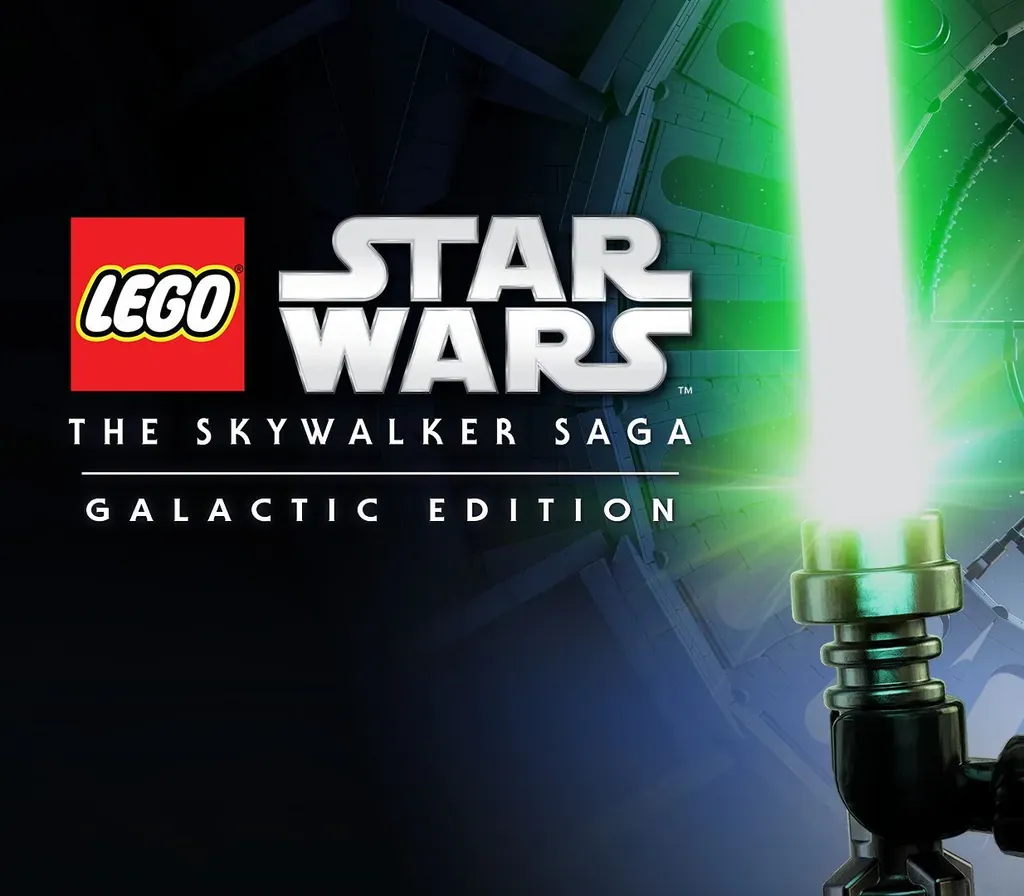

LEGO Star Wars: The Skywalker Saga Galactic Edition PC Steam CD Key
LEGO Star Wars: The Skywalker Saga Galactic Edition PC Steam CD Key is a digital key for Steam, not region-locked. Delivered instantly after payment.
⭐ 153,000+ orders delivered since 2018
 Pago Móvil
 Binance Pay
About this game
Includes
LEGO® Star Wars™: Rogue One: A Star Wars Story Character Pack, LEGO® Star Wars™: Solo: A Star Wars Story Character Pack, LEGO® Star Wars™: The Bad Batch Character Pack, LEGO® Star Wars™: The Mandalorian Season 1 Pack, LEGO® Star Wars™: The Mandalorian Season 2 Character Pack, LEGO® Star Wars™: The Skywalker Saga, LEGO® Star Wars™: The Skywalker Saga Character Collection 1, LEGO® Star Wars™: The Skywalker Saga Character Collection 1 & 2, LEGO® Star Wars™: The Skywalker Saga Character Collection 2, LEGO® Star Wars™: The Skywalker Saga Classic Character Pack, LEGO® Star Wars™: The Skywalker Saga Summer Vacation Pack, LEGO® Star Wars™: The Skywalker Saga The Clone Wars Pack, LEGO® Star Wars™: The Skywalker Saga Trooper Pack The galaxy is yours with LEGO Star Wars: The Skywalker Saga! Play through all nine Star Wars saga films in a brand-new LEGO video game unlike any other.
Experience fun-filled adventures, whimsical humor, and the freedom to fully immerse yourself in the Star Wars universe like never before.
For the first time ever in a LEGO video game, explore the galaxy your way as you fly to some of the saga's most legendary locales. You can start your journey with Star Wars™: The Phantom Menace for some podracing on Tatooine. Or choose to launch right into Rey's adventures in Star Wars™: The Rise of Skywalker. Players have the freedom to seamlessly travel to any planet, in any order, at any time.
Journey to a galaxy far, far away with LEGO Star Wars: The Skywalker Saga.
System Requirements
- Windows: Requires a 64-bit processor and operating system OS: Windows 10 64-bit Processor: Intel Core i5-2400 or AMD Ryzen 3 1200 Memory: 8 GB RAM Graphics: GeForce GTX 750 Ti or Radeon HD 7850 DirectX: Version 11 Storage: 40 GB available space
How to activate
- Launch the Steam desktop client and log in to your account, or visit store.steampowered.com/account/registerkey in your browser.
- Click the "Games" menu at the top of the client (or click "+ Add a Game" at the bottom-left) and select "Activate a Product on Steam...".
- Follow the on-screen prompts, accept the Steam Subscriber Agreement, and enter your CD-Key in the "Product Code" field.
- Click "Next" and "Finish" to register the game. It will now appear permanently in your Steam Library ready to install.
Customer Reviews
Frequently asked questions
Which region is this for?
This is the Global version: it is not region-locked.
How do I activate LEGO Star Wars: The Skywalker Saga Galactic Edition PC Steam CD Key on Steam?
1. Launch the Steam desktop client and log in to your account, or visit store.steampowered.com/account/registerkey in your browser. 2. Click the "Games" menu at the top of the client (or click "+ Add a Game" at the bottom-left) and select "Activate a Product on Steam...". 3. Follow the on-screen prompts, accept the Steam Subscriber Agreement, and enter your CD-Key in the "Product Code" field. 4. Click "Next" and "Finish" to register the game. It will now appear permanently in your Steam Library ready to install.
How fast is delivery?
Your key appears in your account and is emailed to you right after payment.