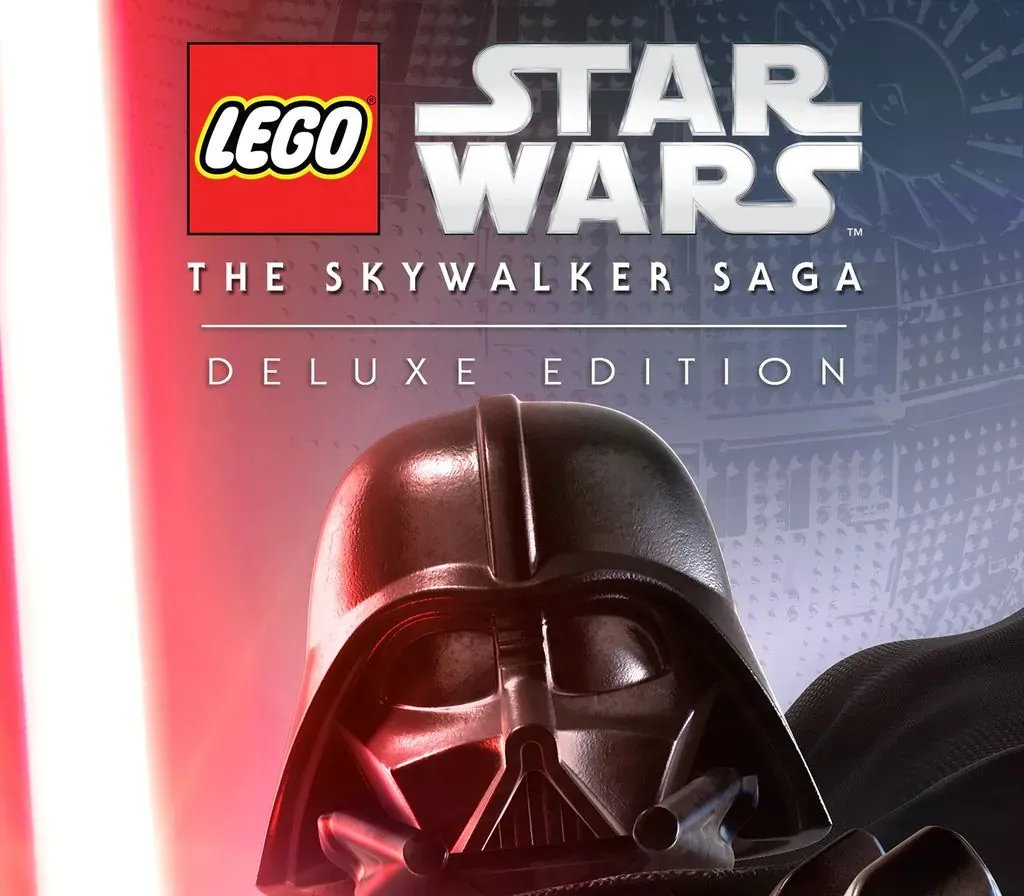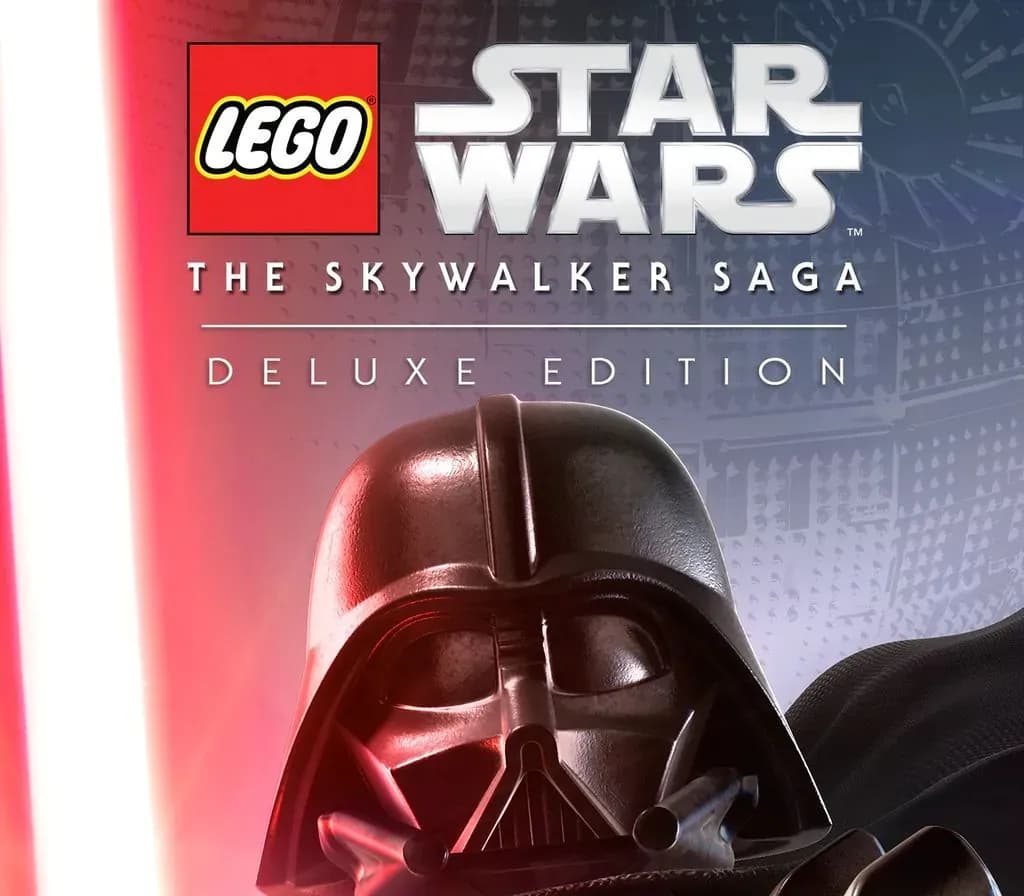

LEGO Star Wars: The Skywalker Saga Deluxe Edition PC Steam CD Key (EU)
LEGO Star Wars: The Skywalker Saga Deluxe Edition PC Steam CD Key (EU) is a digital key for Steam, valid in Europe. Delivered instantly after payment. Price: $10.67, 82% below the Steam MSRP of $59.99.
⭐ 153,000+ orders delivered since 2018
 Pago Móvil
 Binance Pay
About this game
The galaxy is yours in LEGO® Star Wars™: The Skywalker Saga. Experience memorable moments and nonstop action from all nine Skywalker saga films reimagined with signature LEGO humor.
The digital edition includes an exclusive classic Obi-Wan Kenobi playable character.
- Explore the Trilogies in Any Order – Players will relive the epic story of all nine films in the Skywalker Saga, and it all starts with picking the trilogy of their choice to begin the journey.
- Play as Iconic Heroes and Villains –More than 300 playable characters from throughout the galaxy.
- Discover Legendary Locales – Players can visit well known locales from their favorite Skywalker saga films .They can unlock and have the freedom to seamlessly travel to 23 planets as they play through the saga or explore and discover exciting quests.
- Command Powerful Vehicles – More than 100 vehicles from across the galaxy to command. Join dogfights and defeat capital ships like the Super Star Destroyer that can be boarded and explored.
- Immersive Player Experiences – String attacks together to form combo chains and fend off oncoming attacks. New blaster controls and mechanics allow players to aim with precision, or utilize the skills of a Jedi by wielding a lightsaber and using the power of The Force.
- Upgradable Character Abilities – Exploration rewards players as they uncover Kyber Bricks which unlock new features and upgraded abilities across a range of character classes, including Jedi, Hero, Dark Side, Villain, Scavenger, Scoundrel, Bounty Hunter, Astromech Droid, and Protocol Droid.
System Requirements
Minimum
- OS: Windows 10 64-bit
- Processor: Intel Core i5-2400 or AMD Ryzen 3 1200
- Memory: 8 GB RAM
- Graphics: GeForce GTX 750 Ti or Radeon HD 7850
- DirectX: Version 11
- Storage: 40 GB available space
Recommended
- OS: Windows 10 64-bit
- Processor: Intel Core i5-6600 or AMD Ryzen 3 3100
- Memory: 8 GB RAM
- Graphics: GeForce GTX 780 or Radeon R9 290
- DirectX: Version 11
- Storage: 40 GB available space
How to activate
- Launch the Steam desktop client and log in to your account, or visit store.steampowered.com/account/registerkey in your browser.
- Click the "Games" menu at the top of the client (or click "+ Add a Game" at the bottom-left) and select "Activate a Product on Steam...".
- Follow the on-screen prompts, accept the Steam Subscriber Agreement, and enter your CD-Key in the "Product Code" field.
- Click "Next" and "Finish" to register the game. It will now appear permanently in your Steam Library ready to install.
Customer Reviews
Frequently asked questions
Which region is this for?
This is the Europe version. Make sure your account is registered in that region before buying.
How do I activate LEGO Star Wars: The Skywalker Saga Deluxe Edition PC Steam CD Key (EU) on Steam?
1. Launch the Steam desktop client and log in to your account, or visit store.steampowered.com/account/registerkey in your browser. 2. Click the "Games" menu at the top of the client (or click "+ Add a Game" at the bottom-left) and select "Activate a Product on Steam...". 3. Follow the on-screen prompts, accept the Steam Subscriber Agreement, and enter your CD-Key in the "Product Code" field. 4. Click "Next" and "Finish" to register the game. It will now appear permanently in your Steam Library ready to install.
How fast is delivery?
Your key appears in your account and is emailed to you right after payment.