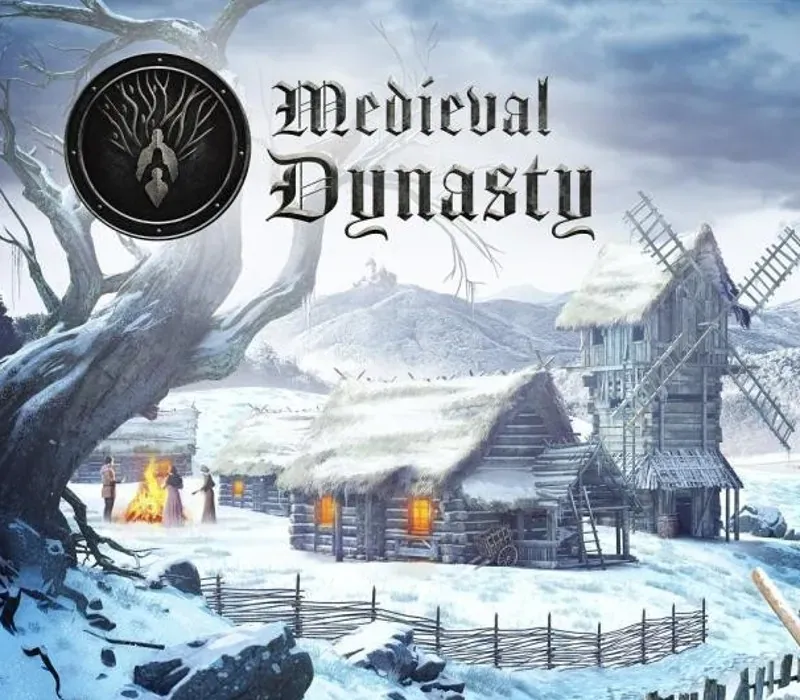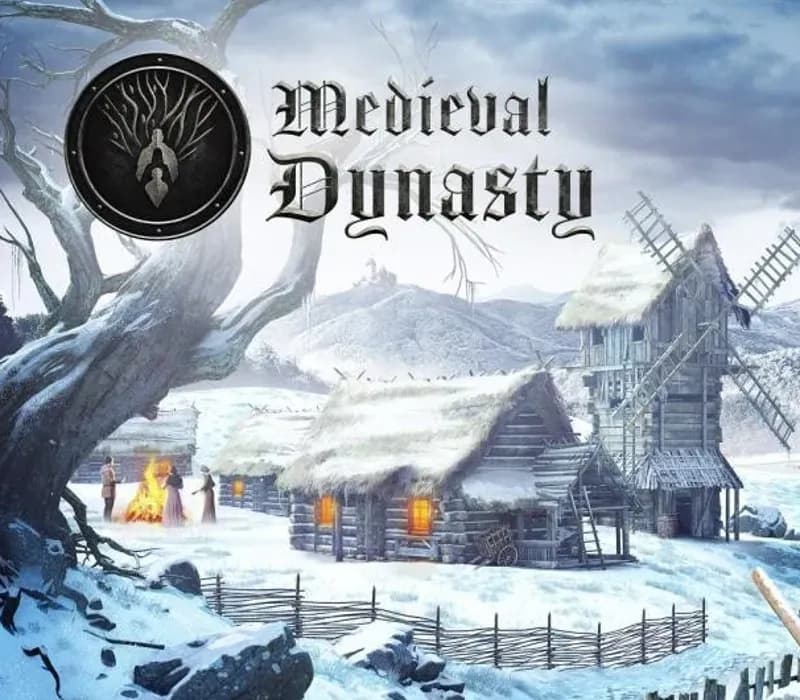
Medieval Dynasty Digital Supporter Edition PC Steam CD Key
Medieval Dynasty Digital Supporter Edition PC Steam CD Key is a digital key for Steam, not region-locked. Delivered instantly after payment. Price: $24.19, 30% below the Steam MSRP of $34.99.
⭐ 153,000+ orders delivered since 2018
 Pago Móvil
 Binance Pay
About this game
Includes
base game, Digital Supporter Pack DLC Europe in the Middle Ages -- Nobles and clergy rule over Europe. Trade between the nations brings not only prosperity but also envy, distrust, and greed. You are in the role of a poor but skilled hunter and farmer set to take his fate into own hands. Start building a small outpost in the medieval world and develop it into a bustling village.
Defend wild animals while on the hunt for food, gather resources and craft equipment to build and improve your home and other buildings of the village. Found a family and take good care of your wife and heirs – and attract new villagers to help you grow and expand your dynasty. Be aware of harsh winters and unexpected events while honing your skills to turn from a medieval survivor into a dynasty ruler.
The Digital Supporter Pack of Medieval Dynasty contains various digital goodies, that will enhance your Medieval experience and bring you some exclusive materials such as an artbook, behind the scenes video as well as the original music of the game.
Features
Beautiful and realistic open world 3D landscape with state-of-the-art graphics Full 4 seasons with day/ night cycle and realistic weather conditions Interactive environment with trees to fell, various fruit to plug, stones to collect, caves to explore and many more 18 different buildings with various levels from hay shacks to full stone mansions Over 60 pieces of equipment to craft, including weapons, tools, furniture and clothing Realistic wildlife interaction with plenty of different animals such as wolves, wild boars, deer, rabbits and others All activities with impact on food, water, health and endurance status Detailed skill tree for individual character development Unique events and decisions with direct impact on gameplay Dynasty reputation system triggering events with the king Quests, trade and economy, sandbox option, social connections to NPCs and many more
System Requirements
- Windows: OS: Windows 7, 8, 10 Processor: 3 GHz Quad Core Processor Memory: 8 GB RAM Graphics: DirectX 11 compatible GPU, 4GB dedicated VRAM (GeForce GTX 970 / Radeon RX 480) DirectX: Version 11 Network: Broadband Internet connection Storage: 10 GB available space
How to activate
- Launch the Steam desktop client and log in to your account, or visit store.steampowered.com/account/registerkey in your browser.
- Click the "Games" menu at the top of the client (or click "+ Add a Game" at the bottom-left) and select "Activate a Product on Steam...".
- Follow the on-screen prompts, accept the Steam Subscriber Agreement, and enter your CD-Key in the "Product Code" field.
- Click "Next" and "Finish" to register the game. It will now appear permanently in your Steam Library ready to install.
Customer Reviews
Frequently asked questions
Which region is this for?
This is the Global version: it is not region-locked.
How do I activate Medieval Dynasty Digital Supporter Edition PC Steam CD Key on Steam?
1. Launch the Steam desktop client and log in to your account, or visit store.steampowered.com/account/registerkey in your browser. 2. Click the "Games" menu at the top of the client (or click "+ Add a Game" at the bottom-left) and select "Activate a Product on Steam...". 3. Follow the on-screen prompts, accept the Steam Subscriber Agreement, and enter your CD-Key in the "Product Code" field. 4. Click "Next" and "Finish" to register the game. It will now appear permanently in your Steam Library ready to install.
How fast is delivery?
Your key appears in your account and is emailed to you right after payment.