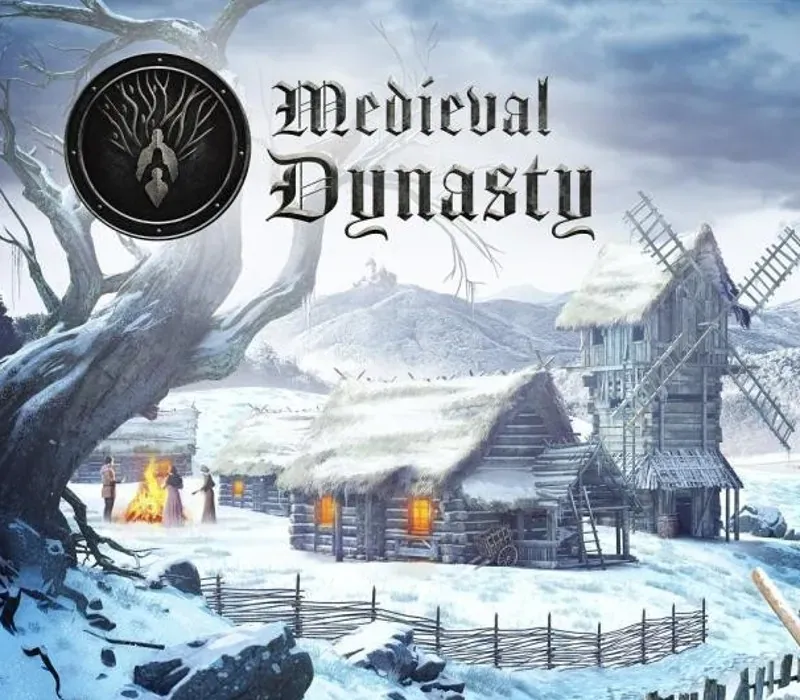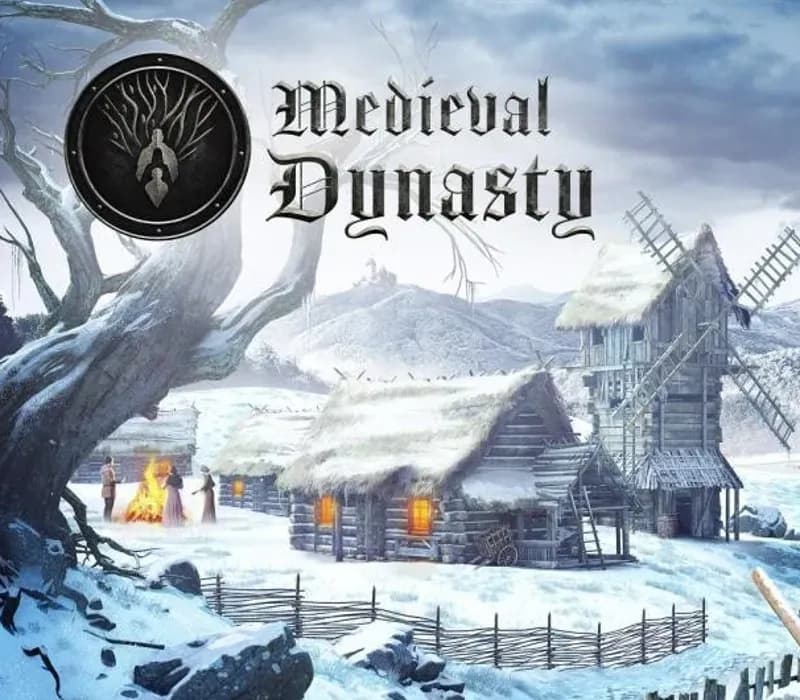
Medieval Dynasty PS5 PSN Key (EU)
Medieval Dynasty PS5 PSN Key (EU) is a digital key for PlayStation, valid in Europe. Delivered instantly after payment. Price: $27.35, 21% below the MSRP of $34.99.
⭐ 153,000+ orders delivered since 2018
 Pago Móvil
 Binance Pay
About this game
Find a piece of land where you could build your home. You start as a simple farmer or a hunter, but after you gain more experience, learn and hone your skills, you can become the head of a prospering town. Design, build and improve your house - from a simple hut to an extensive farm. Convince people to join your village. Find your true love and create a family, ensuring the continuity of your dynasty. Play solo or team up with friends and explore the beautiful but harsh medieval world in the Co-Op Mode together.
An expansive, open world awaits you. Face hot summer months and cold winters and make sure that neither you nor your people lack anything.
Medieval Dynasty will captivate you with its unique genre combination for the ultimate medieval experience!
Defy the seasons: Make sure that neither you nor your population starve or die of thirst. Hunt wild animals, plant crops or trade resources to be ready for anything.
It is in your hands: Without the right tools, you won't get far – whether you're hunting, chopping trees, harvesting or building. But watch out for wear and tear so that your pickaxe doesn't become unusable in the middle of nowhere.
Live and learn: Develop your character, specialize, or become a true jack-of-all-trades as you interact with NPCs, care for your family, explore the lush world, or complete tasks for others.
Start a village: You are a town planner, builder and warden all in one! Coordinate the layout, manage the residents, gather resources, produce goods and trade to help the community grow and prosper.
The medieval world, with its dangers and gorgeous surroundings is in your reach!
- Realistic Open World: Explore two expansive maps, the Valley (Solo) and The Oxbow (Solo and Co-Op) in a beautiful open world.
- Cooperative Multiplayer: Team up with up to 4 friends for a cooperative gaming experience.
- Character Customization: Personalize your avatar with a detailed character creator.
- Dynamic Environmental Realism: Immerse yourself in a complete 4-season cycle with dynamic day/night transitions and realistic weather, all while actively engaging with the environment, from felling trees to exploring caves.
- Structural and Interior Diversity: Create a diverse range of over 25 buildings, from humble shacks to sturdy stone houses, and personalize them with a selection of over 120 furniture and decoration pieces.
- Extensive Crafting: Craft 300+ pieces, including weapons, tools, furniture, and clothing.
How to activate
- Open PlayStation Store on your PS5 or PS4 console, or visit store.playstation.com in a web browser and sign in.
- On PS5, click the "..." (More) icon at the top-right of the Store and select "Redeem Code" (on PS4, scroll to the bottom of the left sidebar to "Redeem Codes").
- Carefully enter the 12-digit voucher code provided with your purchase.
- Select "Redeem" and confirm the product. The game will be added to your Game Library under "Your Collection" ready to download.
Customer Reviews
Frequently asked questions
Which region is this for?
This is the Europe version. Make sure your account is registered in that region before buying.
How do I activate Medieval Dynasty PS5 PSN Key (EU) on PlayStation?
1. Open PlayStation Store on your PS5 or PS4 console, or visit store.playstation.com in a web browser and sign in. 2. On PS5, click the "..." (More) icon at the top-right of the Store and select "Redeem Code" (on PS4, scroll to the bottom of the left sidebar to "Redeem Codes"). 3. Carefully enter the 12-digit voucher code provided with your purchase. 4. Select "Redeem" and confirm the product. The game will be added to your Game Library under "Your Collection" ready to download.
How fast is delivery?
Your key appears in your account and is emailed to you right after payment.