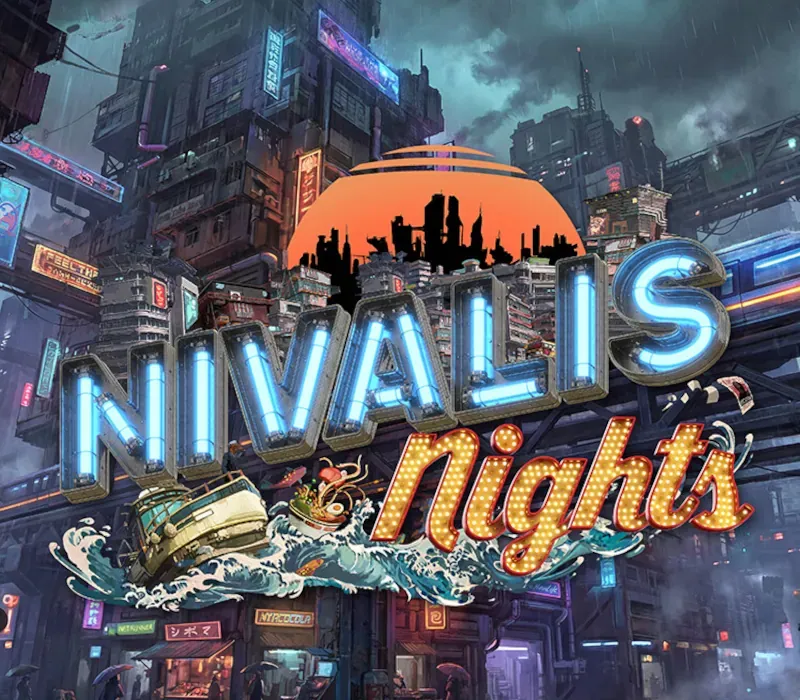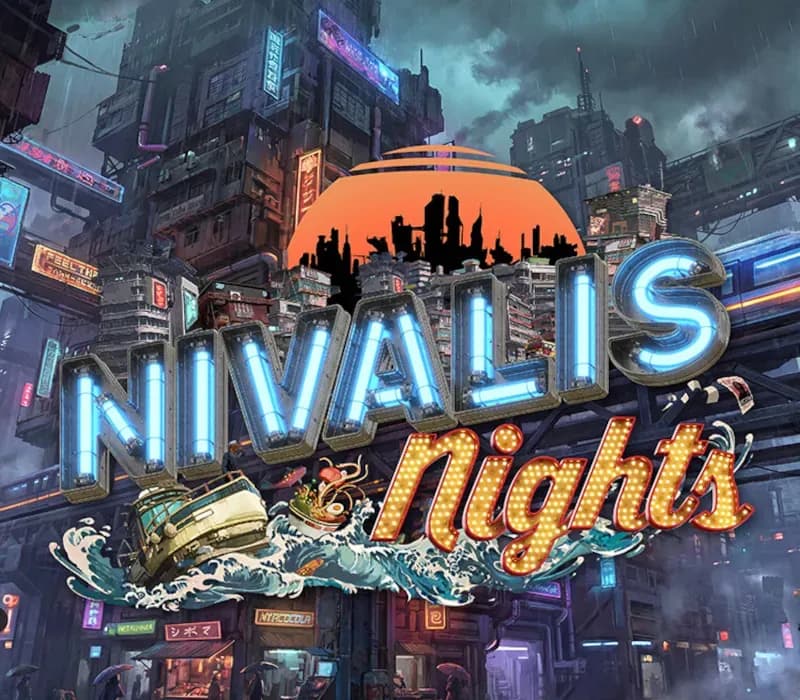
Nivalis Nights PC Steam CD Key (LATAM)
Nivalis Nights PC Steam CD Key (LATAM) is a digital key for Steam, valid in Latin America. Delivered instantly after payment. Price: $23.39, 6% below the Steam MSRP of $24.99.
⭐ 153,000+ orders delivered since 2018
 Pago Móvil
 Binance Pay
About this game
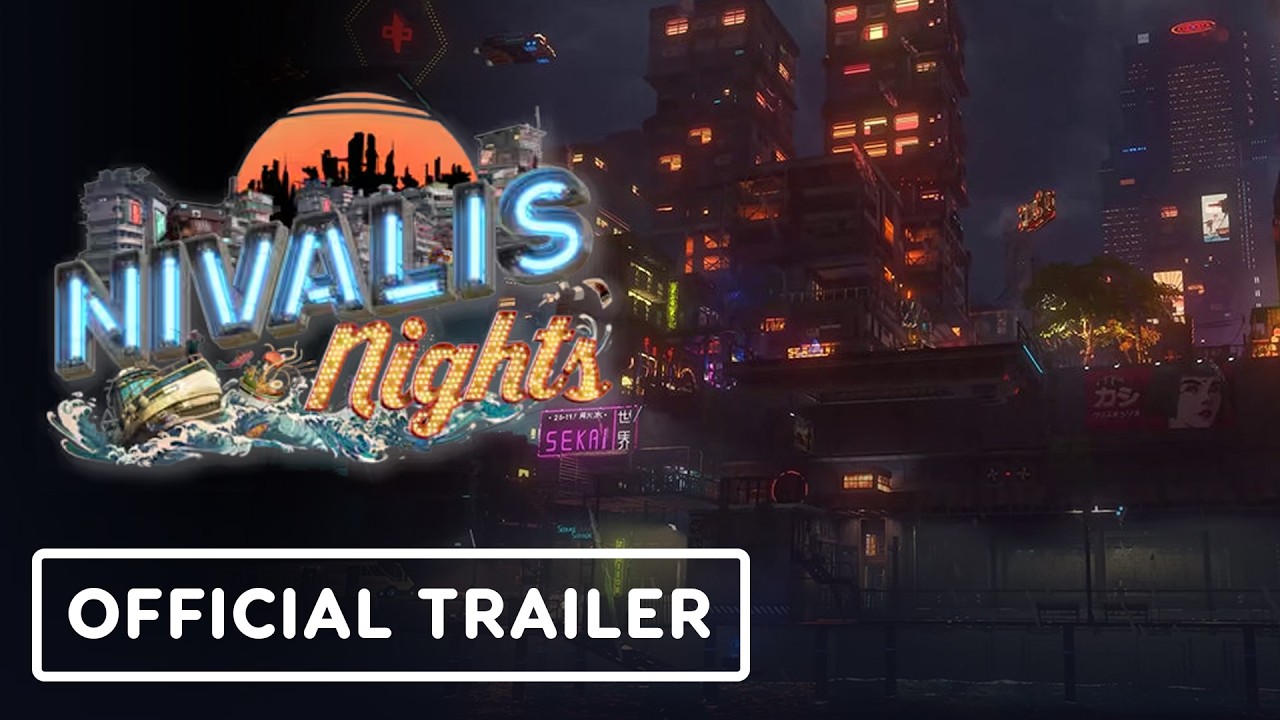
Welcome to the cyberpunk city of Nivalis, where neon dreams become your reality!
In a district pushed to the brink by CorpSec crackdowns and a mysterious serial killer, your ambition is your best weapon. Start humble with a noodle stand, then climb your way up to own the city’s top restaurants and premier nightclubs.
In this slice-of-life simulation, every day is a choice: will you spend it growing your business or forging bonds with the city’s strange inhabitants? From managing bustling ramen bars to navigating complex relationships, your influence grows with every decision. Whether you’re legally growing your own ingredients or illegally sabotaging your rivals under the cover of curfew, this city is yours to conquer.
When the pressure gets too high, retreat to the docks to explore the city by boat, customize your home to perfection, or master a high-stakes cyberpunk chess tournament. With a realistic weather system and a vibrant cast of characters to meet, “Nivalis Nights” offers a unique simulation where your path is entirely up to you.
Features
- Choose how you spend each day in this cyberpunk slice of life.
- Manage businesses like restaurants, ramen bars or night clubs.
- Buy or grow your own ingredients.
- Explore the city with your own boat and go fishing.
- Decorate your home(s) or customize others for friends.
- Discover the stories of the people you meet in the city and manage your relationships with them.
- Challenge NPC’s for mini games and take part in a chess tournament.
- Avoid security systems during curfew and commit sabotage to your competitors. But beware! What happens to them, can happen to you as well.
System Requirements
Minimum
- OS: Windows 10 64-bit
- Processor: Intel Core i5-11600K / AMD Ryzen 5 3600
- Memory: 16 GB RAM
- Graphics: NVIDIA GeForce GTX 1660 SUPER or RTX 3050 / AMD Radeon RX 6600 / Intel Arc A750 (6 GB VRAM)
- DirectX: Version 11
- Storage: 42 GB available space
- Additional Notes: 1080p at 30 FPS with the "very low" Graphics Quality preset. Native resolution, no upscaling utilised. SSD required. Laptop equivalent: RTX 4050 Laptop with 6 GB VRAM. Mobile GPUs perform below their desktop equivalents.
Recommended
- OS: Windows 11 64-bit
- Processor: Intel Core i5-13600K / AMD Ryzen 5 7600
- Memory: 16 GB RAM
- Graphics: NVIDIA GeForce RTX 4070 / AMD Radeon RX 7800 XT (12 GB VRAM or more)
- DirectX: Version 11
- Storage: 42 GB available space
- Additional Notes: 1440p at 60 FPS with the "high" Graphics quality preset. Native resolution, no upscaling utilised. SSD required. Laptop equivalent: RTX 4080 Laptop or RTX 5080 Laptop with 12 GB or more VRAM. Mobile GPUs perform below their desktop equivalents.
How to activate
- Launch the Steam desktop client and log in to your account, or visit store.steampowered.com/account/registerkey in your browser.
- Click the "Games" menu at the top of the client (or click "+ Add a Game" at the bottom-left) and select "Activate a Product on Steam...".
- Follow the on-screen prompts, accept the Steam Subscriber Agreement, and enter your CD-Key in the "Product Code" field.
- Click "Next" and "Finish" to register the game. It will now appear permanently in your Steam Library ready to install.
Customer Reviews
Frequently asked questions
Which region is this for?
This is the Latin America version. Make sure your account is registered in that region before buying.
How do I activate Nivalis Nights PC Steam CD Key (LATAM) on Steam?
1. Launch the Steam desktop client and log in to your account, or visit store.steampowered.com/account/registerkey in your browser. 2. Click the "Games" menu at the top of the client (or click "+ Add a Game" at the bottom-left) and select "Activate a Product on Steam...". 3. Follow the on-screen prompts, accept the Steam Subscriber Agreement, and enter your CD-Key in the "Product Code" field. 4. Click "Next" and "Finish" to register the game. It will now appear permanently in your Steam Library ready to install.
How fast is delivery?
Your key appears in your account and is emailed to you right after payment.