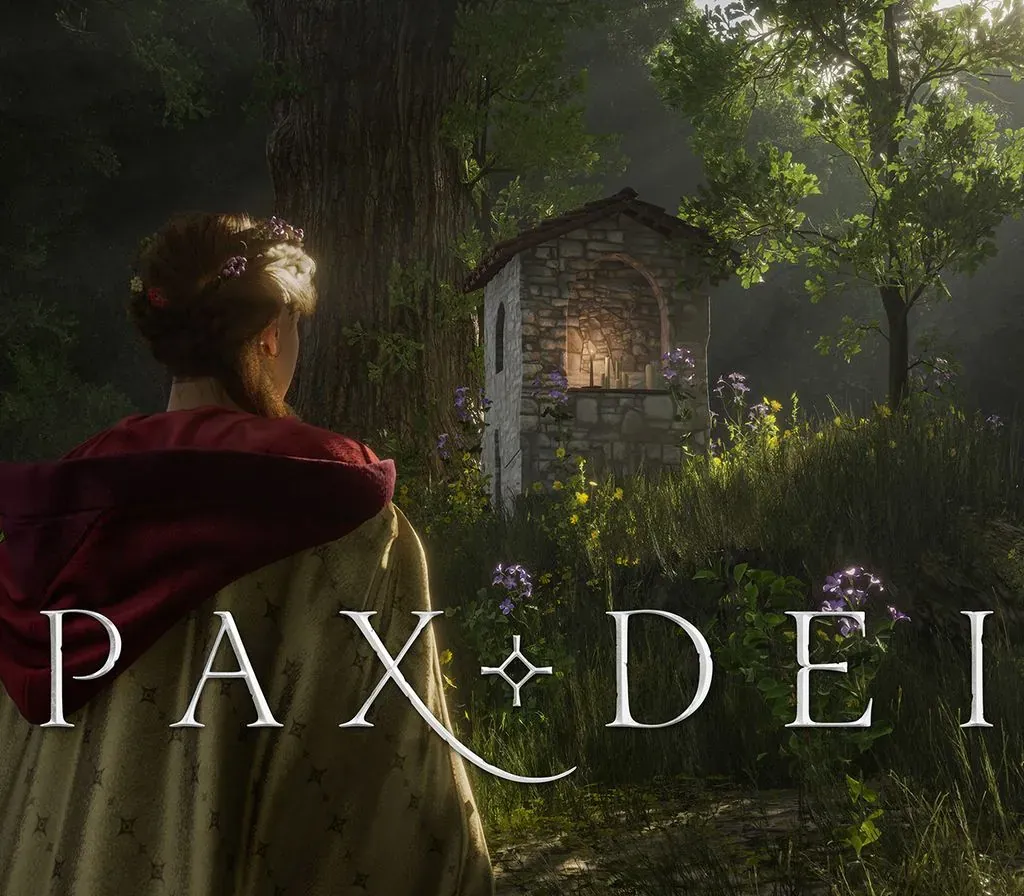
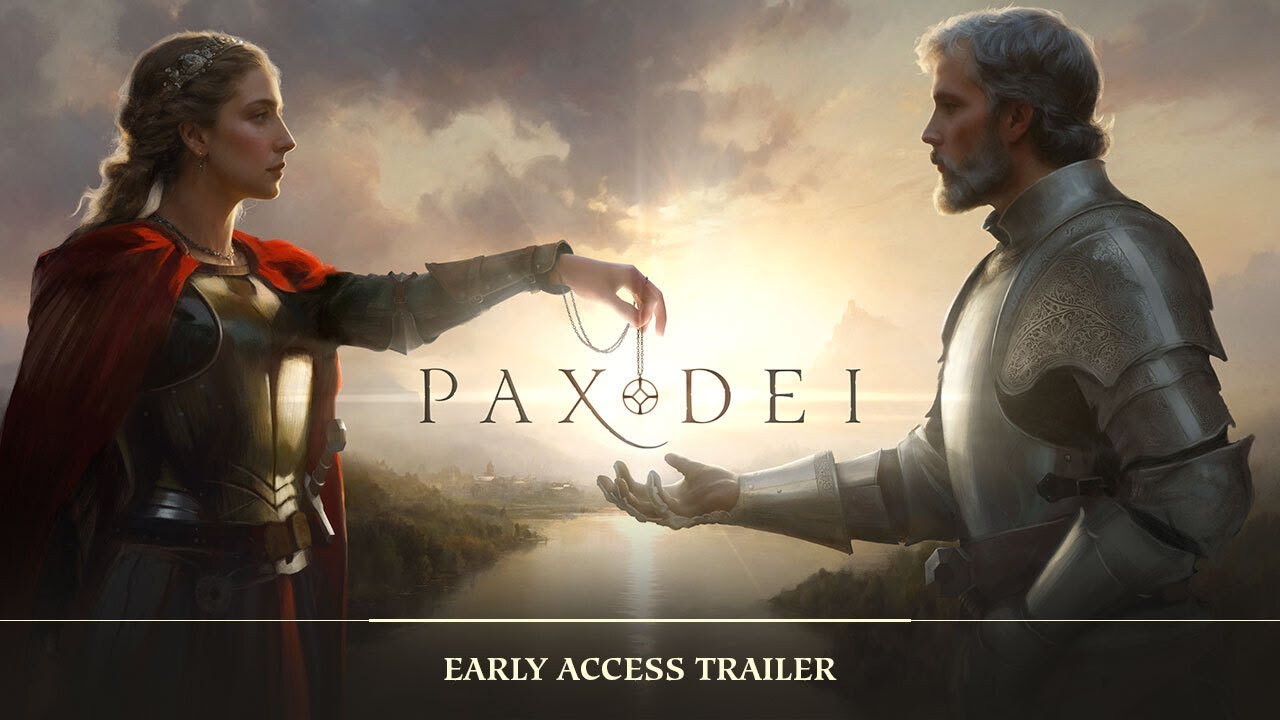
Pax Dei PC Steam CD Key
Pax Dei PC Steam CD Key is a digital key for Steam, not region-locked. Delivered instantly after payment. Price: $14.66, 51% below the Steam MSRP of $29.99.
⭐ 153,000+ orders delivered since 2018
 Pago Móvil
 Binance Pay
About this game
PLAY PAX DEI NOW!
Begin your adventure into the world of Pax Dei. Use the public crafting stations to build your first tools and gear. Explore the wilds, battle enemies for Gold and loot, and trade, or fight, with other players. Accumulate Grace to perform Miracles and claim your own Plot of land inside the game. Welcome to our world.
Includes
- Game access
- 2x Character Slots
- 1 Plot Token*
- 1 month of Premium Status**
*Use Plot Tokens to claim or extend ownership of a plot of land for one month. ** +50 % Grace from Daily Login, +50 % Grace from Gold Offerings, and +50 % XP boost.
YOUR GAME, YOUR CHOICE
Everything essential for enjoying the world of Pax Dei is included in the Base Game. For those seeking to enhance their journey, our in-game shop offers a choice of Membership plans, unlocking VIP benefits to elevate your experience. The choice is yours.
A Membership is not required to play Pax Dei. Additional fees apply. For more details, visit our official website (playpaxdei) — the link is on the right of this page.
WHAT WORLD WILL YOU MAKE?
Welcome to a vast, social sandbox MMO inspired by the legends of the medieval era. Here, myths are real, ghosts exist, and magic is unquestioned. In this immense, open-world playground, you choose the role you want to play. Immerse yourself along with thousands of other players as you explore the land, build your home, forge your reputation, and craft your own stories.
A PLACE TO CALL HOME
Travel in the relative safety of the Heartlands and find the perfect plot of land on which to build your home. Protected by the grace of the Divine, your village is a safe harbor where your Clan can grow and prosper.
Everything in this world is produced by the players' hands and skills. Your village needs clothes, walls, food, flowers, and prayers. Your Clan, weapons, and armor. Others require tools, materials, or mysterious reagents. It’s easy to find your place and play your part in this breathing world.
EXPLORE UNCHARTED LANDS
Adventure awaits as you set foot into the Wilderness. Here, you’ll battle evil beings, uncover mysteries of an ancient and wondrous past, and square off against rival Clans as you struggle for power, position, and resources.
A word of warning: The further you journey from home, the stranger and more dangerous this world becomes. The glory, bounty, and secrets you bring back will enrich your entire Clan. How much challenge are you willing to accept? That’s for you to decide.
System Requirements
Minimum
- OS: Windows 10
- Processor: Intel i5-7600K or AMD equivalent
- Memory: 16 GB RAM
- Graphics: GeForce RTX 2060 (12 GB) / Radeon RX 5700 XT | VRAM: 8 GB mini
- DirectX: Version 12
- Network: Broadband Internet connection
- Storage: 80 GB available space
- Additional Notes: SSD
Recommended
- OS: Windows 10
- Processor: Ryzen 7 3700X or Intel equivalent
- Memory: 16 GB RAM
- Graphics: GeForce RTX 3060 / Radeon RX 6600 XT | VRAM: 8 GB mini
- DirectX: Version 12
- Network: Broadband Internet connection
- Storage: 80 GB available space
- Additional Notes: NVMe SSD
How to activate
- Launch the Steam desktop client and log in to your account, or visit store.steampowered.com/account/registerkey in your browser.
- Click the "Games" menu at the top of the client (or click "+ Add a Game" at the bottom-left) and select "Activate a Product on Steam...".
- Follow the on-screen prompts, accept the Steam Subscriber Agreement, and enter your CD-Key in the "Product Code" field.
- Click "Next" and "Finish" to register the game. It will now appear permanently in your Steam Library ready to install.
Customer Reviews
Frequently asked questions
Which region is this for?
This is the Global version: it is not region-locked.
How do I activate Pax Dei PC Steam CD Key on Steam?
1. Launch the Steam desktop client and log in to your account, or visit store.steampowered.com/account/registerkey in your browser. 2. Click the "Games" menu at the top of the client (or click "+ Add a Game" at the bottom-left) and select "Activate a Product on Steam...". 3. Follow the on-screen prompts, accept the Steam Subscriber Agreement, and enter your CD-Key in the "Product Code" field. 4. Click "Next" and "Finish" to register the game. It will now appear permanently in your Steam Library ready to install.
How fast is delivery?
Your key appears in your account and is emailed to you right after payment.