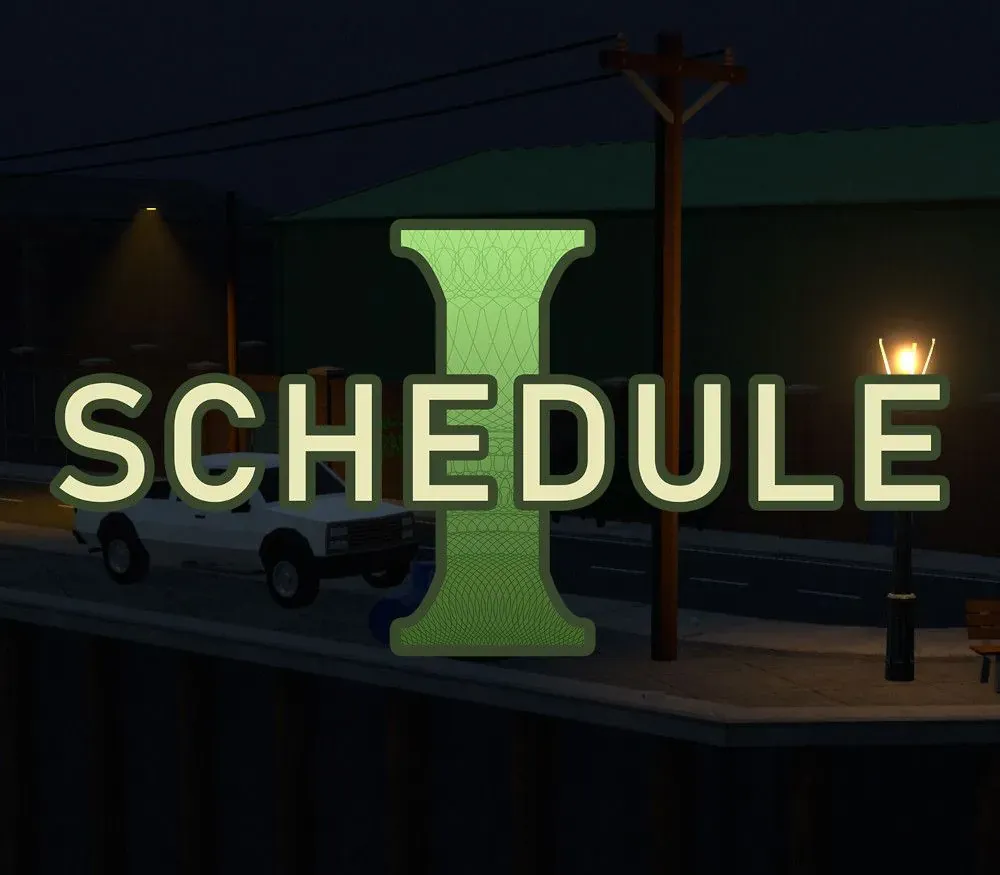

Schedule I PC Steam Gift (EU)
Schedule I PC Steam Gift (EU) is a gift for Steam, valid in Europe.
⭐ 153,000+ orders delivered since 2018
 Pago Móvil
 Binance Pay
About this game
Schedule I drugs, substances, or chemicals are defined as drugs with no currently accepted medical use and a high potential for abuse.
- The Drug Enforcement Administration
You're a small-time drug dealer rolling into a fresh town with no cash, no product and no connections. Build your drug empire from the ground up in the grungy west-coast city of Hyland Point. Contend against intensifying law enforcement and deadly cartel competitors to expand your empire and reach the peak of the underworld.
Produce a range of drugs to satisfy your customers, each one with it's own unique production process. Discover special recipes to create new drug variants with special properties.
Walk, skate or drive throughout Hyland Point to get product into the hands of customers. Hire dealers to handle distribution for you.
Purchase new properties and hire employees to expand the scope and scale of your operations. Work with suppliers to build a fully automated production and distribution chain.
This is a dangerous line of work - you'll have to contend with increasing law enforcement, as well as deadly cartel competitors. Fight with fists, melee weapons or firearms.
A growing empire needs skilled management. Reach new heights in co-op multiplayer.
System Requirements
Minimum
- OS: Windows 10 (64-bit)
- Processor: 3GHz 4-Core or similar
- Memory: 8 GB RAM
- Graphics: GeForce GTX 1060 6GB or Radeon RX 580
- DirectX: Version 11
- Storage: 8 GB available space
Recommended
- OS: Windows 10 (64-bit)
- Processor: 3.5GHz 6-Core or similar
- Memory: 16 GB RAM
- Graphics: GeForce RTX 3060 or Radeon RX 6700
- DirectX: Version 11
- Storage: 10 GB available space
How to activate
- Log into your Steam account via the desktop client or browser at store.steampowered.com.
- If delivered via activation link, open the link from your order and follow the prompt to accept the bot's friend request or direct gift transfer.
- In the Steam client, click the gift envelope / notification icon in the top-right corner to open the pending gift prompt.
- Select "Accept Gift" and choose "Add to my library" to bind the game permanently to your account.
Customer Reviews
Frequently asked questions
Which region is this for?
This is the Europe version. Make sure your account is registered in that region before buying.
How do I activate Schedule I PC Steam Gift (EU) on Steam?
1. Log into your Steam account via the desktop client or browser at store.steampowered.com. 2. If delivered via activation link, open the link from your order and follow the prompt to accept the bot's friend request or direct gift transfer. 3. In the Steam client, click the gift envelope / notification icon in the top-right corner to open the pending gift prompt. 4. Select "Accept Gift" and choose "Add to my library" to bind the game permanently to your account.
What does “gift” mean?
You receive the game as a gift on your Steam account. There is no key to redeem.