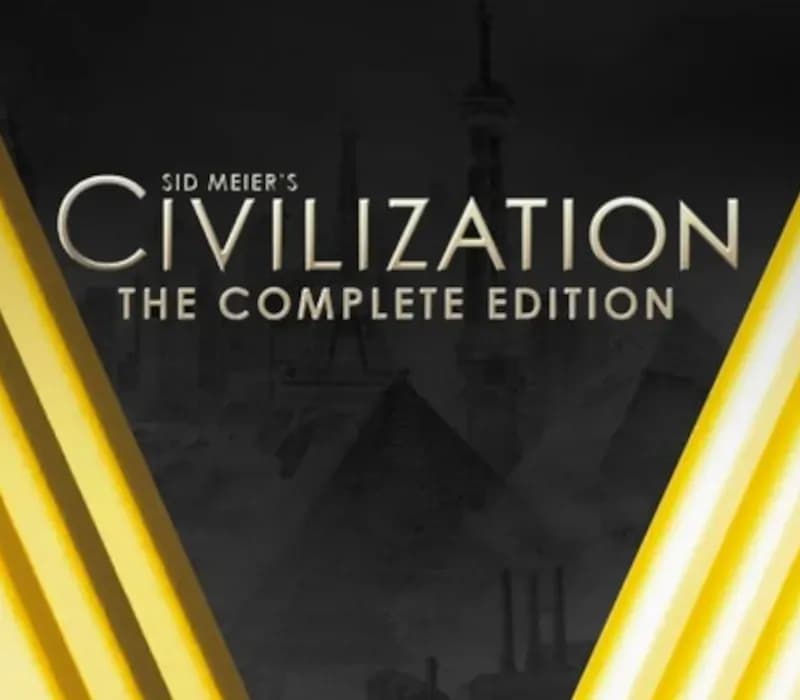
Sid Meier's Civilization V Complete Edition PC Steam CD Key (EU)
Sid Meier's Civilization V Complete Edition PC Steam CD Key (EU) is a digital key for Steam, valid in Europe. Your key arrives as soon as payment clears. Price: $9.48, 68% below the Steam MSRP of $29.99.
Choose your version
Your country: United States
Edition
How to buy it
1 option that does not work in United States
- Steam
 Europe
- Product code
154,000+ sales in our store and on marketplaces
 Pago Móvil
 Binance Pay
About this game
The Flagship Turn-Based Strategy Game Returns
Become Ruler of the World by establishing and leading a civilization from the dawn of man into the space age: Wage war, conduct diplomacy, discover new technologies, go head-to-head with some of history’s greatest leaders and build the most powerful empire the world has ever known.
- INVITING PRESENTATION: Jump right in and play at your own pace with an intuitive interface that eases new players into the game. Veterans will appreciate the depth, detail and control that are highlights of the series.
- BELIEVABLE WORLD: Ultra realistic graphics showcase lush landscapes for you to explore, battle over and claim as your own.
- COMMUNITY & MULTIPLAYER: Compete with players all over the world or locally in LAN matches, mod* the game in unprecedented ways, and install mods directly from an in-game community hub without ever leaving the game.
- WIDE SYSTEM COMPATIBILITY: Civilization V operates on many different systems, from high end desktops to many laptops.
- ALL NEW FEATURES: A new hex-based gameplay grid opens up exciting new combat and build strategies. City States become a new resource in your diplomatic battleground. An improved diplomacy system allows you to negotiate with fully interactive leaders.
*Modding SDK available as a free download.
Note: The Mac and Linux + SteamOS versions of Sid Meier's Civilization V are available in English, French, Italian, German and Spanish only.
System Requirements
Minimum
- OS: Windows® Vista SP2/ Windows® 7
- Processor: Intel Core 2 Duo 1.8 GHz or AMD Athlon X2 64 2.0 GHz
- Memory: 2GB RAM
- Graphics: 256 MB ATI HD2600 XT or better, 256 MB nVidia 7900 GS or better, or Core i3 or better integrated graphics
- DirectX®: DirectX® version 9.0c
- Hard Drive: 8 GB Free
- Sound: DirectX 9.0c-compatible sound card
- Note: Optimized for the touch-screen Ultrabook™ device
Recommended
- OS: Windows® Vista SP2/ Windows® 7
- Processor: 1.8 GHz Quad Core CPU
- Memory: 4 GB RAM
- Graphics: 512 MB ATI 4800 series or better, 512 MB nVidia 9800 series or better
- DirectX®: DirectX® version 11
- Hard Drive: 8 GB Free
- Sound: DirectX 9.0c-compatible sound card
- Note: Optimized for the touch-screen Ultrabook™ device
How to activate
- Launch the Steam desktop client and log in to your account, or visit store.steampowered.com/account/registerkey in your browser.
- Click the "Games" menu at the top of the client (or click "+ Add a Game" at the bottom-left) and select "Activate a Product on Steam...".
- Follow the on-screen prompts, accept the Steam Subscriber Agreement, and enter your CD-Key in the "Product Code" field.
- Click "Next" and "Finish" to register the game. It will now appear permanently in your Steam Library ready to install.
About this game
The Flagship Turn-Based Strategy Game Returns
Become Ruler of the World by establishing and leading a civilization from the dawn of man into the space age: Wage war, conduct diplomacy, discover new technologies, go head-to-head with some of history’s greatest leaders and build the most powerful empire the world has ever known.
- INVITING PRESENTATION: Jump right in and play at your own pace with an intuitive interface that eases new players into the game. Veterans will appreciate the depth, detail and control that are highlights of the series.
- BELIEVABLE WORLD: Ultra realistic graphics showcase lush landscapes for you to explore, battle over and claim as your own.
- COMMUNITY & MULTIPLAYER: Compete with players all over the world or locally in LAN matches, mod* the game in unprecedented ways, and install mods directly from an in-game community hub without ever leaving the game.
- WIDE SYSTEM COMPATIBILITY: Civilization V operates on many different systems, from high end desktops to many laptops.
- ALL NEW FEATURES: A new hex-based gameplay grid opens up exciting new combat and build strategies. City States become a new resource in your diplomatic battleground. An improved diplomacy system allows you to negotiate with fully interactive leaders.
*Modding SDK available as a free download.
Note: The Mac and Linux + SteamOS versions of Sid Meier's Civilization V are available in English, French, Italian, German and Spanish only.
System Requirements
Minimum
- OS: Windows® Vista SP2/ Windows® 7
- Processor: Intel Core 2 Duo 1.8 GHz or AMD Athlon X2 64 2.0 GHz
- Memory: 2GB RAM
- Graphics: 256 MB ATI HD2600 XT or better, 256 MB nVidia 7900 GS or better, or Core i3 or better integrated graphics
- DirectX®: DirectX® version 9.0c
- Hard Drive: 8 GB Free
- Sound: DirectX 9.0c-compatible sound card
- Note: Optimized for the touch-screen Ultrabook™ device
Recommended
- OS: Windows® Vista SP2/ Windows® 7
- Processor: 1.8 GHz Quad Core CPU
- Memory: 4 GB RAM
- Graphics: 512 MB ATI 4800 series or better, 512 MB nVidia 9800 series or better
- DirectX®: DirectX® version 11
- Hard Drive: 8 GB Free
- Sound: DirectX 9.0c-compatible sound card
- Note: Optimized for the touch-screen Ultrabook™ device
Customer Reviews
Nobody has reviewed this game yet. If you buy it, tell us how it went.
Frequently asked questions
Which region is this for?
This is the Europe version. Make sure your account is registered in that region before buying.
How do I activate Sid Meier's Civilization V Complete Edition PC Steam CD Key (EU) on Steam?
1. Launch the Steam desktop client and log in to your account, or visit store.steampowered.com/account/registerkey in your browser. 2. Click the "Games" menu at the top of the client (or click "+ Add a Game" at the bottom-left) and select "Activate a Product on Steam...". 3. Follow the on-screen prompts, accept the Steam Subscriber Agreement, and enter your CD-Key in the "Product Code" field. 4. Click "Next" and "Finish" to register the game. It will now appear permanently in your Steam Library ready to install.
How fast is delivery?
Your key appears in your account and is emailed to you right after payment.