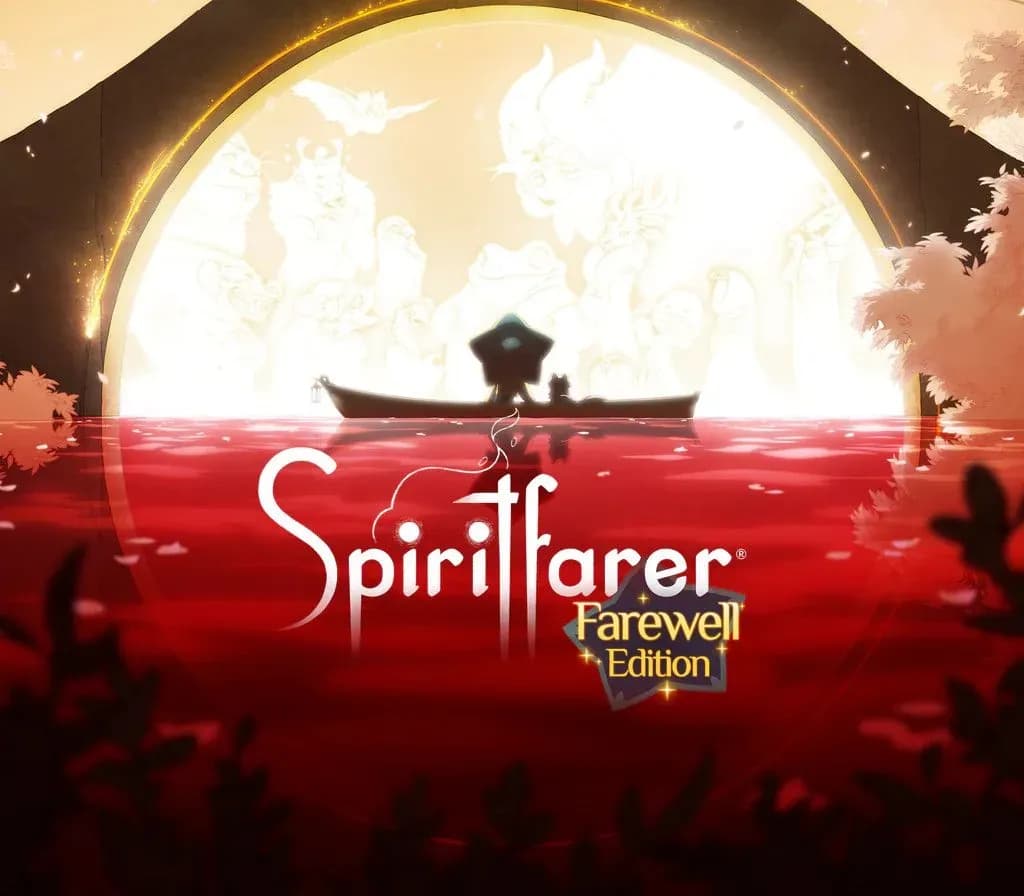
Spiritfarer: Farewell Edition PC Steam CD Key (EU)
Spiritfarer: Farewell Edition PC Steam CD Key (EU) is a digital key for Steam, valid in Europe. Your key arrives as soon as payment clears. Price: $4.24, 85% below the Steam MSRP of $29.99.
Choose your version
How to buy it
- Steam
 Europe
- Product code
154,000+ sales in our store and on marketplaces
 Pago Móvil
 Binance Pay
About this game
What will you leave behind?
Spiritfarer® is a cozy management game about dying. You play Stella, ferrymaster to the deceased, a Spiritfarer. Build a boat to explore the world, then befriend and care for spirits before finally releasing them into the afterlife. Farm, mine, fish, harvest, cook, and craft your way across mystical seas. Join the adventure as Daffodil the cat, in two-player cooperative play. Spend relaxing quality time with your spirit passengers, create lasting memories, and, ultimately, learn how to say goodbye to your cherished friends. What will you leave behind?
The Spiritfarer® Farewell Edition is the definitive edition of the award-winning cozy management game about dying. It brings together the base game beloved by over 1 million players, and all the additional content released to date. See why critics called Spiritfarer one of the Best Games of 2020.
Features
- Enjoy beautiful hand-drawn art and animation.
- Build, manage, and improve your own ferry.
- Farm, mine, fish, harvest, cook, weave, craft! An endless variety of activities await you!
- Meet, take on board, care for, and forge relationships with a cast of memorable characters.
- Run, jump, and glide your way through elegantly constructed platforming levels.
- Explore a fantastic and imaginative world. Seek and gather resources to craft upgrades for your ship and gifts for your passengers.
- Experience moving, emotional stories filled with unforgettable moments.
- Unwind for hours into cozy and relaxing gameplay. 30 hours to finish, 50+ to experience everything Spiritfarer has to offer.
- Make the adventure your own with rich customization options for your boat, character, even the cat!
- Play as Daffodil the cat in optional local co-op. Supports Remote Play Together.
- Includes the heartwarming base game and three major content updates: explore an expanded world and befriend four new spirit friends!
System Requirements
Minimum
- OS: Microsoft® Windows® 7 SP1
- Processor: Dual Core 3.0 GHz Processor
- Memory: 4 GB RAM
- Graphics: DirectX 10-compatible graphics card with at least 1GB of video memory
- DirectX: Version 10
- Storage: 7 GB available space
How to activate
- Launch the Steam desktop client and log in to your account, or visit store.steampowered.com/account/registerkey in your browser.
- Click the "Games" menu at the top of the client (or click "+ Add a Game" at the bottom-left) and select "Activate a Product on Steam...".
- Follow the on-screen prompts, accept the Steam Subscriber Agreement, and enter your CD-Key in the "Product Code" field.
- Click "Next" and "Finish" to register the game. It will now appear permanently in your Steam Library ready to install.
About this game
What will you leave behind?
Spiritfarer® is a cozy management game about dying. You play Stella, ferrymaster to the deceased, a Spiritfarer. Build a boat to explore the world, then befriend and care for spirits before finally releasing them into the afterlife. Farm, mine, fish, harvest, cook, and craft your way across mystical seas. Join the adventure as Daffodil the cat, in two-player cooperative play. Spend relaxing quality time with your spirit passengers, create lasting memories, and, ultimately, learn how to say goodbye to your cherished friends. What will you leave behind?
The Spiritfarer® Farewell Edition is the definitive edition of the award-winning cozy management game about dying. It brings together the base game beloved by over 1 million players, and all the additional content released to date. See why critics called Spiritfarer one of the Best Games of 2020.
Features
- Enjoy beautiful hand-drawn art and animation.
- Build, manage, and improve your own ferry.
- Farm, mine, fish, harvest, cook, weave, craft! An endless variety of activities await you!
- Meet, take on board, care for, and forge relationships with a cast of memorable characters.
- Run, jump, and glide your way through elegantly constructed platforming levels.
- Explore a fantastic and imaginative world. Seek and gather resources to craft upgrades for your ship and gifts for your passengers.
- Experience moving, emotional stories filled with unforgettable moments.
- Unwind for hours into cozy and relaxing gameplay. 30 hours to finish, 50+ to experience everything Spiritfarer has to offer.
- Make the adventure your own with rich customization options for your boat, character, even the cat!
- Play as Daffodil the cat in optional local co-op. Supports Remote Play Together.
- Includes the heartwarming base game and three major content updates: explore an expanded world and befriend four new spirit friends!
System Requirements
Minimum
- OS: Microsoft® Windows® 7 SP1
- Processor: Dual Core 3.0 GHz Processor
- Memory: 4 GB RAM
- Graphics: DirectX 10-compatible graphics card with at least 1GB of video memory
- DirectX: Version 10
- Storage: 7 GB available space
Customer Reviews
Nobody has reviewed this game yet. If you buy it, tell us how it went.
Frequently asked questions
Which region is this for?
This is the Europe version. Make sure your account is registered in that region before buying.
How do I activate Spiritfarer: Farewell Edition PC Steam CD Key (EU) on Steam?
1. Launch the Steam desktop client and log in to your account, or visit store.steampowered.com/account/registerkey in your browser. 2. Click the "Games" menu at the top of the client (or click "+ Add a Game" at the bottom-left) and select "Activate a Product on Steam...". 3. Follow the on-screen prompts, accept the Steam Subscriber Agreement, and enter your CD-Key in the "Product Code" field. 4. Click "Next" and "Finish" to register the game. It will now appear permanently in your Steam Library ready to install.
How fast is delivery?
Your key appears in your account and is emailed to you right after payment.