Stardew Valley PC Steam Gift (EU)
Stardew Valley PC Steam Gift (EU) is a gift for Steam, valid in Europe.
⭐ 153,000+ orders delivered since 2018
 Pago Móvil
 Binance Pay
About this game
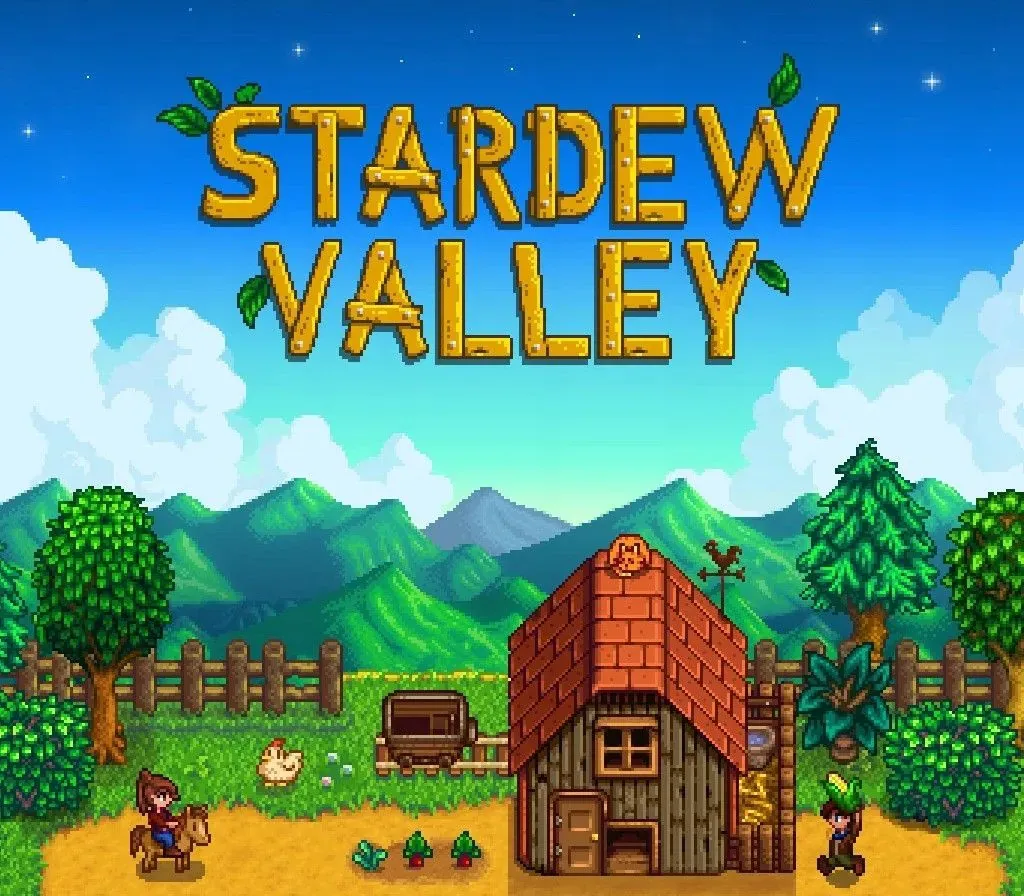
Stardew Valley is an open-ended country-life RPG!
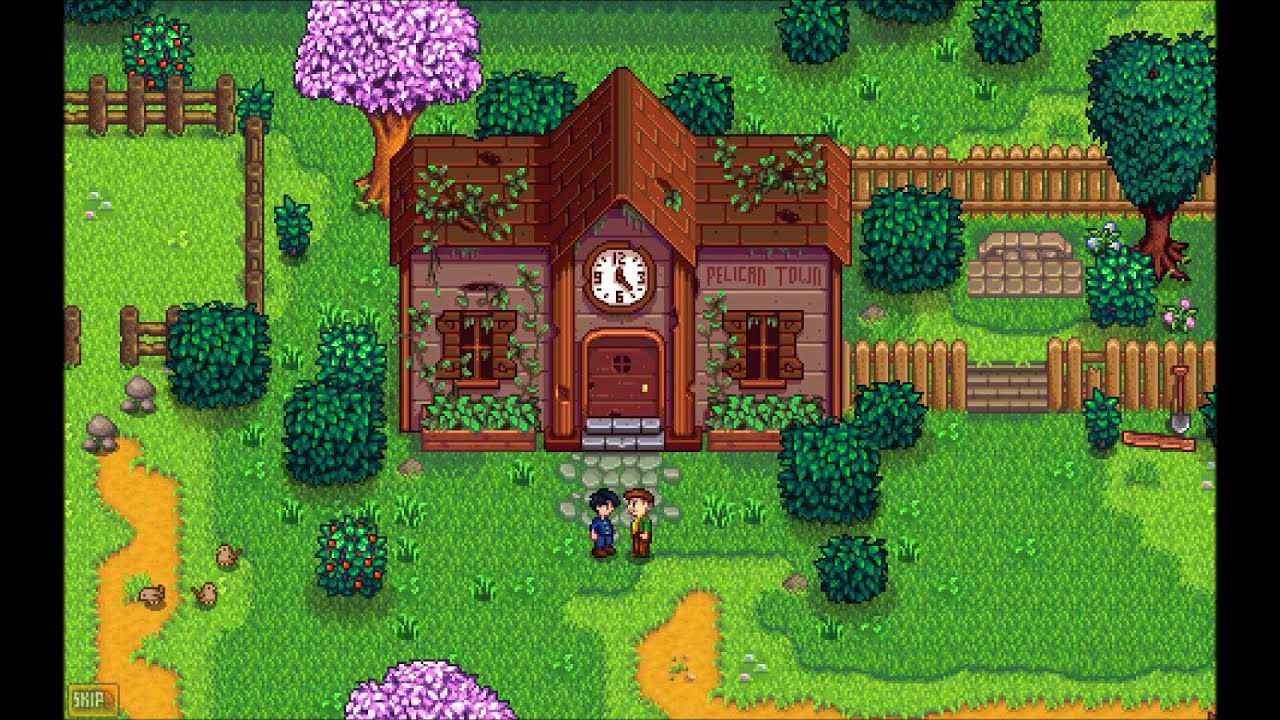
You've inherited your grandfather's old farm plot in Stardew Valley. Armed with hand-me-down tools and a few coins, you set out to begin your new life. Can you learn to live off the land and turn these overgrown fields into a thriving home? It won't be easy. Ever since Joja Corporation came to town, the old ways of life have all but disappeared. The community center, once the town's most vibrant hub of activity, now lies in shambles. But the valley seems full of opportunity. With a little dedication, you might just be the one to restore Stardew Valley to greatness!
Features
- Turn your overgrown field into a lively farm! Raise animals, grow crops, start an orchard, craft useful machines, and more! You'll have plenty of space to create the farm of your dreams.
- 8 Player Farming! Invite 1-7 players to join you in the valley online! Players can work together to build a thriving farm, share resources, and improve the local community. As more hands are better than one, players have the option to scale profit margin on produce sold for a more challenging experience.
- Improve your skills over time. As you make your way from a struggling greenhorn to a master farmer, you'll level up in 5 different areas: farming, mining, combat, fishing, and foraging. As you progress, you'll learn new cooking and crafting recipes, unlock new areas to explore, and customize your skills by choosing from a variety of professions.
- Become part of the local community. With over 30 unique characters living in Stardew Valley, you won't have a problem finding new friends! Each person has their own daily schedule, birthday, unique mini-cutscenes, and new things to say throughout the week and year. As you make friends with them, they will open up to you, ask you for help with their personal troubles, or tell you their secrets! Take part in seasonal festivals such as the luau, haunted maze, and feast of the winter star.
- Explore a vast, mysterious cave. As you travel deeper underground, you'll encounter new and dangerous monsters, powerful weapons, new environments, valuable gemstones, raw materials for crafting and upgrading tools, and mysteries to be uncovered.
System Requirements
Minimum
- OS: Windows Vista or greater
- Processor: 2 Ghz
- Memory: 2 GB RAM
- Graphics: 256 mb video memory, shader model 3.0+
- DirectX: Version 10
- Storage: 500 MB available space
How to activate
- Log into your Steam account via the desktop client or browser at store.steampowered.com.
- If delivered via activation link, open the link from your order and follow the prompt to accept the bot's friend request or direct gift transfer.
- In the Steam client, click the gift envelope / notification icon in the top-right corner to open the pending gift prompt.
- Select "Accept Gift" and choose "Add to my library" to bind the game permanently to your account.
Customer Reviews
Frequently asked questions
Which region is this for?
This is the Europe version. Make sure your account is registered in that region before buying.
How do I activate Stardew Valley PC Steam Gift (EU) on Steam?
1. Log into your Steam account via the desktop client or browser at store.steampowered.com. 2. If delivered via activation link, open the link from your order and follow the prompt to accept the bot's friend request or direct gift transfer. 3. In the Steam client, click the gift envelope / notification icon in the top-right corner to open the pending gift prompt. 4. Select "Accept Gift" and choose "Add to my library" to bind the game permanently to your account.
What does “gift” mean?
You receive the game as a gift on your Steam account. There is no key to redeem.