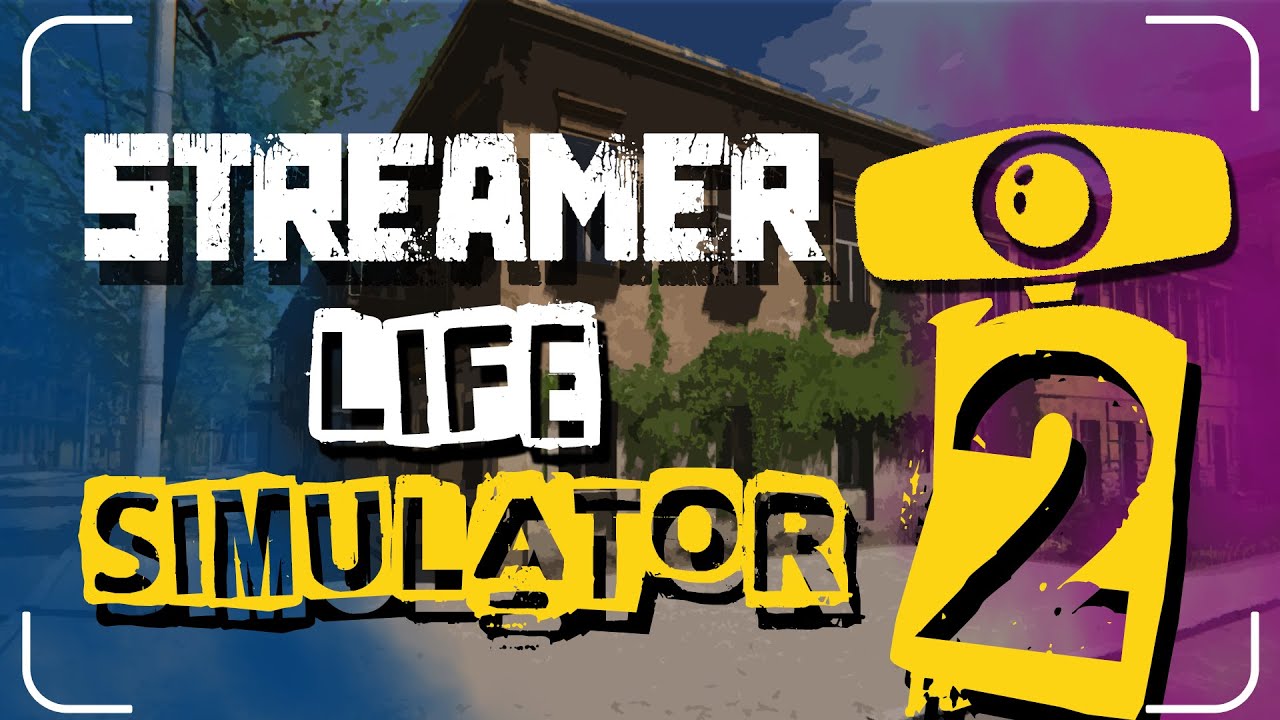
Streamer Life Simulator 2 PC Steam CD Key
Streamer Life Simulator 2 PC Steam CD Key is a digital key for Steam, not region-locked. Delivered instantly after payment. Price: $3.18, 84% below the Steam MSRP of $19.99.
⭐ 153,000+ orders delivered since 2018
 Pago Móvil
 Binance Pay
About this game
Blood, Sweat, and Donate
Streaming is now more fun and more complicated in the second game of the series.
We've improved the graphics and revamped the gameplay. You'll be able to create your own streamer character in detail.
Streamer Life Simulator is a game where you start from scratch and try to become an popular internet streamer. To become a better streamer, you need to upgrade your equipment (for example cameras, processors or video cards) and your internet connection. You have to improve your skills and make the right decisions during the streaming to provide better content to the viewers watching your stream. You can play innocent or criticize harshly to your viewers. It is up to you to make the right decisions according to the situation. The decisions you make during the stream will affect your viewership and play an important role in your development.
You just quit your old job and decided to become a streamer. With a lot of hard work you can become the streamer with the most views and subscribers.
Start with an old and crappy computer and try to upgrade. You can interact with followers and play various games on stream.
With the right strategy, you can become very rich and famous.
Do the various jobs available around you and make sure you are making the right investment with your money.
Buy a big house and turn it into a streaming house. In the streaming house you can earn extra income through your streamer employees.
Make the right decisions during the stream and focus on manipulating your audience to get more donations.
You can upgrade your streaming skills to create more awesome streams.
You can support your streaming career illegally, boost your streams with bot viewers, deal with shady guys and make sure you don't get banned!
System Requirements
Minimum
- OS: Windows 10
- Processor: Intel Core i5-4430 / AMD FX-6300
- Memory: 8 GB RAM
- Graphics: NVIDIA GTX 1050Ti / AMD Radeon RX 570
- Storage: 10 GB available space
Recommended
- OS: Windows 10
- Processor: Intel Core i5-10600 / AMD Ryzen 5 3600
- Memory: 8 GB RAM
- Graphics: NVIDIA RTX 2060 / AMD Radeon RX 5700
- Storage: 10 GB available space
How to activate
- Launch the Steam desktop client and log in to your account, or visit store.steampowered.com/account/registerkey in your browser.
- Click the "Games" menu at the top of the client (or click "+ Add a Game" at the bottom-left) and select "Activate a Product on Steam...".
- Follow the on-screen prompts, accept the Steam Subscriber Agreement, and enter your CD-Key in the "Product Code" field.
- Click "Next" and "Finish" to register the game. It will now appear permanently in your Steam Library ready to install.
Customer Reviews
Frequently asked questions
Which region is this for?
This is the Global version: it is not region-locked.
How do I activate Streamer Life Simulator 2 PC Steam CD Key on Steam?
1. Launch the Steam desktop client and log in to your account, or visit store.steampowered.com/account/registerkey in your browser. 2. Click the "Games" menu at the top of the client (or click "+ Add a Game" at the bottom-left) and select "Activate a Product on Steam...". 3. Follow the on-screen prompts, accept the Steam Subscriber Agreement, and enter your CD-Key in the "Product Code" field. 4. Click "Next" and "Finish" to register the game. It will now appear permanently in your Steam Library ready to install.
How fast is delivery?
Your key appears in your account and is emailed to you right after payment.