 1 of 8
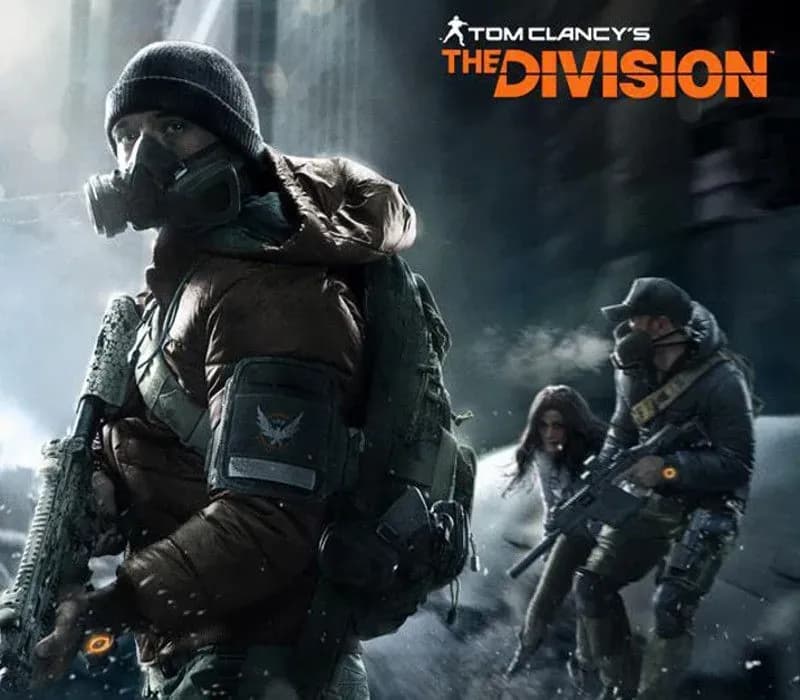
Tom Clancy's The Division PS4/PS5 Account
Release: Mar 8, 2016 · Developer: Massive Entertainment · Publisher: Ubisoft
Tom Clancy's The Division — PSN account for PS4/PS5, Global. Not a code — read the account-ban notice before buying.
- Pay securelyInstant
- Key revealed in your account~60s
- Redeem on PlayStationDirect activation
 Pago Móvil
 Binance Pay
 Crypto
 Wallet
154,000+ sales in our store and on marketplaces · Latest order delivered: 23 minutes ago
How to activate
- 1Turn on your PlayStation console, select "Add User", and choose "Get Started" (do not select "Play as a One-Time Guest").
- 2Sign in to PlayStation Network with the delivered account email and password, entering the 2FA code provided if prompted.
- 3Enable console sharing: on PS5 go to Settings -> Users and Accounts -> Other -> "Console Sharing and Offline Play" -> Enable (on PS4: Settings -> Account Management -> "Activate as Your Primary PS4").
- 4Open Game Library -> "Your Collection", start downloading the purchased game, and switch back to your main personal profile to play and earn trophies.
About this game
Tom Clancy's The Division PS4/PS5 Account is a game account for PlayStation, not region-locked.
Important — please read before buying: This is a PlayStation account created and supplied by a third-party seller, not a code for your own account. Sony's Terms of Service do not allow buying or selling PSN accounts, so a ban of the account (or restrictions on the console) is a likely possibility, though not a certainty, and we cannot guarantee the account will not be restricted. Do not change the account's country/region or add a payment method; play on your own profile via Console Sharing and Offline Play.
Restore order and rebuild New York City after a devastating pandemic in this tactical open world third-person shooter:
Tactical Combat
Engage enemies in intense, cover-based firefights where smart positioning and utility usage win battles.
Deep Gear Progression
Loot, craft, and upgrade weapons and armor to build the ultimate agent for your playstyle.
Immersive Open World
Dynamic weather, day/night cycles, and realistic urban environments create an immersive survival experience in post-apocalyptic Manhattan’s most iconic neighborhoods.
Solo or Co-op
Tackle story missions alone or team up online with up to three other agents for seamless co-op play.
Robust Endgame
Push your loadout to the limit and take on the toughest challenges for endgame-level gear. Put your agent to the test in high-risk activities like the Dark Zone, a PvP and PvE environment where the best loot and the greatest betrayals await.
Tom Clancy’s The Division is an online-only game. A persistent internet connection is required to download and play.
Frequently asked questions
Which region is this for?
This is the Global version: it is not region-locked.
How do I activate Tom Clancy's The Division PS4/PS5 Account on PlayStation?
1. Turn on your PlayStation console, select "Add User", and choose "Get Started" (do not select "Play as a One-Time Guest"). 2. Sign in to PlayStation Network with the delivered account email and password, entering the 2FA code provided if prompted. 3. Enable console sharing: on PS5 go to Settings -> Users and Accounts -> Other -> "Console Sharing and Offline Play" -> Enable (on PS4: Settings -> Account Management -> "Activate as Your Primary PS4"). 4. Open Game Library -> "Your Collection", start downloading the purchased game, and switch back to your main personal profile to play and earn trophies.
What does “account” mean?
You receive login details for a PlayStation account that already owns the game.
Customer Reviews
See all reviews and write yours
Customer Reviews
Nobody has reviewed this game yet. If you buy it, tell us how it went.