
Wolfenstein: The Two Pack PC Steam CD Key
Wolfenstein: The Two Pack PC Steam CD Key is a digital key for Steam, not region-locked. Delivered instantly after payment.
⭐ 153,000+ orders delivered since 2018
 Pago Móvil
 Binance Pay
About this game
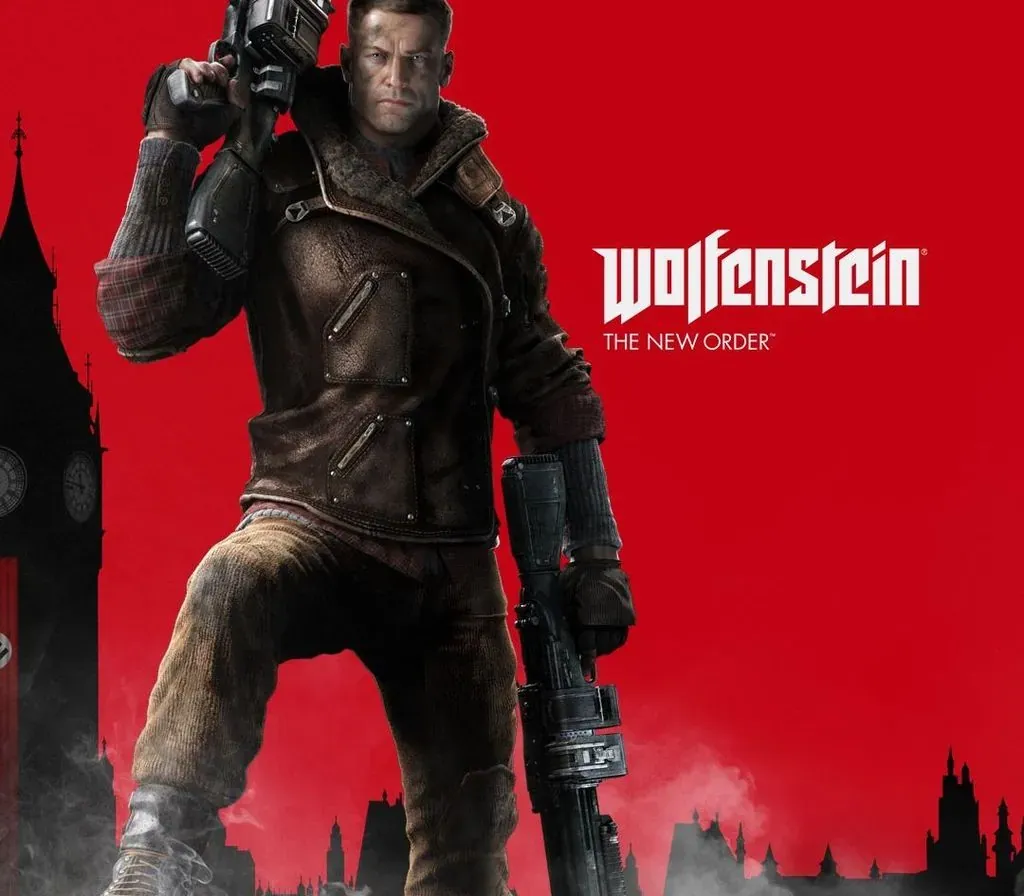
Wolfenstein: The Two Pack is a Steam package that combines two first-person shooters from MachineGames and Bethesda Softworks set in an alternate 1960s where the Nazis won the war. Wolfenstein: The New Order follows B.J. Blazkowicz as he wakes from a long coma and joins the resistance against a technologically advanced regime. Wolfenstein: The Old Blood is a standalone prequel set in 1946, with a new chapter-based adventure to infiltrate Castle Wolfenstein and Wulfburg. Both games mix gunplay, stealth options and story-driven missions, and carry gore and mature content. The pack suits fans of narrative shooters who want the whole modern Wolfenstein story start in a single purchase at a lower price than buying each game on its own. Windows only. List price of the package is 29.99 USD, while the two games at their own list price add up to 39.98 USD.
How to activate
- Launch the Steam desktop client and log in to your account, or visit store.steampowered.com/account/registerkey in your browser.
- Click the "Games" menu at the top of the client (or click "+ Add a Game" at the bottom-left) and select "Activate a Product on Steam...".
- Follow the on-screen prompts, accept the Steam Subscriber Agreement, and enter your CD-Key in the "Product Code" field.
- Click "Next" and "Finish" to register the game. It will now appear permanently in your Steam Library ready to install.
Customer Reviews
Frequently asked questions
Which region is this for?
This is the Global version: it is not region-locked.
How do I activate Wolfenstein: The Two Pack PC Steam CD Key on Steam?
1. Launch the Steam desktop client and log in to your account, or visit store.steampowered.com/account/registerkey in your browser. 2. Click the "Games" menu at the top of the client (or click "+ Add a Game" at the bottom-left) and select "Activate a Product on Steam...". 3. Follow the on-screen prompts, accept the Steam Subscriber Agreement, and enter your CD-Key in the "Product Code" field. 4. Click "Next" and "Finish" to register the game. It will now appear permanently in your Steam Library ready to install.
How fast is delivery?
Your key appears in your account and is emailed to you right after payment.