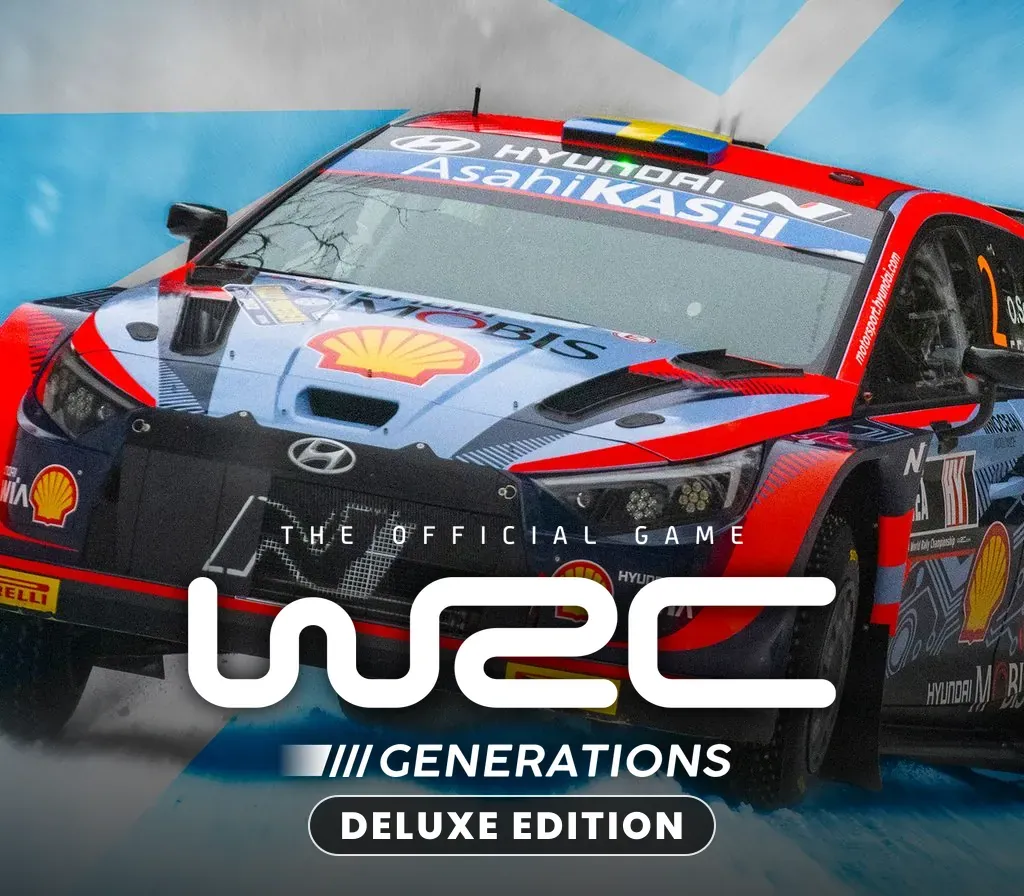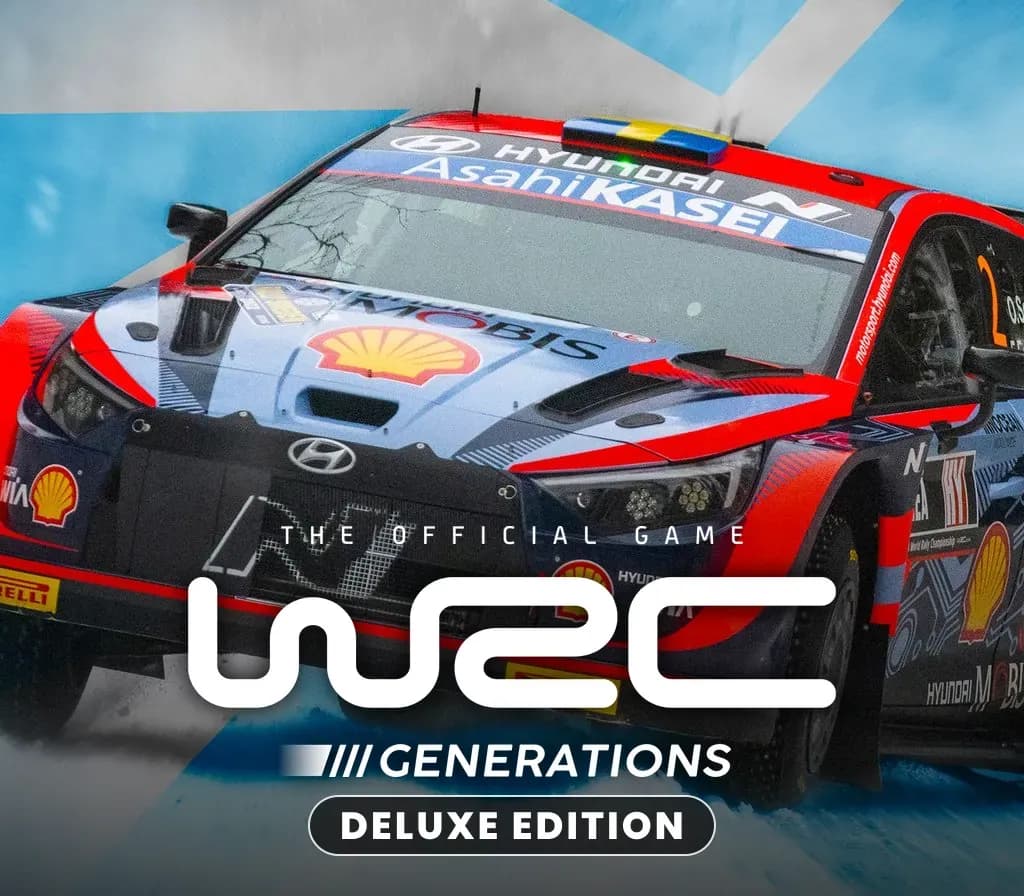
WRC Generations – The FIA WRC Official Game Deluxe Edition PC Steam CD Key
WRC Generations – The FIA WRC Official Game Deluxe Edition PC Steam CD Key is a digital key for Steam, not region-locked. Delivered instantly after payment. Price: $5.76, 88% below the Steam MSRP of $49.76.
⭐ 153,000+ orders delivered since 2018
 Pago Móvil
 Binance Pay
About this game
Rise to all the challenges of the most comprehensive, realistic and demanding rally simulation ever developed. Dive into the heart of the action and drive the cars from the 2022 WRC championship, including the new hybrid models.
System Requirements
Minimum
- OS: Windows 10
- Processor: Intel Core i5-2300 or AMD FX-6300
- Memory: 8 GB RAM
- Graphics: NVIDIA GeForce GT 1030, 2 GB or AMD Radeon R7 360, 2 GB
- DirectX: Version 12
- Storage: 47 GB available space
Recommended
- OS: Windows 10
- Processor: Intel Core i7-4790K or AMD Ryzen 5 2600
- Memory: 12 GB RAM
- Graphics: NVIDIA GeForce GTX 1660 Ti, 6 GB or AMD Radeon RX Vega 64, 8 GB
- DirectX: Version 12
- Storage: 47 GB available space
How to activate
- Launch the Steam desktop client and log in to your account, or visit store.steampowered.com/account/registerkey in your browser.
- Click the "Games" menu at the top of the client (or click "+ Add a Game" at the bottom-left) and select "Activate a Product on Steam...".
- Follow the on-screen prompts, accept the Steam Subscriber Agreement, and enter your CD-Key in the "Product Code" field.
- Click "Next" and "Finish" to register the game. It will now appear permanently in your Steam Library ready to install.
Customer Reviews
Frequently asked questions
Which region is this for?
This is the Global version: it is not region-locked.
How do I activate WRC Generations – The FIA WRC Official Game Deluxe Edition PC Steam CD Key on Steam?
1. Launch the Steam desktop client and log in to your account, or visit store.steampowered.com/account/registerkey in your browser. 2. Click the "Games" menu at the top of the client (or click "+ Add a Game" at the bottom-left) and select "Activate a Product on Steam...". 3. Follow the on-screen prompts, accept the Steam Subscriber Agreement, and enter your CD-Key in the "Product Code" field. 4. Click "Next" and "Finish" to register the game. It will now appear permanently in your Steam Library ready to install.
How fast is delivery?
Your key appears in your account and is emailed to you right after payment.