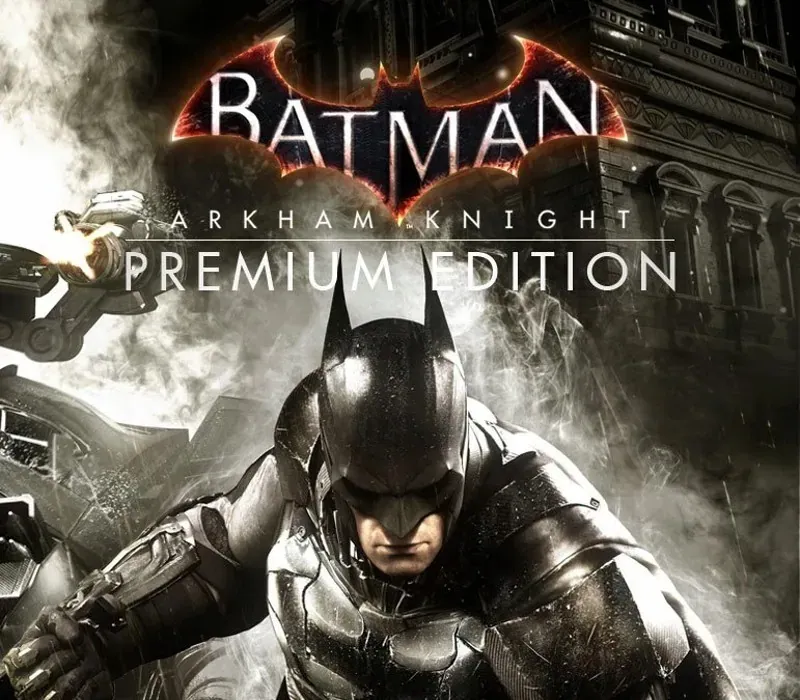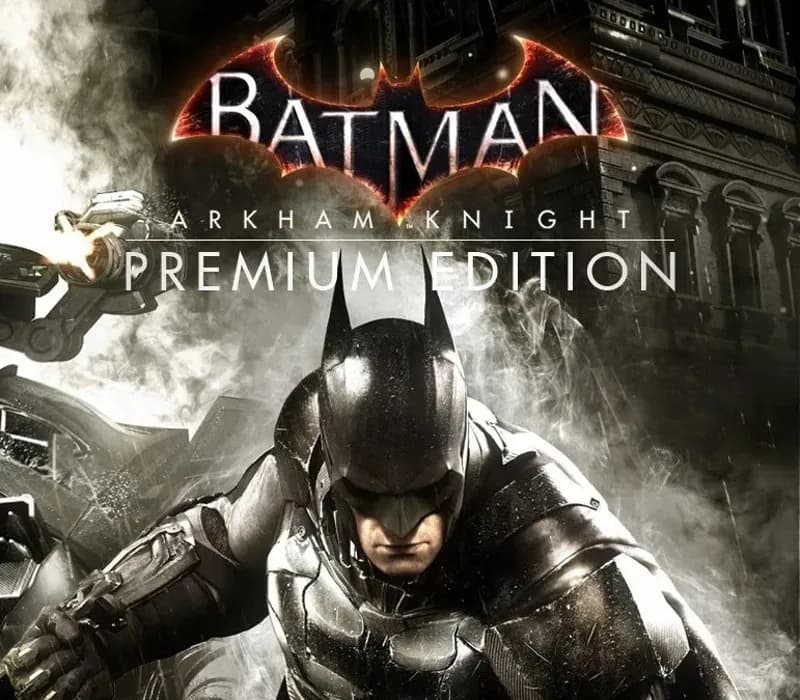

Batman: Arkham Knight Premium Edition PC Steam CD Key
Batman: Arkham Knight Premium Edition PC Steam CD Key es una key digital para Steam, sin bloqueo regional. Entrega instantánea tras el pago. Precio: $3.98, un 80 % menos que el PVPR de Steam ($19.99).
⭐ 153,000+ pedidos entregados desde 2018
 Pago Móvil
 Binance Pay
Sobre este juego
Incluye
Batman: Arkham Knight Season Pass En el explosivo final de la serie Arkham, Batman se enfrenta a la mayor amenaza contra la ciudad que juró proteger. El Espantapájaros regresa para unir a una impresionante lista de supervillanos, entre ellos el Pingüino, Dos Caras y Harley Quinn, para destruir al Caballero Oscuro para siempre. Batman: Arkham Knight presenta la versión del Batmóvil diseñada de forma única por Rocksteady, que por primera vez en la franquicia se puede conducir.
La incorporación de este legendario vehículo, combinada con la aclamada jugabilidad de la serie Batman Arkham, ofrece a los jugadores la experiencia de Batman definitiva y completa mientras recorren las calles y surcan el horizonte de toda Gotham City. El pase de temporada de Batman: Arkham Knight ofrece contenido nuevo cada mes durante 6 meses, con nuevas misiones de historia, más supervillanos invadiendo Gotham City, nuevos Batmóviles legendarios, mapas de desafío avanzados, skins alternativas de personajes y nuevos circuitos de carreras conducibles. Sé Batman.
Requisitos del sistema
- Windows: SO: Win 7 SP1, Win 8.1 (se requiere sistema operativo de 64 bits) Procesador: Intel Core i5-750, 2.67 GHz | AMD Phenom II X4 965, 3.4 GHz Memoria: 6 GB de RAM Gráficos: NVIDIA GeForce GTX 660 (2 GB de memoria como mínimo) | AMD Radeon HD 7950 (3 GB de memoria como mínimo) DirectX: Versión 11 Red: Se requiere conexión a internet de banda ancha Disco duro: 45 GB de espacio disponible
Cómo activar
- Abre el cliente de Steam en tu ordenador e inicia sesión, o entra a store.steampowered.com/account/registerkey en tu navegador.
- Haz clic en el menú "Juegos" arriba (o pulsa "+ Añadir un juego" abajo a la izquierda) y selecciona "Activar un producto en Steam...".
- Sigue las instrucciones en pantalla, acepta el Acuerdo de Suscriptor a Steam e introduce tu clave en el campo "Código de producto".
- Pulsa "Siguiente" y "Finalizar". El juego quedará vinculado a tu Biblioteca de Steam listo para descargar e instalar.
Opiniones de clientes
Preguntas frecuentes
¿Para qué región es?
Es la versión Global: no tiene bloqueo regional.
¿Cómo activo Batman: Arkham Knight Premium Edition PC Steam CD Key en Steam?
1. Abre el cliente de Steam en tu ordenador e inicia sesión, o entra a store.steampowered.com/account/registerkey en tu navegador. 2. Haz clic en el menú "Juegos" arriba (o pulsa "+ Añadir un juego" abajo a la izquierda) y selecciona "Activar un producto en Steam...". 3. Sigue las instrucciones en pantalla, acepta el Acuerdo de Suscriptor a Steam e introduce tu clave en el campo "Código de producto". 4. Pulsa "Siguiente" y "Finalizar". El juego quedará vinculado a tu Biblioteca de Steam listo para descargar e instalar.
¿Qué tan rápida es la entrega?
Tu key aparece en tu cuenta y te llega por correo justo después del pago.