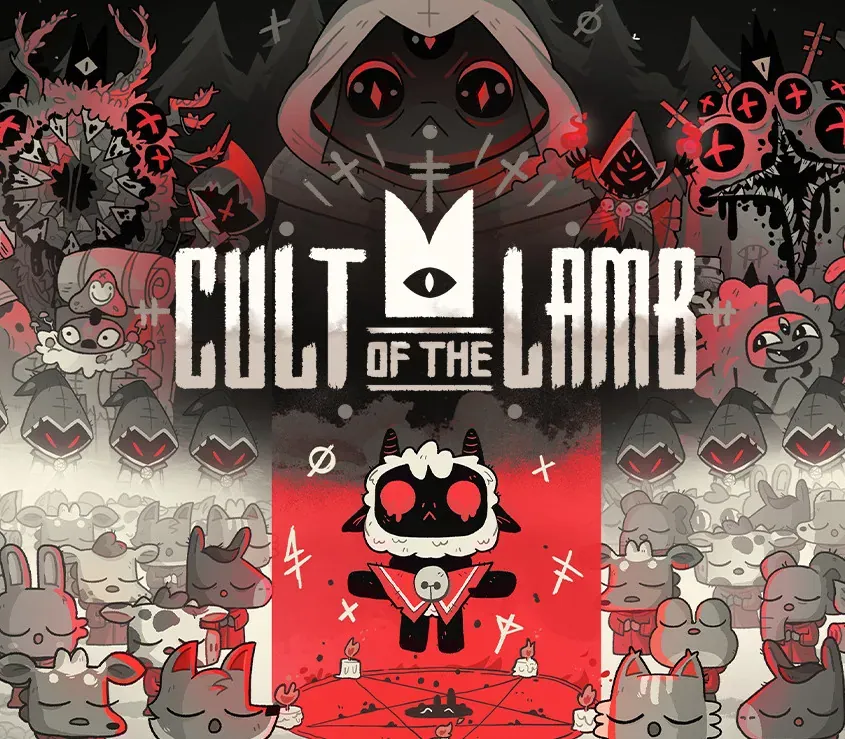
Cult of the Lamb PC Steam CD Key
Cult of the Lamb PC Steam CD Key es una key digital para Steam, sin bloqueo regional. Entrega instantánea tras el pago. Precio: $13.50, un 45 % menos que el PVPR de Steam ($24.99).
⭐ 153,000+ pedidos entregados desde 2018
 Pago Móvil
 Binance Pay
Sobre este juego
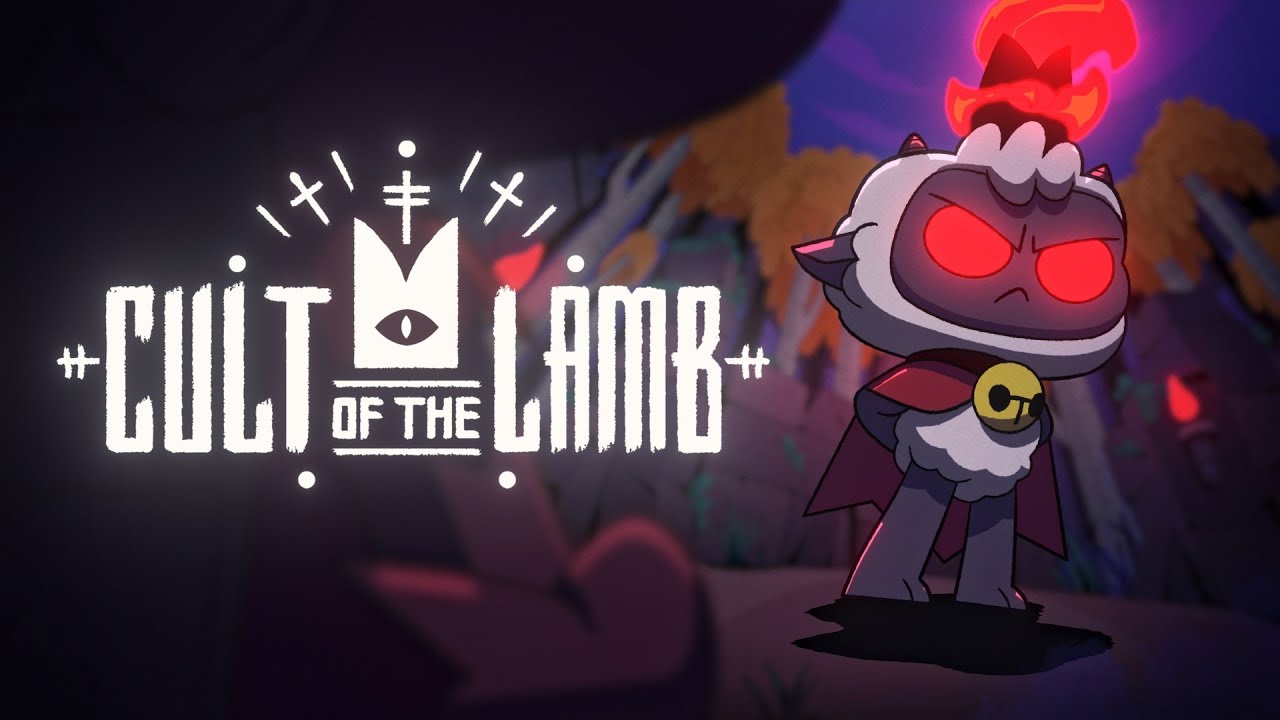
Cult of the Lamb pone a los jugadores en la piel de un cordero poseído salvado de la aniquilación por un siniestro desconocido, y que debe saldar su deuda formando un grupo de seguidores leales en su nombre. Funda tu propio culto en una tierra de falsos profetas, aventúrate en regiones diversas y misteriosas para construir una comunidad leal de adoradores del bosque y difunde tu Palabra para convertirte en el único culto verdadero.
Características
FORMA A TU REBAÑO
Recolecta y usa recursos para construir nuevas estructuras, realiza oscuros rituales para aplacar a los dioses y da sermones para reforzar la fe de tu rebaño.
DESTRUYE A LOS NO CREYENTES
Explora un vasto mundo generado aleatoriamente, repele a hordas de enemigos y derrota a líderes de cultos rivales para absorber su poder y afirmar el dominio de tu culto.
DIFUNDE TU PALABRA
Entrena a tu rebaño y emprende una misión para explorar y descubrir los secretos de cuatro regiones misteriosas. Purifica a los no creyentes, difunde la iluminación y realiza rituales místicos en tu camino para convertirte en el poderoso cordero divino.
Requisitos del sistema
- Windows: Mínimos: Requiere un procesador y un sistema operativo de 64 bits SO: Windows 7 o posterior Procesador: Intel Core i3-3240 (2 * 3400); AMD FX-4300 (4 * 3800) Memoria: 4 GB de RAM Gráficos: GeForce GTX 560 Ti (1024 VRAM); Radeon HD 7750 (1024 VRAM) Almacenamiento: 4 GB de espacio disponible
- Mac: Mínimos: Requiere un procesador y un sistema operativo de 64 bits SO: Por determinar Memoria: 4 GB de RAM Almacenamiento: 4 GB de espacio disponible
Cómo activar
- Abre el cliente de Steam en tu ordenador e inicia sesión, o entra a store.steampowered.com/account/registerkey en tu navegador.
- Haz clic en el menú "Juegos" arriba (o pulsa "+ Añadir un juego" abajo a la izquierda) y selecciona "Activar un producto en Steam...".
- Sigue las instrucciones en pantalla, acepta el Acuerdo de Suscriptor a Steam e introduce tu clave en el campo "Código de producto".
- Pulsa "Siguiente" y "Finalizar". El juego quedará vinculado a tu Biblioteca de Steam listo para descargar e instalar.
Opiniones de clientes
Preguntas frecuentes
¿Para qué región es?
Es la versión Global: no tiene bloqueo regional.
¿Cómo activo Cult of the Lamb PC Steam CD Key en Steam?
1. Abre el cliente de Steam en tu ordenador e inicia sesión, o entra a store.steampowered.com/account/registerkey en tu navegador. 2. Haz clic en el menú "Juegos" arriba (o pulsa "+ Añadir un juego" abajo a la izquierda) y selecciona "Activar un producto en Steam...". 3. Sigue las instrucciones en pantalla, acepta el Acuerdo de Suscriptor a Steam e introduce tu clave en el campo "Código de producto". 4. Pulsa "Siguiente" y "Finalizar". El juego quedará vinculado a tu Biblioteca de Steam listo para descargar e instalar.
¿Qué tan rápida es la entrega?
Tu key aparece en tu cuenta y te llega por correo justo después del pago.