
 1 de 8
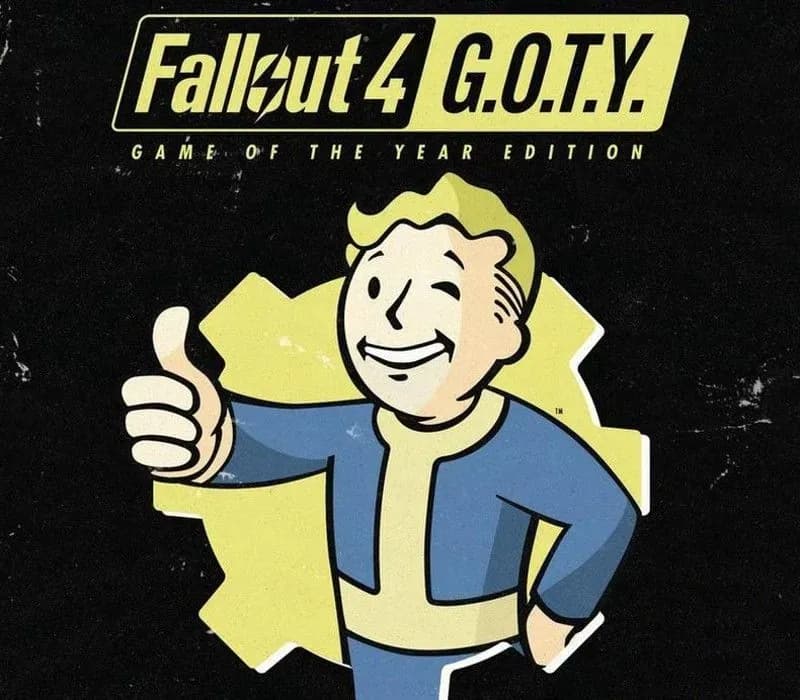
Fallout 4 GOTY Edition PS4 Account
Lanzamiento: 26 sept 2017 · Desarrollador: Bethesda Game Studios · Distribuidora: Bethesda Softworks
Fallout 4 GOTY Edition — PSN account for PS4, Global. Not a code — read the account-ban notice before buying.
Elige tu versión
Tu país: Estados Unidos- Paga con seguridadInstantáneo
- Clave revelada en tu cuenta~60s
- Canjea en PlayStationActivación directa
 Pago Móvil
 Binance Pay
 Criptomonedas
 Saldo
154.000+ ventas en tienda y marketplaces · Último pedido entregado: hace 33 minutos
Cómo activar
- 1Enciende tu consola PlayStation, selecciona "Añadir usuario" y pulsa "Comenzar" (no elijas "Jugar como invitado temporal").
- 2Inicia sesión en PSN con el correo y la contraseña entregados, e introduce el código 2FA si el pedido lo requiere.
- 3Activa el uso compartido: en PS5 ve a Ajustes -> Usuarios y cuentas -> Otros -> "Uso compartido de consola y juego offline" -> Activar (en PS4: Ajustes -> Gestión de cuentas -> "Activar como PS4 principal").
- 4Abre la Biblioteca de juegos -> "Tu colección", pon a descargar el juego y cambia a tu perfil personal para jugar y obtener trofeos.
Sobre este juego
Fallout 4 GOTY Edition PS4 Account es una cuenta de juego para PlayStation, sin bloqueo regional.
Important — please read before buying: This is a PlayStation account created and supplied by a third-party seller, not a code for your own account. Sony's Terms of Service do not allow buying or selling PSN accounts, so a ban of the account (or restrictions on the console) is a likely possibility, though not a certainty, and we cannot guarantee the account will not be restricted. Do not change the account's country/region or add a payment method; play on your own profile via Console Sharing and Offline Play.
From Bethesda Game Studios, the award-winning creators of Starfield and The Elder Scrolls V: Skyrim, comes Fallout 4. A landmark in open-world RPG design and winner of over 200 ‘Best Of’ honors, including the DICE and BAFTA Game of the Year.
You are the sole survivor of Vault 111, emerging into a world reduced to ash by nuclear war. Every moment is a battle for survival, every decision shapes the future. Rebuild, reshape, and reclaim the Wasteland—your way.
Welcome home.
Key Features
Do whatever you want in a massive open world filled with hundreds of locations, characters, and quests. Join factions, forge alliances or go it alone. The choices are yours, and every one of them matters.
Create your own unique character with the S.P.E.C.I.A.L. system. Choose from hundreds of Perks and develop your own playstyle, whether you’re a smooth-talking diplomat, stealthy sniper, or walking tank in Power Armor.
An all-new next generation graphics and lighting engine brings to life the world of Fallout like never before. From the blasted forests of the Commonwealth to the ruins of Boston, every location is packed with dynamic detail.
Use the dynamic Vault-Tec Assisted Targeting System (V.A.T.S.) to slow down time in combat and target enemies with cinematic precision—or take the fight into your own hands with real-time gunplay.
Scavenge, craft, and customize like never before. Build thousands of items—armor, weapons, food, and more—and even construct and manage entire settlements across the Commonwealth.
Preguntas frecuentes
¿Para qué región es?
Es la versión Global: no tiene bloqueo regional.
¿Cómo activo Fallout 4 GOTY Edition PS4 Account en PlayStation?
1. Enciende tu consola PlayStation, selecciona "Añadir usuario" y pulsa "Comenzar" (no elijas "Jugar como invitado temporal"). 2. Inicia sesión en PSN con el correo y la contraseña entregados, e introduce el código 2FA si el pedido lo requiere. 3. Activa el uso compartido: en PS5 ve a Ajustes -> Usuarios y cuentas -> Otros -> "Uso compartido de consola y juego offline" -> Activar (en PS4: Ajustes -> Gestión de cuentas -> "Activar como PS4 principal"). 4. Abre la Biblioteca de juegos -> "Tu colección", pon a descargar el juego y cambia a tu perfil personal para jugar y obtener trofeos.
¿Qué significa «cuenta»?
Recibes los datos de acceso de una cuenta de PlayStation que ya tiene el juego.
Opiniones de clientes
Ver todas las opiniones y escribir la tuya
Opiniones de clientes
Aún nadie ha opinado sobre este juego. Si lo compras, cuéntanos qué tal.
También te puede gustar
 −70%
Star Wars Jedi: Fallen Order Deluxe Edition PS4 Account
 −69%
Nioh 2 Remastered – The Complete Edition PS4 Account
 −63%
Middle-earth: Shadow of War Definitive Edition PS4/PS5 Account
 −75%
Marvel's Spider-Man GOTY PS4 Account
 −67%