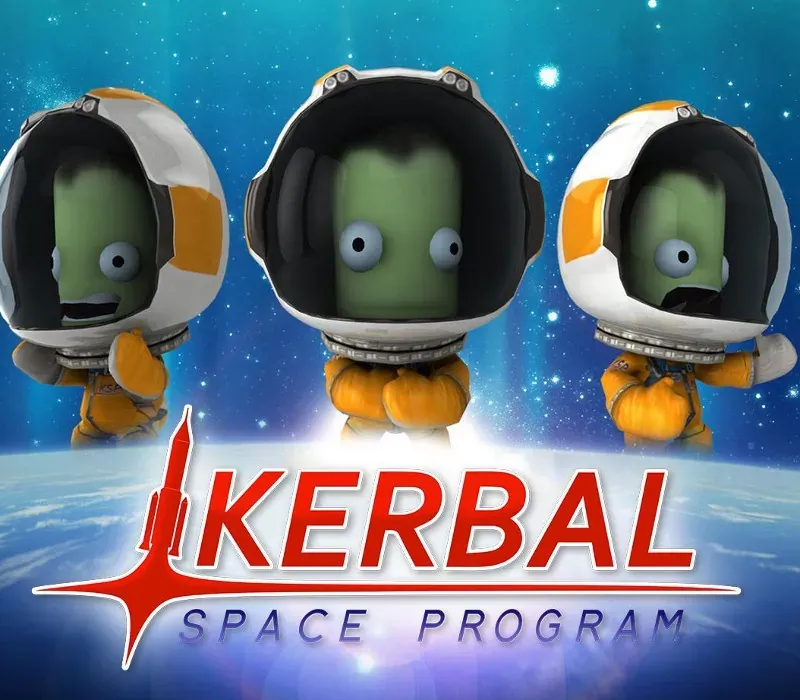
Kerbal Space Program Complete Edition PC Steam CD Key
Kerbal Space Program Complete Edition PC Steam CD Key es una key digital para Steam, sin bloqueo regional. Entrega instantánea tras el pago. Precio: $19.47, un 51 % menos que el PVPR de Steam ($39.99).
⭐ 153,000+ pedidos entregados desde 2018
 Pago Móvil
 Binance Pay
Elige tu edición
Edición
Entrega
Comparar ediciones
Descubre qué incluye cada edición
Sobre este juego
Incluye
juego base, DLC Making History, DLC Breaking Ground El Kerbal Space Program Complete Bundle incluye el galardonado y siempre en evolución juego de simulación espacial Kerbal Space Program, así como las expansiones Making History y Breaking Ground con un descuento por paquete. En Kerbal Space Program, toma el mando del programa espacial de la raza alienígena conocida como los Kerbals.
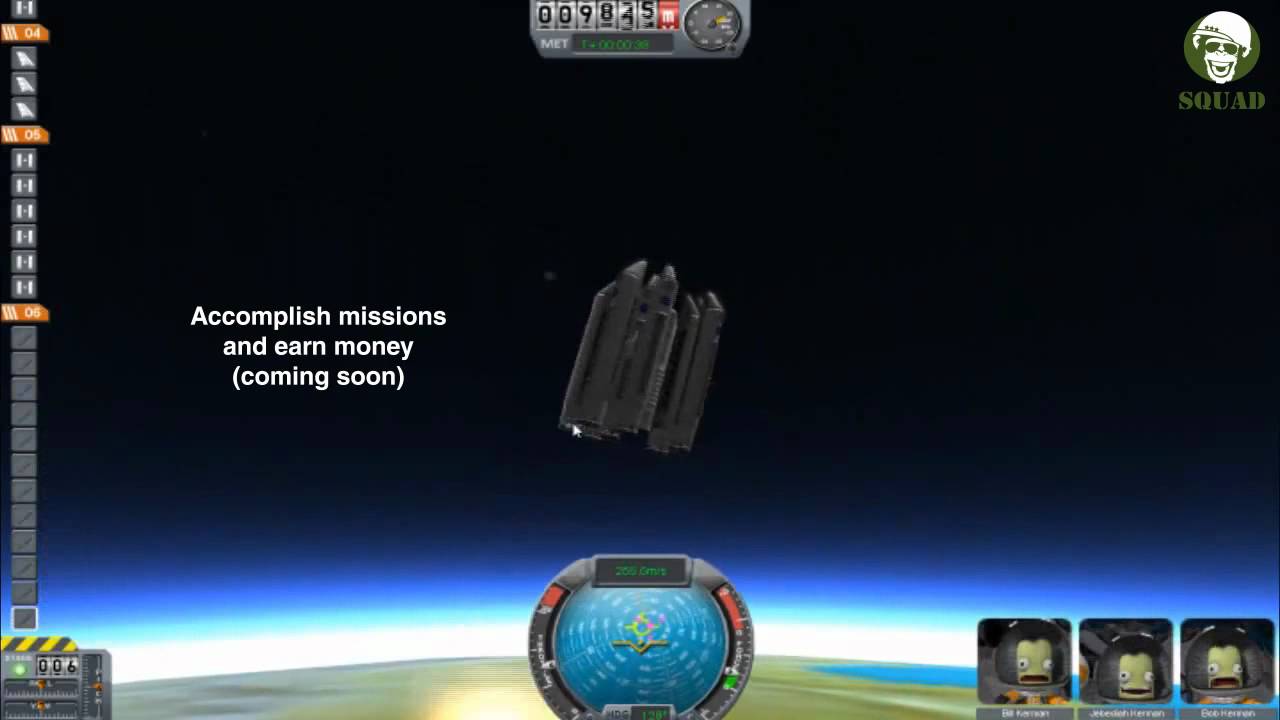
Tienes acceso a una gran variedad de piezas para ensamblar naves espaciales totalmente funcionales que vuelan (o no) según una física aerodinámica y orbital realista. Lanza a tu tripulación kerbal a la órbita y más allá (manteniéndola con vida) para explorar lunas y planetas del sistema solar kerbal, construyendo bases y estaciones espaciales para ampliar el alcance de tu expedición. Kerbal Space Program ofrece tres modos de juego.
En el Modo Ciencia, realiza experimentos espaciales para desbloquear nueva tecnología y hacer avanzar el conocimiento de la raza kerbal. En el Modo Carrera, supervisa todos los aspectos del programa espacial, incluidos la construcción, la estrategia, la financiación, las mejoras y más. En Sandbox, eres libre de construir cualquier nave espacial que se te ocurra, con todas las piezas y tecnologías del juego.
Requisitos del sistema
- Windows: SO: Windows XP Procesador: Core 2 Duo Memoria: 2 GB de RAM Gráficos: SM3 512MB de VRAM Disco duro: 1 GB de espacio en disco
- Mac: SO: Windows XP Procesador: Core 2 Duo Memoria: 2 GB de RAM Gráficos: SM3 512MB de VRAM Disco duro: 1 GB de espacio en disco
- Linux: SO: Linux (la mayoría de las distribuciones deberían funcionar) Procesador: Core 2 Duo Memoria: 2 GB de RAM Espacio en disco duro: 1.5 GB de espacio en disco Tarjeta de video: SM3 512MB de VRAM
Cómo activar
- Abre el cliente de Steam en tu ordenador e inicia sesión, o entra a store.steampowered.com/account/registerkey en tu navegador.
- Haz clic en el menú "Juegos" arriba (o pulsa "+ Añadir un juego" abajo a la izquierda) y selecciona "Activar un producto en Steam...".
- Sigue las instrucciones en pantalla, acepta el Acuerdo de Suscriptor a Steam e introduce tu clave en el campo "Código de producto".
- Pulsa "Siguiente" y "Finalizar". El juego quedará vinculado a tu Biblioteca de Steam listo para descargar e instalar.
Opiniones de clientes
Preguntas frecuentes
¿Para qué región es?
Es la versión Global: no tiene bloqueo regional.
¿Cómo activo Kerbal Space Program Complete Edition PC Steam CD Key en Steam?
1. Abre el cliente de Steam en tu ordenador e inicia sesión, o entra a store.steampowered.com/account/registerkey en tu navegador. 2. Haz clic en el menú "Juegos" arriba (o pulsa "+ Añadir un juego" abajo a la izquierda) y selecciona "Activar un producto en Steam...". 3. Sigue las instrucciones en pantalla, acepta el Acuerdo de Suscriptor a Steam e introduce tu clave en el campo "Código de producto". 4. Pulsa "Siguiente" y "Finalizar". El juego quedará vinculado a tu Biblioteca de Steam listo para descargar e instalar.
¿Qué tan rápida es la entrega?
Tu key aparece en tu cuenta y te llega por correo justo después del pago.
¿Qué incluye «Complete Edition»?
Base game, Making History Expansion, Breaking Ground Expansion