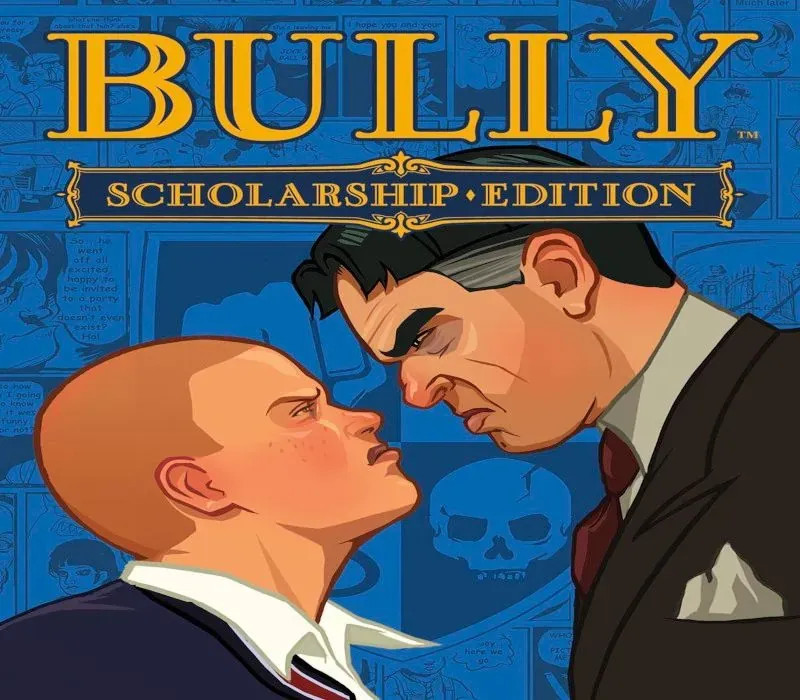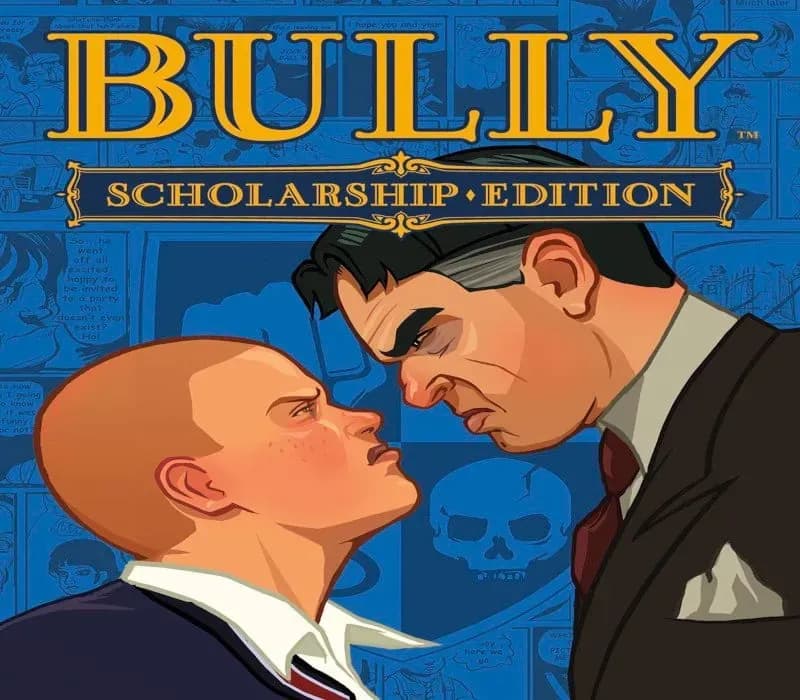

Bully: Scholarship Edition PC Steam CD Key (NA)
Bully: Scholarship Edition PC Steam CD Key (NA) is a digital key for Steam, valid in North America. Delivered instantly after payment. Price: $8.36, 44% below the Steam MSRP of $14.99.
⭐ 153,000+ orders delivered since 2018
 Pago Móvil
 Binance Pay
About this game
Bully: Scholarship Edition takes place at the fictional New England boarding school, Bullworth Academy, and tells the story of mischievous 15-year-old Jimmy Hopkins as he goes through the hilarity and awkwardness of adolescence. Beat the jocks at dodge ball, play pranks on the preppies, save the nerds, kiss the girl and ultimately navigate the social hierarchy in the worst school around.
Includes the complete soundtrack, featuring 26 original tracks. After purchase and download you can locate the soundtrack in your Steam folder here: [Steam\steamapps\common\bully scholarship edition\Bully Original Soundtrack]. The Steam folder is typically found under C:\Program Files\Steam
System Requirements
Minimum
- OS: Windows 10
- Processor: Intel Pentium 4 (3+ GHZ) / AMD Athlon 3000+
- Memory: 1 GB RAM
- Graphics: DirectX 9.0c Shader 3.0 supported, Nvidia 6800 or 7300 or better, ATI Radeon X1300 or better
- DirectX Version: DirectX 9.0c
- Hard Drive: 4.7 GB free space
- Sound Card: DX9-compatible
- Input: Keyboard, Mouse, Xbox 360 Controller supported
How to activate
- Launch the Steam desktop client and log in to your account, or visit store.steampowered.com/account/registerkey in your browser.
- Click the "Games" menu at the top of the client (or click "+ Add a Game" at the bottom-left) and select "Activate a Product on Steam...".
- Follow the on-screen prompts, accept the Steam Subscriber Agreement, and enter your CD-Key in the "Product Code" field.
- Click "Next" and "Finish" to register the game. It will now appear permanently in your Steam Library ready to install.
Customer Reviews
Frequently asked questions
Which region is this for?
This is the North America version. Make sure your account is registered in that region before buying.
How do I activate Bully: Scholarship Edition PC Steam CD Key (NA) on Steam?
1. Launch the Steam desktop client and log in to your account, or visit store.steampowered.com/account/registerkey in your browser. 2. Click the "Games" menu at the top of the client (or click "+ Add a Game" at the bottom-left) and select "Activate a Product on Steam...". 3. Follow the on-screen prompts, accept the Steam Subscriber Agreement, and enter your CD-Key in the "Product Code" field. 4. Click "Next" and "Finish" to register the game. It will now appear permanently in your Steam Library ready to install.
How fast is delivery?
Your key appears in your account and is emailed to you right after payment.