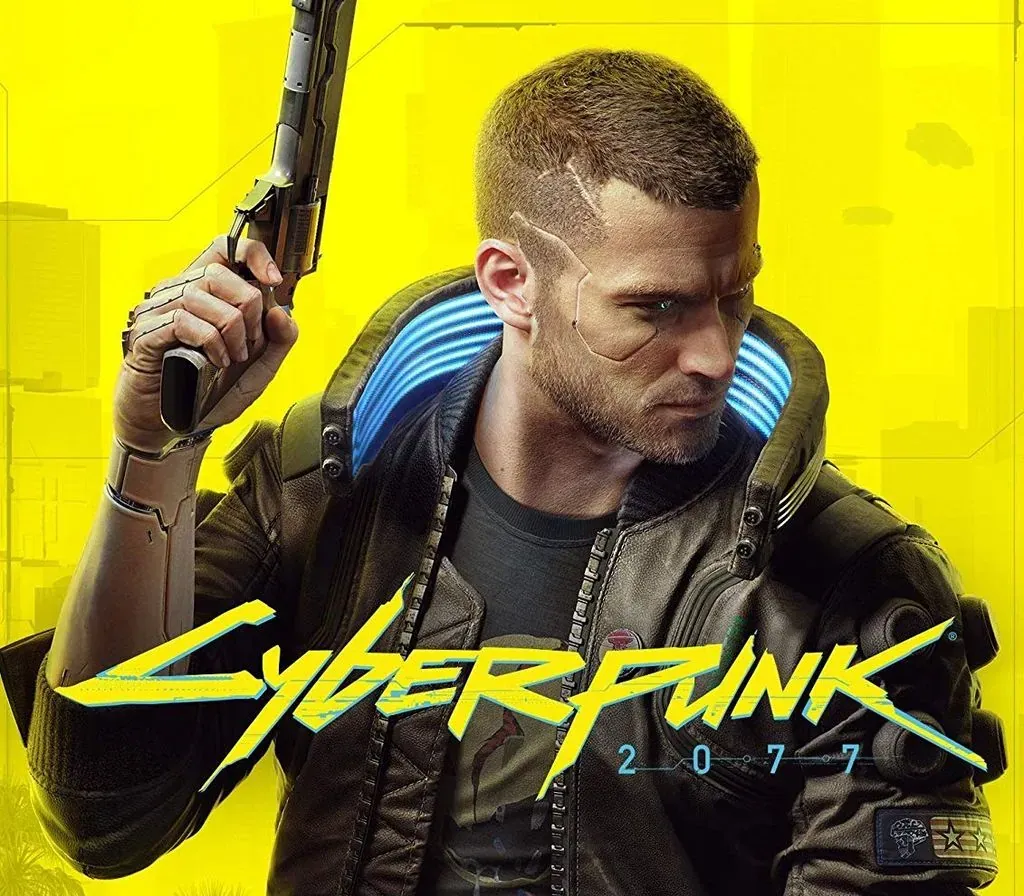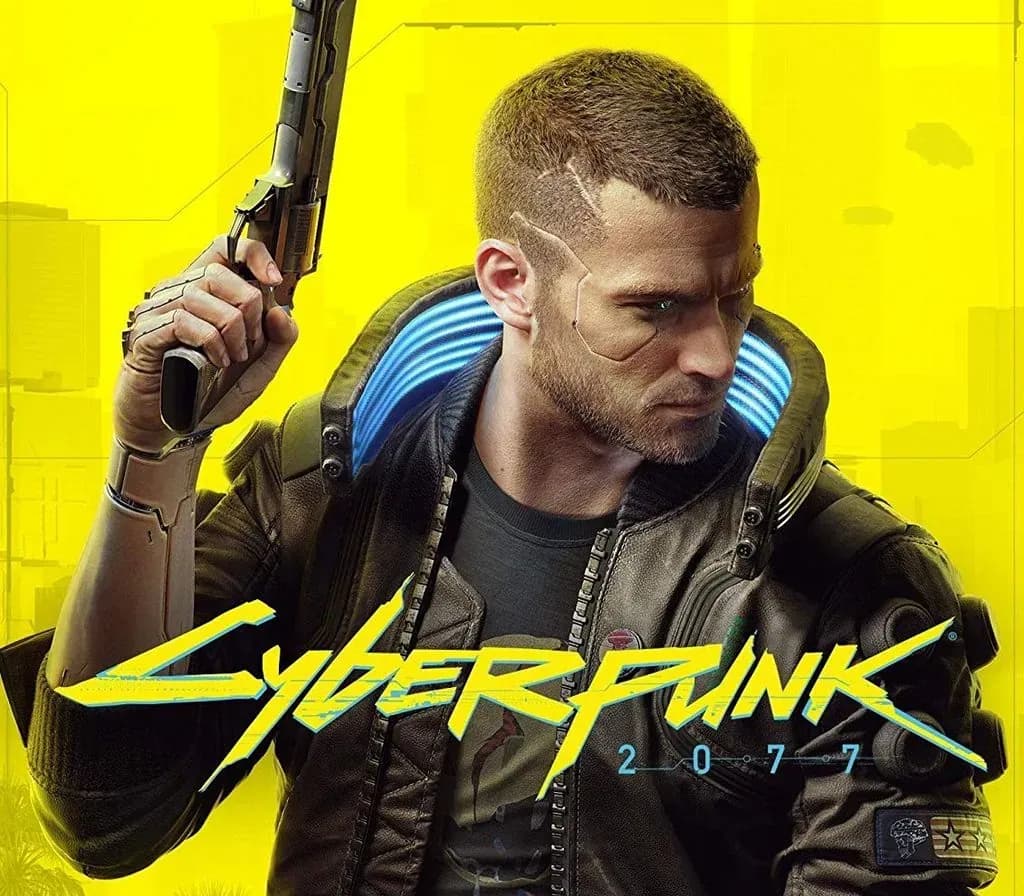

Cyberpunk 2077 PC Steam Gift (NA)
Cyberpunk 2077 PC Steam Gift (NA) is a gift for Steam, valid in North America. Price: $23.11, 61% below the Steam MSRP of $59.99.
⭐ 153,000+ orders delivered since 2018
 Pago Móvil
 Binance Pay
Compare editions
See what's included in each edition
About this game
Cyberpunk 2077 is an open-world, action-adventure RPG set in the dark future of Night City — a dangerous megalopolis obsessed with power, glamor, and ceaseless body modification. Cyberpunk 2077: Ultimate Edition About the Game
System Requirements
Minimum
- OS: 64-bit Windows 10
- Processor: Core i7-6700 or Ryzen 5 1600
- Memory: 12 GB RAM
- Graphics: GeForce GTX 1060 6GB or Radeon RX 580 8GB or Arc A380
- DirectX: Version 12
- Storage: 70 GB available space
- Additional Notes: SSD required. Attention: In this game you will encounter a variety of visual effects that may provide seizures or loss of consciousness in a minority of people. If you or someone you know experiences any of the above symptoms while playing, stop and seek medical attention immediately.
Recommended
- OS: 64-bit Windows 10
- Processor: Core i7-12700 or Ryzen 7 7800X3D
- Memory: 16 GB RAM
- Graphics: GeForce RTX 2060 SUPER or Radeon RX 5700 XT or Arc A770
- DirectX: Version 12
- Storage: 70 GB available space
- Additional Notes: SSD required.
How to activate
- Log into your Steam account via the desktop client or browser at store.steampowered.com.
- If delivered via activation link, open the link from your order and follow the prompt to accept the bot's friend request or direct gift transfer.
- In the Steam client, click the gift envelope / notification icon in the top-right corner to open the pending gift prompt.
- Select "Accept Gift" and choose "Add to my library" to bind the game permanently to your account.
Customer Reviews
Frequently asked questions
Which region is this for?
This is the North America version. Make sure your account is registered in that region before buying.
How do I activate Cyberpunk 2077 PC Steam Gift (NA) on Steam?
1. Log into your Steam account via the desktop client or browser at store.steampowered.com. 2. If delivered via activation link, open the link from your order and follow the prompt to accept the bot's friend request or direct gift transfer. 3. In the Steam client, click the gift envelope / notification icon in the top-right corner to open the pending gift prompt. 4. Select "Accept Gift" and choose "Add to my library" to bind the game permanently to your account.
What does “gift” mean?
You receive the game as a gift on your Steam account. There is no key to redeem.
What does the Standard include?
Cyberpunk 2077 (base game)