
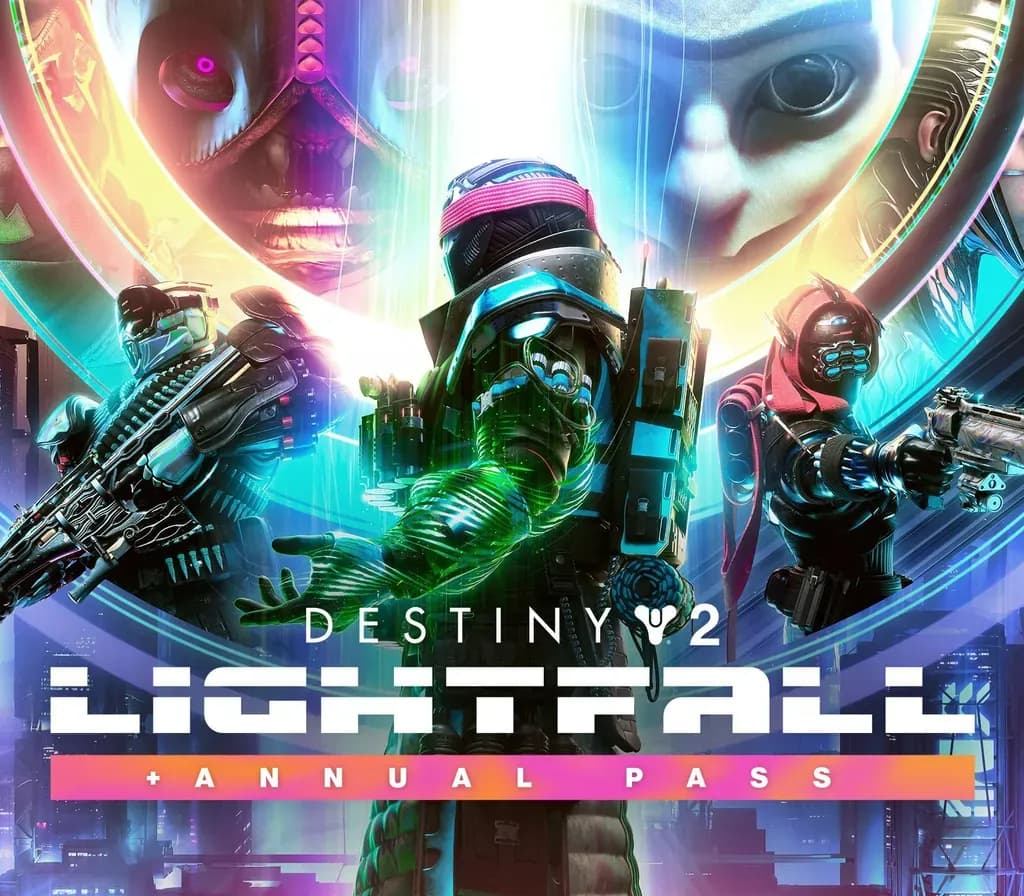
Destiny 2: Lightfall + Annual Pass PC Steam CD Key (EU)
Release: Feb 28, 2023
Access campaigns, raids, and seasonal content on PC with Destiny 2: Lightfall + Annual Pass PC Steam CD Key.
- Pay securelyInstant
- Key revealed in your account~60s
- Redeem on SteamDirect activation
Instant delivery
 Pago Móvil
 Binance Pay
 Crypto
 Wallet
154,000+ sales in our store and on marketplaces · Latest order delivered: 2 minutes ago
How to activate
- 1Launch the Steam desktop client and log in to your account, or visit store.steampowered.com/account/registerkey in your browser.
- 2Click the "Games" menu at the top of the client (or click "+ Add a Game" at the bottom-left) and select "Activate a Product on Steam...".
- 3Follow the on-screen prompts, accept the Steam Subscriber Agreement, and enter your CD-Key in the "Product Code" field.
- 4Click "Next" and "Finish" to register the game. It will now appear permanently in your Steam Library ready to install.
About this game
Destiny 2: Lightfall + Annual Pass PC Steam CD Key (EU) is a digital key for Steam, valid in Europe. Your key arrives as soon as payment clears.
Defend the solar system with Destiny 2: Lightfall + Annual Pass PC Steam CD Key. Access new campaigns, challenging raids, and seasonal content on your PC through Steam. Equip powerful gear and master new subclasses as you fight alongside fellow guardians against approaching threats.
Frequently asked questions
Which region is this for?
This is the Europe version. Make sure your account is registered in that region before buying.
How do I activate Destiny 2: Lightfall + Annual Pass PC Steam CD Key (EU) on Steam?
1. Launch the Steam desktop client and log in to your account, or visit store.steampowered.com/account/registerkey in your browser. 2. Click the "Games" menu at the top of the client (or click "+ Add a Game" at the bottom-left) and select "Activate a Product on Steam...". 3. Follow the on-screen prompts, accept the Steam Subscriber Agreement, and enter your CD-Key in the "Product Code" field. 4. Click "Next" and "Finish" to register the game. It will now appear permanently in your Steam Library ready to install.
How fast is delivery?
Your key appears in your account and is emailed to you right after payment.
Customer Reviews
See all reviews and write yours
Customer Reviews
Nobody has reviewed this game yet. If you buy it, tell us how it went.
You may also like
 −8%
Airframe Ultra CD Key
Euro Truck Simulator 2 - Iceland Gift
 −18%
Main Sequence CD Key (NA)
 −44%
Ashes of the Singularity II CD Key (EU)
 −15%