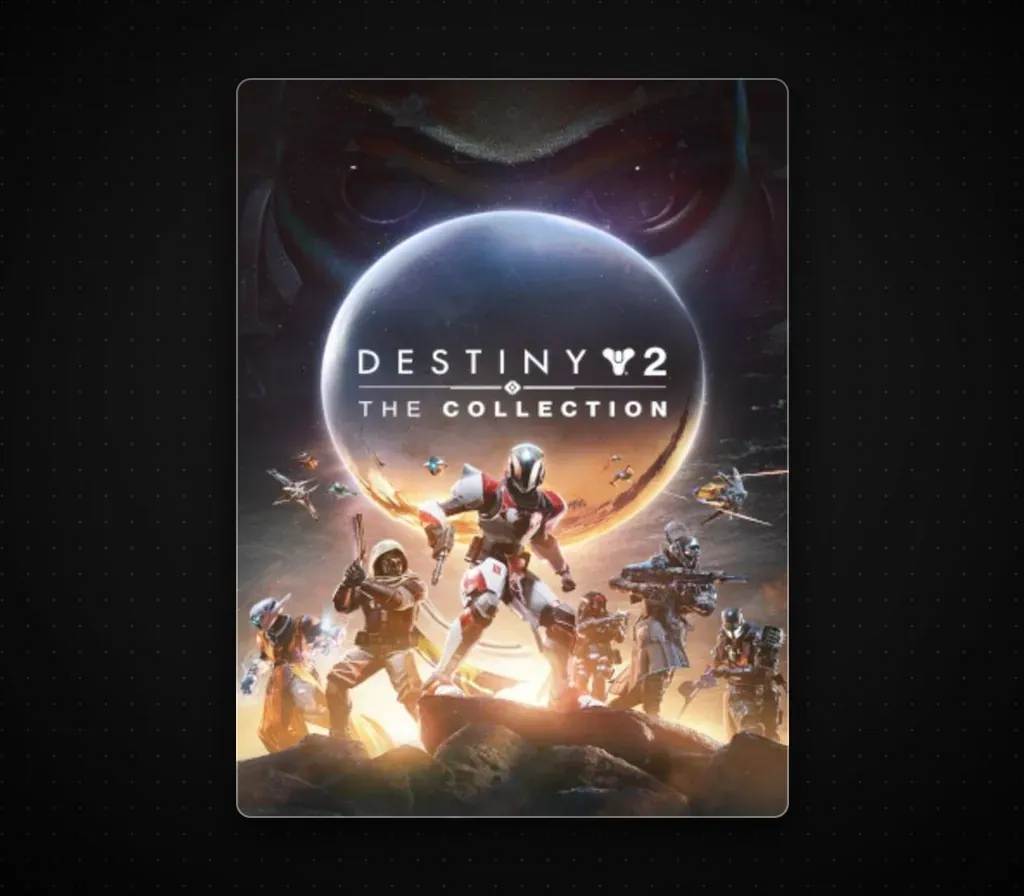
Destiny 2: The Collection PC Steam CD Key (NA)
Destiny 2: The Collection PC Steam CD Key (NA) is a digital key for Steam, valid in North America. Delivered instantly after payment.
⭐ 153,000+ orders delivered since 2018
 Pago Móvil
 Binance Pay
About this game
Destiny 2: The Collection is a Steam bundle that gathers ten pieces of paid Destiny 2 content in one purchase: the Forsaken, Shadowkeep, Beyond Light and Bungie 30th Anniversary packs, the Witch Queen, Lightfall and The Final Shape expansions, the more recent The Edge of Fate and Renegades expansions, and the Dungeon Key Pack that unlocks access to the game's dungeons. Together they open campaigns, activities, raids and dungeons across the franchise's history. The free-to-play Destiny 2 base game is required and is not part of the paid list. The bundle suits newcomers or returning players who want nearly all the paid content at a single price instead of buying each expansion separately. Its list price is 108.68 USD, though it is frequently heavily discounted.
How to activate
- Launch the Steam desktop client and log in to your account, or visit store.steampowered.com/account/registerkey in your browser.
- Click the "Games" menu at the top of the client (or click "+ Add a Game" at the bottom-left) and select "Activate a Product on Steam...".
- Follow the on-screen prompts, accept the Steam Subscriber Agreement, and enter your CD-Key in the "Product Code" field.
- Click "Next" and "Finish" to register the game. It will now appear permanently in your Steam Library ready to install.
Customer Reviews
Frequently asked questions
Which region is this for?
This is the North America version. Make sure your account is registered in that region before buying.
How do I activate Destiny 2: The Collection PC Steam CD Key (NA) on Steam?
1. Launch the Steam desktop client and log in to your account, or visit store.steampowered.com/account/registerkey in your browser. 2. Click the "Games" menu at the top of the client (or click "+ Add a Game" at the bottom-left) and select "Activate a Product on Steam...". 3. Follow the on-screen prompts, accept the Steam Subscriber Agreement, and enter your CD-Key in the "Product Code" field. 4. Click "Next" and "Finish" to register the game. It will now appear permanently in your Steam Library ready to install.
How fast is delivery?
Your key appears in your account and is emailed to you right after payment.