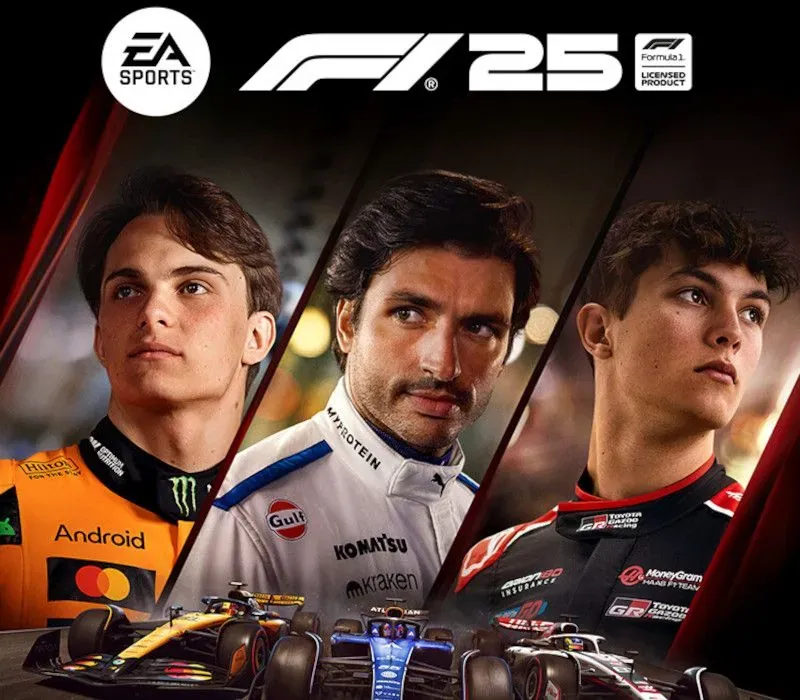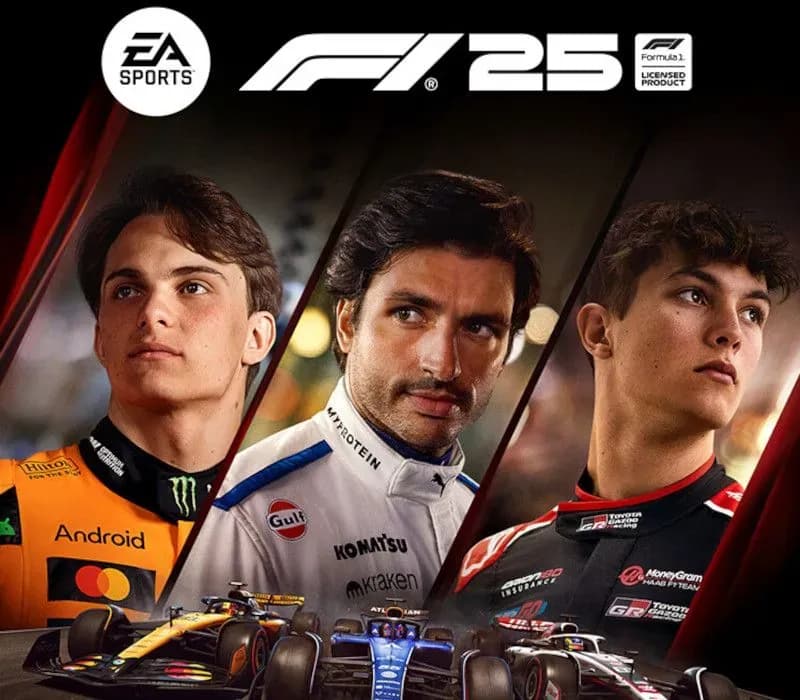
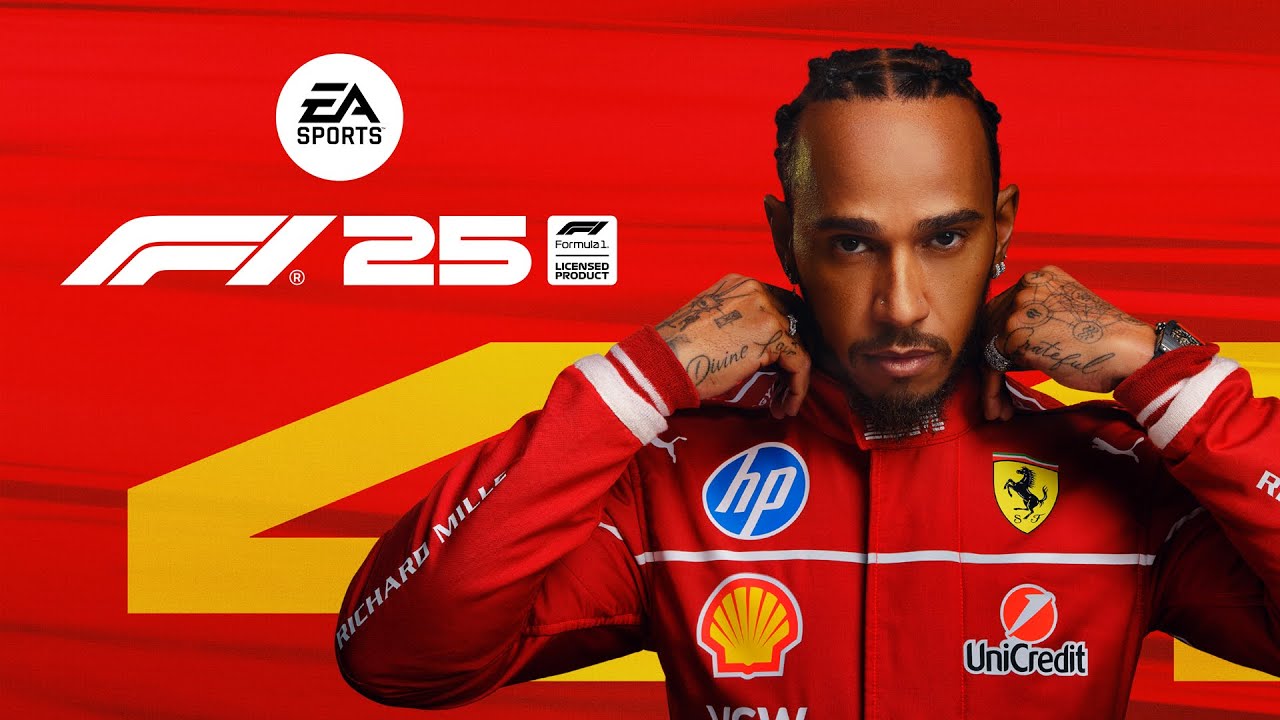
F1 25 PC EA App CD Key (EU)
F1 25 PC EA App CD Key (EU) is a digital key for EA App, valid in Europe. Delivered instantly after payment.
⭐ 153,000+ orders delivered since 2018
 Pago Móvil
 Binance Pay
About this game
Rewrite The Grid with the ultimate evolution in racing: EA SPORTS™ F1® 25: 2026 Season Edition. Get F1® 25 and the 2026 Season Pack in one bundle for the most complete Formula One® experience. Race through the action-packed 2025 season, then step into a new era with the groundbreaking 2026 cars, the next generation of Grand Prix™ racing.
- All New Teams: Two new teams join the 2026 grid; Audi, taking over Sauber, and Cadillac, marking the arrival of the first major American car manufacturer in Formula 1.
- New Driver Lineups: Race against the latest driver lineups. Racing Bulls welcomes Arvid Lindblad alongside Liam Lawson, Isack Hadjar joins Max Verstappen at Oracle Red Bull Racing, and fan favorites Valtteri Bottas and Sergio Pérez headline Cadillac’s entry.
- New Track: Get ready to race at MADRING†, the first new F1® circuit since 2023. Set in Madrid, this hybrid street and purpose-built track will challenge you in high-speed action across 5.4 km and 22 adrenaline-filled corners.
- New Cars and Regulations††: Feel the thrill of the 2026 F1® grid and get behind the wheel of lighter, smaller cars with cutting-edge active aerodynamics for a more responsive drive, whether you're using a gamepad or a wheel. These next-gen cars, enhanced by F1® 25's improved physics, offer exhilarating racing for both seasoned pros and newcomers ready to conquer the new F1® era.
Leave your mark on the world of racing in F1® 25, the official video game of the 2025 FIA Formula One World Championship™
- Konnersport's Legacy: For the first time ever, extend your Konnersport experience in Career & My Team Modes
- Design your own Team: Enhance both My Team and F1® World cars and create liveries that are more reflective of Formula One® as you customize driver numbers and move, scale, or rotate logos
- Accurate LIDAR Circuits: Experience 5 rebuilt tracks, including fan-favorite Suzuka with laser-scanned models of the real venues
- New Online Co-op Events: Brand new multiplayer mode in F1® World, where you and your friends race as a squad against AI drivers
- And more: New cinematics, updated podium scenes, and Reverse Tracks on select circuits
This game includes optional in-game purchases of virtual currency that can be used to acquire virtual in-game items.
Custom teams and career saves from the 2025 season do not transfer to 2026 season. Konnersport or APXGP teams cannot be added to the 2026 season of Driver Career or My Team.
†MADRING circuit can only be driven with 2026 cars.
System Requirements
Minimum
- OS: Windows 10 64-bit Version 21H1 or newer
- Processor: Intel Core i5-6400 | Core i5-9600k (VR) or AMD Ryzen 3 1200 | Ryzen 5 2600X (VR)
- Memory: 8 GB RAM
- Graphics: NVIDIA GTX 1060 (6GB) | GTX 1660Ti (VR) | RTX 2060 (RT) // AMD RX 570 (8GB) | RX 590 (VR) | 6700XT (RT) // Intel Arc A380 (VR/RT)
- DirectX: Version 12
- Network: Broadband Internet connection
- Storage: 100 GB available space
- Sound Card: DirectX Compatible
- VR Support: Meta Quest 3 + Link // Meta Quest 2 + Link // Oculus Rift S // HTC Cosmos // HTC Vive Pro // Valve Index // HP Reverb G2
- Additional Notes: CPU: AVX2, 4 cores @ 2.2Ghz or greater // GPU: Shader Model 6.6 or newer // Network: 1Mbps up with < 60ms ping
Recommended
- OS: Windows 10 64-bit Version 21H1 or newer
- Processor: Intel Core i5-9600k or AMD Ryzen 5 2600X
- Memory: 16 GB RAM
- Graphics: NVIDIA RTX 2070 (+VR) | RTX 3070 (RT) // AMD RX 6600XT | RX 6700XT (VR) | RX 6800 (RT) // Intel Arc A580 (VR/RT)
- DirectX: Version 12
- Network: Broadband Internet connection
- Storage: 100 GB available space
- Sound Card: DirectX Compatible
- VR Support: Meta Quest 3 + Link // Meta Quest 2 + Link // Oculus Rift S // HTC Cosmos // HTC Vive Pro // Valve Index // HP Reverb G2
- Additional Notes: CPU: AVX2, 4 cores @ 2.2Ghz or greater // GPU: Shader Model 6.6 or newer // Network: 3Mbps up with < 30ms ping
How to activate
- Launch the EA App on your PC and log into your EA Account, or visit ea.com/redeem in your web browser.
- Click on "My Collection" in the left sidebar.
- Click the "Redeem Code" button located in the top-right corner of your collection.
- Enter your product code into the text box.
- Click "Next" and "Confirm". The game is added to "My Collection" ready to download.
Customer Reviews
Frequently asked questions
Which region is this for?
This is the Europe version. Make sure your account is registered in that region before buying.
How do I activate F1 25 PC EA App CD Key (EU) on EA App?
1. Launch the EA App on your PC and log into your EA Account, or visit ea.com/redeem in your web browser. 2. Click on "My Collection" in the left sidebar. 3. Click the "Redeem Code" button located in the top-right corner of your collection. 4. Enter your product code into the text box. 5. Click "Next" and "Confirm". The game is added to "My Collection" ready to download.
How fast is delivery?
Your key appears in your account and is emailed to you right after payment.