
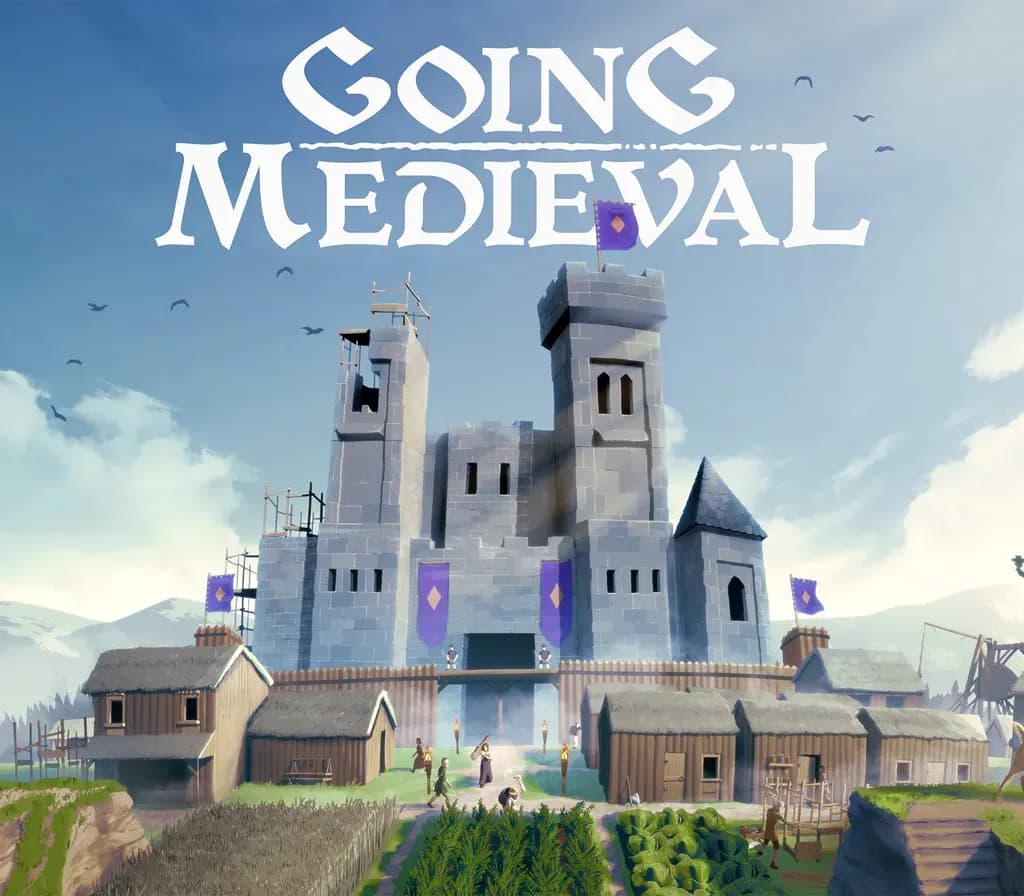
 1 of 8
Going Medieval PC Steam CD Key (EU)
Release: Jun 1, 2021 · Developer: Foxy Voxel · Publisher: Mythwright
Stake your claim in this colony-building sim and survive a turbulent Medieval age. Construct a multi-story fortress in a land reclaimed by wilderness, defend against raids, and keep your villagers happy as their lives are shaped by the world around them. In the world of Going Medieval, dark age soci
- Pay securelyInstant
- Key revealed in your account~60s
- Redeem on SteamDirect activation
Instant delivery
 Pago Móvil
 Binance Pay
 Crypto
 Wallet
154,000+ sales in our store and on marketplaces · Latest order delivered: 21 minutes ago
How to activate
- 1Launch the Steam desktop client and log in to your account, or visit store.steampowered.com/account/registerkey in your browser.
- 2Click the "Games" menu at the top of the client (or click "+ Add a Game" at the bottom-left) and select "Activate a Product on Steam...".
- 3Follow the on-screen prompts, accept the Steam Subscriber Agreement, and enter your CD-Key in the "Product Code" field.
- 4Click "Next" and "Finish" to register the game. It will now appear permanently in your Steam Library ready to install.
About this game
Going Medieval PC Steam CD Key (EU) is a digital key for Steam, valid in Europe. Your key arrives as soon as payment clears. Price: $13.82, 53% below the Steam MSRP of $29.99.
Stake your claim in this colony-building sim and survive a turbulent Medieval age. Construct a multi-story fortress in a land reclaimed by wilderness, defend against raids, and keep your villagers happy as their lives are shaped by the world around them. In the world of Going Medieval, dark age society is on its knees. At the end of the 14th century, 95% of the global population has perished due to rampant plague.
Eventually, survivors emerge from society’s ashes, and it’s now up to you to help them settle in a dangerous new land reclaimed by nature. Build your people a home, help shape their lives, and protect them from animals, bandits, and other dangers in a lawless post-calamity age.
BUILD YOUR FORTRESS
Design, build, and expand your settlement from a small wooden hut into a colossal stone castle. With simple-to-use 3D terrain tools, you can create the perfect stronghold, from winding underground caverns to sprawling multi-story forts.
DEFEND YOUR COLONY
This harsh new world is rife with external threats, but you can give your colonists the upper hand in battle by building impenetrable defenses and traps. Research, craft, and equip weapons and gear so that they can fight back against unrelenting waves of attackers.
PROTECT YOUR VILLAGERS
Your colonists have more than just raids to contend with. They need protection from starvation and the elements, so it’s essential to stock up on supplies and build shelter to keep them fed and warm. Maintain your villagers’ emotional states, as their moods are affected if their needs and wants aren’t met.
SHAPE YOUR STORY
Grow the population of your settlement by helping out strangers in dangerous situations, or by taking in like-minded travelers. Your villagers have personal histories and agendas, and you can get to know them by observing their behavior and relationships with others.
System Requirements
- Windows: Minimum: Requires a 64-bit processor and operating system OS: Windows 7 64-bit Processor: AMD or Intel, 3.3 GHz (AMD FX 8300, Intel i5 3000) Memory: 8 GB RAM Graphics: AMD/NVIDIA dedicated GPU, 2GB dedicated VRAM (Radeon RX 560, Geforce GTX 1050) DirectX: Version 11 Storage: 1 GB available space
Frequently asked questions
Which region is this for?
This is the Europe version. Make sure your account is registered in that region before buying.
How do I activate Going Medieval PC Steam CD Key (EU) on Steam?
1. Launch the Steam desktop client and log in to your account, or visit store.steampowered.com/account/registerkey in your browser. 2. Click the "Games" menu at the top of the client (or click "+ Add a Game" at the bottom-left) and select "Activate a Product on Steam...". 3. Follow the on-screen prompts, accept the Steam Subscriber Agreement, and enter your CD-Key in the "Product Code" field. 4. Click "Next" and "Finish" to register the game. It will now appear permanently in your Steam Library ready to install.
How fast is delivery?
Your key appears in your account and is emailed to you right after payment.
Customer Reviews
See all reviews and write yours
Customer Reviews
Nobody has reviewed this game yet. If you buy it, tell us how it went.
You may also like
 −8%
Airframe Ultra CD Key
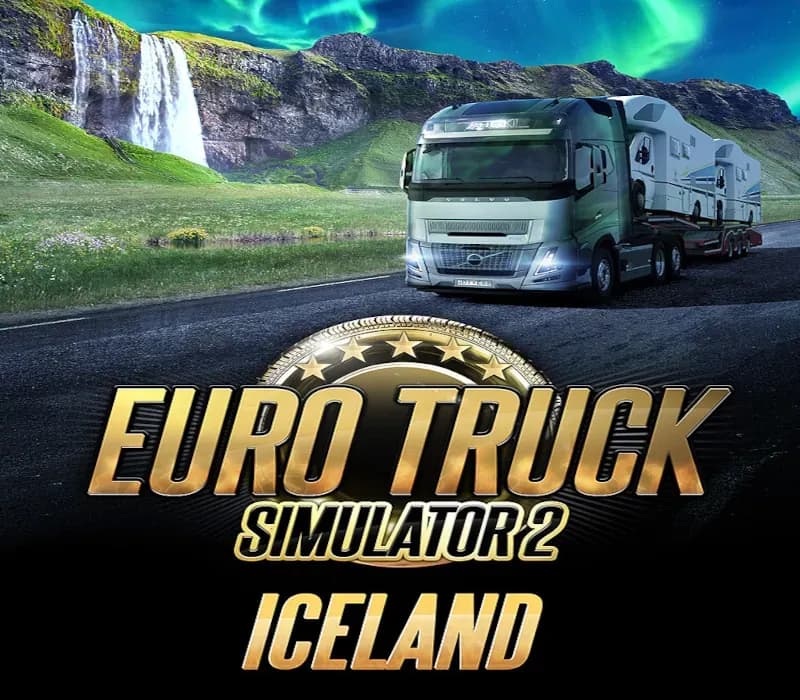
Euro Truck Simulator 2 - Iceland Gift
 −24%
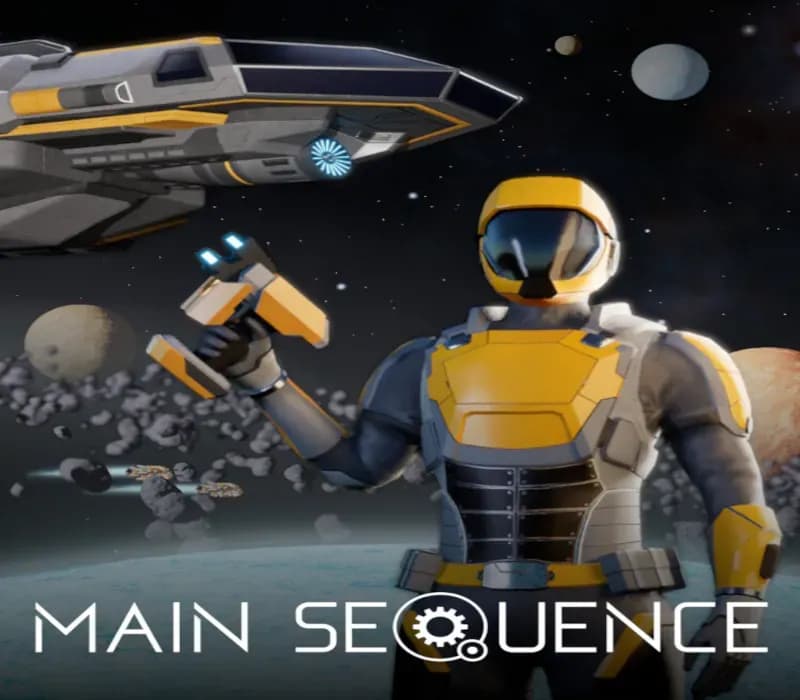
Main Sequence CD Key (NA)
 −44%
Ashes of the Singularity II CD Key (EU)
 −15%