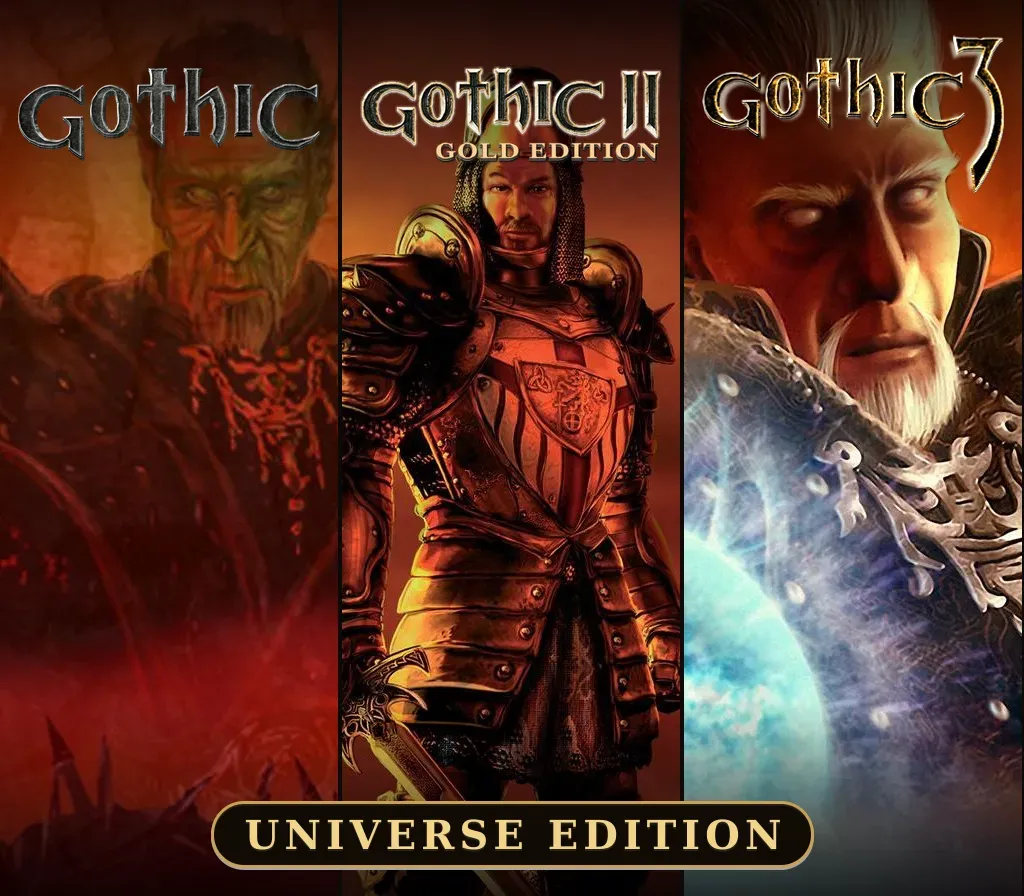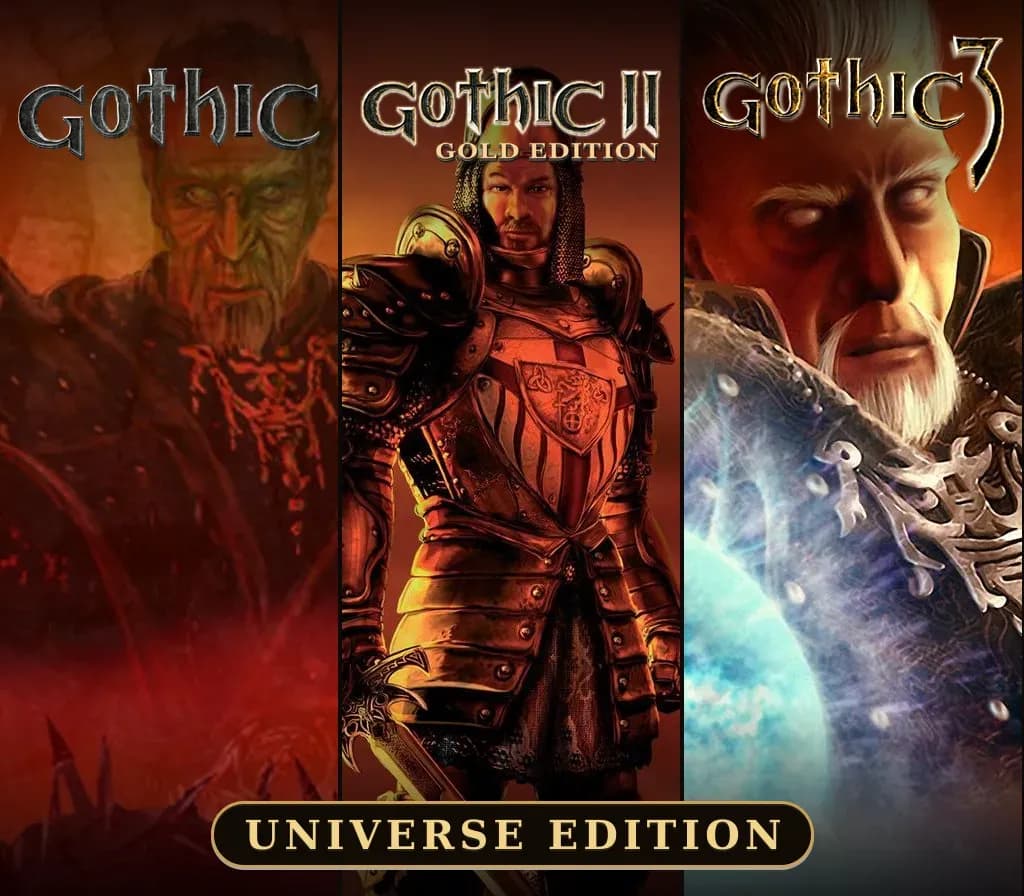

Gothic Universe Edition PC Steam CD Key (EU)
Gothic Universe Edition PC Steam CD Key (EU) is a digital key for Steam, valid in Europe. Delivered instantly after payment.
⭐ 153,000+ orders delivered since 2018
 Pago Móvil
 Binance Pay
About this game
Gothic Universe Edition is a Steam package that gathers the original Gothic trilogy from Piranha Bytes and THQ Nordic. It contains Gothic 1 Classic, the 2001 action RPG set in the penal colony of Khorinis; Gothic II: Gold Edition, the 2005 sequel bundled with its Night of the Raven expansion; and Gothic 3, the 2009 open-world installment. The series is known for its hand-crafted world, tough early game, faction choices and a living town where NPCs follow daily routines. This package suits RPG fans who want the whole classic saga in one purchase instead of buying each game separately, and players who enjoy older, systems-heavy single-player adventures. It is Windows-only and supports Steam Cloud. The package list price is 39.99 USD, versus 59.97 USD adding up the three games at their own list price.
How to activate
- Launch the Steam desktop client and log in to your account, or visit store.steampowered.com/account/registerkey in your browser.
- Click the "Games" menu at the top of the client (or click "+ Add a Game" at the bottom-left) and select "Activate a Product on Steam...".
- Follow the on-screen prompts, accept the Steam Subscriber Agreement, and enter your CD-Key in the "Product Code" field.
- Click "Next" and "Finish" to register the game. It will now appear permanently in your Steam Library ready to install.
Customer Reviews
Frequently asked questions
Which region is this for?
This is the Europe version. Make sure your account is registered in that region before buying.
How do I activate Gothic Universe Edition PC Steam CD Key (EU) on Steam?
1. Launch the Steam desktop client and log in to your account, or visit store.steampowered.com/account/registerkey in your browser. 2. Click the "Games" menu at the top of the client (or click "+ Add a Game" at the bottom-left) and select "Activate a Product on Steam...". 3. Follow the on-screen prompts, accept the Steam Subscriber Agreement, and enter your CD-Key in the "Product Code" field. 4. Click "Next" and "Finish" to register the game. It will now appear permanently in your Steam Library ready to install.
How fast is delivery?
Your key appears in your account and is emailed to you right after payment.