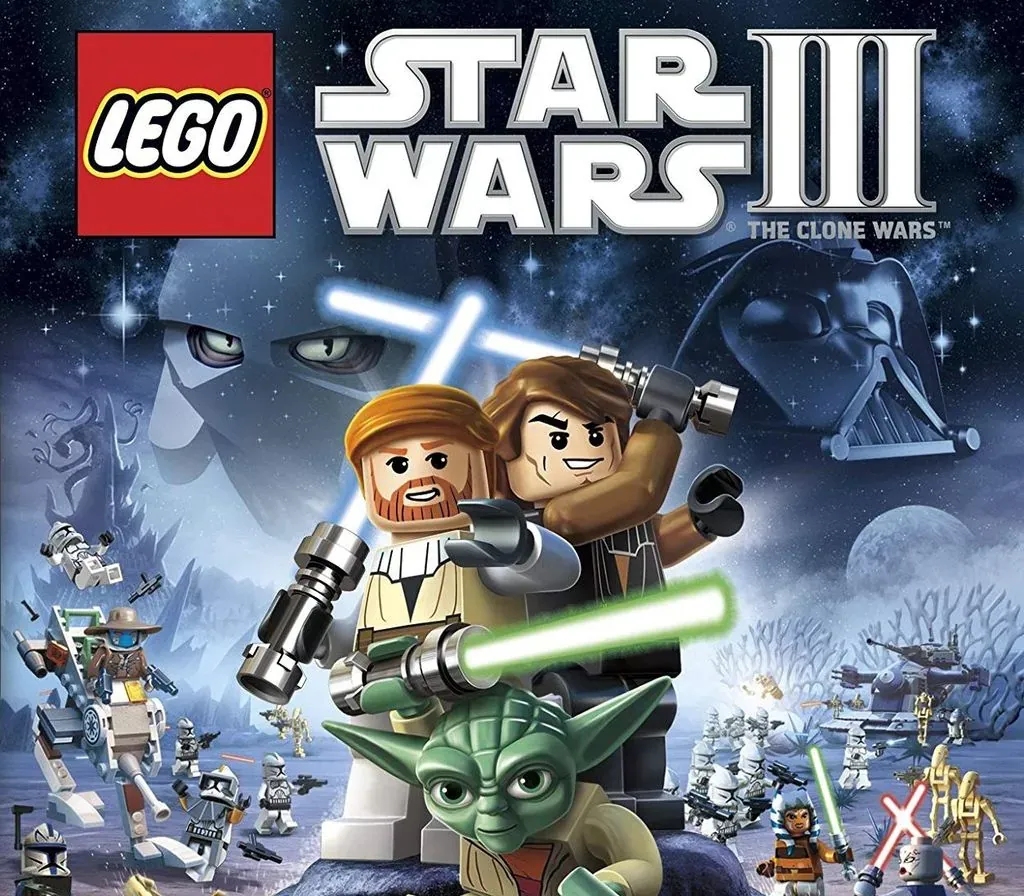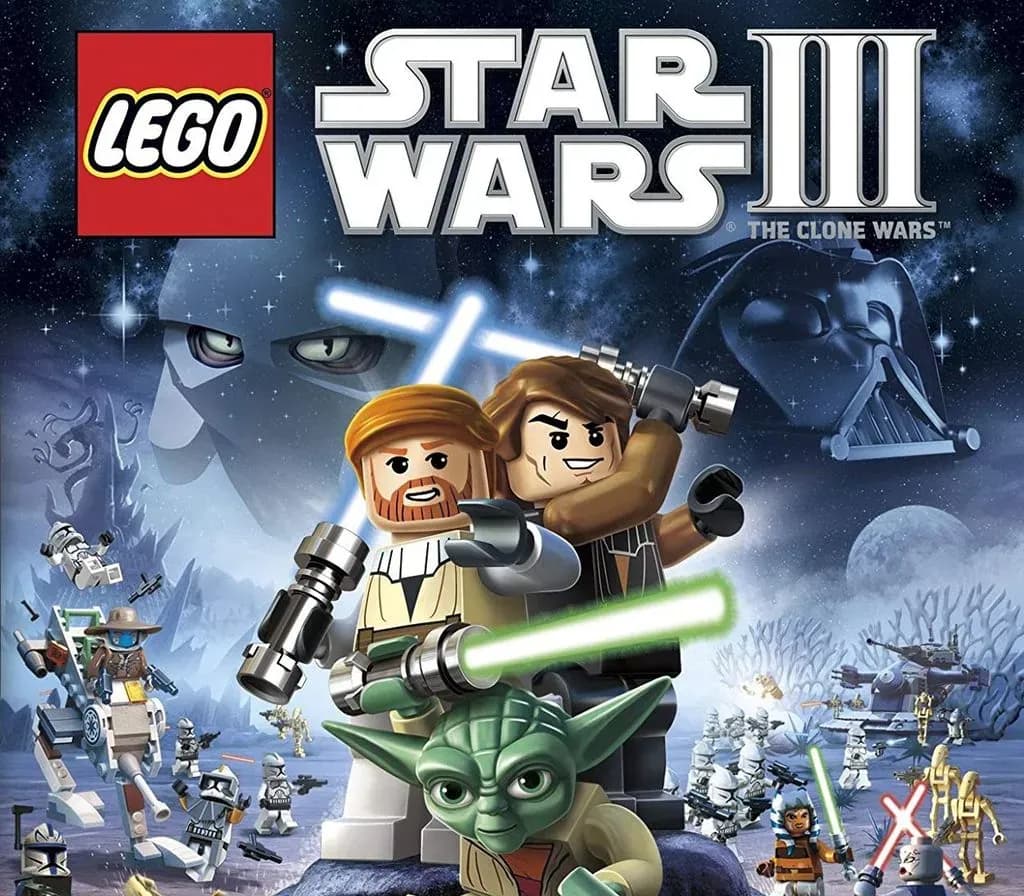
LEGO Star Wars III - The Clone Wars PC Steam CD Key
LEGO Star Wars III - The Clone Wars PC Steam CD Key is a digital key for Steam, not region-locked. Delivered instantly after payment. Price: $15.73, 21% below the Steam MSRP of $19.99.
⭐ 153,000+ orders delivered since 2018
 Pago Móvil
 Binance Pay
About this game
The beloved and critically acclaimed LEGO® Star Wars™ franchise is back. LEGO Star Wars III:The Clone Wars, combines the epic stories and iconic characters from the Star Wars universe and hit animated TV series Star Wars: The Clone Wars™ with all new gameplay features.
Players will enjoy brand new game mechanics allowing them to create, control and explore in a galaxy far, far away like never before. Promising breathtaking visuals as well as new characters and levels, the game also features the signature tongue-in-cheek humor from the LEGO universe. With over 20 story-based missions and 40 bonus levels spanning the entire Clone Wars era, LEGO Star Wars III: The Clone Wars will allow fans to explore endlessly and laugh their way through the Star Wars galaxy in the most humorous, accessible and action-packed LEGO game to date.
Product Information
- New Story – For the first time, players will experience their favorite stories from Star Wars: The Clone Wars, retold in the amazing LEGO world that fans know and love.
- Massive Ground Battles – Brand new to the LEGO Star Wars experience, players will take control of battalions of clone troopers against the relentless droid army - building bases, deploying vehicles and calling in reinforcements to defeat opponents.
- SceneSwap – Authentic to the Star Wars experience, a new feature allows players to take control of multiple teams in separate locations. Working together to complete various objectives, players will control each team through the press of a button, while playing in single player or in multiplayer co-op modes.
- All New Boss Battles – For the first time in the LEGO Star Wars franchise, fans will fight against massive bosses as seen in The Clone Wars animated series, including Gor, the epic Zillo Beast and many other favorites.
- Multi-Layered Space Battles – Players will be able to take off in their favorite ships to navigate and fly through multi-layered combat throughout the galaxy.
- New Combat Abilities – Characters will have more dynamic moves allowing players greater freedom to battle their opponents. Characters will also have new lightsaber abilities including Lightsaber Cutting, Lightsaber Throwing, and Lightsaber Climbing. The game will also feature new grappling abilities allowing players to climb their way through puzzles and defeat enemies.
System Requirements
Minimum
- OS: Windows XP SP3, Windows Vista® SP2, or Windows 7
- Processor: Intel P4 2.24 GHz or AMD Athlon 64
- Memory: 512 MB RAM
- Hard Disk Space: 8GB
- Video Card: 256 MB Video Memory with Shader 3.0 support; ATI Radeon X1300 / NVIDIA GeForce FX 5800 /Intel GMA 3-Series
- Sound: 100% DirectX 9.0c compatible Audio Device
Recommended
- Processor: Intel Core 2 Duo or AMD Athlon 64 X2
- Video Card: 256 MB Video Memory with Shader 3.0 support; ATI Radeon HD 2900 / NVIDIA GeForce 9800
How to activate
- Launch the Steam desktop client and log in to your account, or visit store.steampowered.com/account/registerkey in your browser.
- Click the "Games" menu at the top of the client (or click "+ Add a Game" at the bottom-left) and select "Activate a Product on Steam...".
- Follow the on-screen prompts, accept the Steam Subscriber Agreement, and enter your CD-Key in the "Product Code" field.
- Click "Next" and "Finish" to register the game. It will now appear permanently in your Steam Library ready to install.
Customer Reviews
Frequently asked questions
Which region is this for?
This is the Global version: it is not region-locked.
How do I activate LEGO Star Wars III - The Clone Wars PC Steam CD Key on Steam?
1. Launch the Steam desktop client and log in to your account, or visit store.steampowered.com/account/registerkey in your browser. 2. Click the "Games" menu at the top of the client (or click "+ Add a Game" at the bottom-left) and select "Activate a Product on Steam...". 3. Follow the on-screen prompts, accept the Steam Subscriber Agreement, and enter your CD-Key in the "Product Code" field. 4. Click "Next" and "Finish" to register the game. It will now appear permanently in your Steam Library ready to install.
How fast is delivery?
Your key appears in your account and is emailed to you right after payment.