
Nioh 3 PC Steam CD Key (NA)
Nioh 3 PC Steam CD Key (NA) is a digital key for Steam, valid in North America. Delivered instantly after payment. Price: $45.61, 34% below the Steam MSRP of $69.99.
⭐ 153,000+ orders delivered since 2018
 Pago Móvil
 Binance Pay
About this game
Conquer the Crucible, Become Shogun
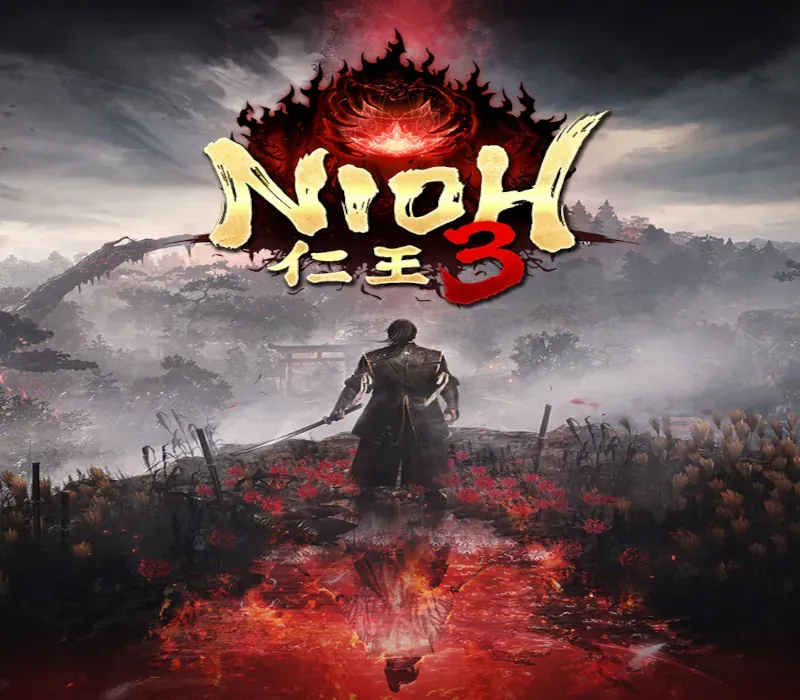
Nioh 3 is the eagerly anticipated continuation of the dark samurai action RPG series Nioh. A deadly struggle unfolds amidst the devastation of an alternate Warring States period where bandits run rampant and yokai skulk about.
Key Elements of the Game: • An open field that challenges you to the fullest
This game features an open field filled with the sense of tension characteristic of the "Nioh" series while also allowing you to explore to your heart's content. In this dark samurai world, you will encounter formidable yokai, explore menacing villages where darkness lurks, and struggle against the ominous presence of "the Crucible."
• Samurai and Ninja combat styles
You can enjoy an instantaneous and seamless switch between two combat styles during battle, facing your enemies head-on with Samurai Style and using quick movements and special techniques with Ninja Style.
Note: The product "Nioh 3 Digital Deluxe Edition" is also being sold. Please confirm that you have selected the correct product before making your purchase. Note: These images are taken from an in-development build of the game. The final version may differ.
Note
- Demo save data will be automatically carried over upon launching the full game. (The demo save data must be saved on the same device used to play the full game.) - If the full game is started even once and save data is created, you will no longer be able to play the demo. - The demo completion bonus Twin-Snake Helmet, which can be obtained upon completing the demo by February 15, 2026, can also be obtained as a guaranteed item drop upon defeating Jakotsu-baba in the full game by February 15, 2026. Starting February 16, 2026, the item will become a rare drop from Jakotsu-baba.
System Requirements
Minimum
- OS: Windows® 11
- Processor: Intel Core i5-10400, AMD Ryzen 5 2600 6 cores / 12 threads or higher
- Memory: 16 GB RAM
- Graphics: NVIDIA GeForce GTX 1060 VRAM 6GB, AMD Radeon RX 5600 XT (Rev. 2.0) VRAM 6GB
- DirectX: Version 12
- Network: Broadband Internet connection
- Storage: 125 GB available space
- Sound Card: 48000Hz 16bit Stereo
- Additional Notes: Multi-channel memory configuration recommended. SSD is required. Gameplay performance may be affected if the SSD’s performance is insufficient. Playable at 1080p / 30fps using the ‘Lightest’ graphics preset (with upscaling). Frame generation is supported. Note: Complies with Windows® 11 system requirements.
Recommended
- OS: Windows® 11
- Processor: Intel Core i5-10600K, AMD Ryzen 5 5600X 6 cores / 12 threads or higher
- Memory: 16 GB RAM
- Graphics: NVIDIA GeForce RTX 3060 Ti VRAM 8GB, AMD Radeon RX 6700 XT VRAM 12GB
- DirectX: Version 12
- Network: Broadband Internet connection
- Storage: 125 GB available space
- Sound Card: 48000Hz 16bit Stereo
- Additional Notes: Multi-channel memory configuration recommended. SSD is required; NVMe SSD recommended. Playable at 1080p / 60fps using the ‘Standard’ graphics preset (with upscaling). Frame generation is supported. Note: Complies with Windows® 11 system requirements.
How to activate
- Launch the Steam desktop client and log in to your account, or visit store.steampowered.com/account/registerkey in your browser.
- Click the "Games" menu at the top of the client (or click "+ Add a Game" at the bottom-left) and select "Activate a Product on Steam...".
- Follow the on-screen prompts, accept the Steam Subscriber Agreement, and enter your CD-Key in the "Product Code" field.
- Click "Next" and "Finish" to register the game. It will now appear permanently in your Steam Library ready to install.
Customer Reviews
Frequently asked questions
Which region is this for?
This is the North America version. Make sure your account is registered in that region before buying.
How do I activate Nioh 3 PC Steam CD Key (NA) on Steam?
1. Launch the Steam desktop client and log in to your account, or visit store.steampowered.com/account/registerkey in your browser. 2. Click the "Games" menu at the top of the client (or click "+ Add a Game" at the bottom-left) and select "Activate a Product on Steam...". 3. Follow the on-screen prompts, accept the Steam Subscriber Agreement, and enter your CD-Key in the "Product Code" field. 4. Click "Next" and "Finish" to register the game. It will now appear permanently in your Steam Library ready to install.
How fast is delivery?
Your key appears in your account and is emailed to you right after payment.