PowerWash Simulator PC Steam CD Key (EU)
PowerWash Simulator PC Steam CD Key (EU) is a digital key for Steam, valid in Europe. Delivered instantly after payment.
⭐ 153,000+ orders delivered since 2018
 Pago Móvil
 Binance Pay
About this game
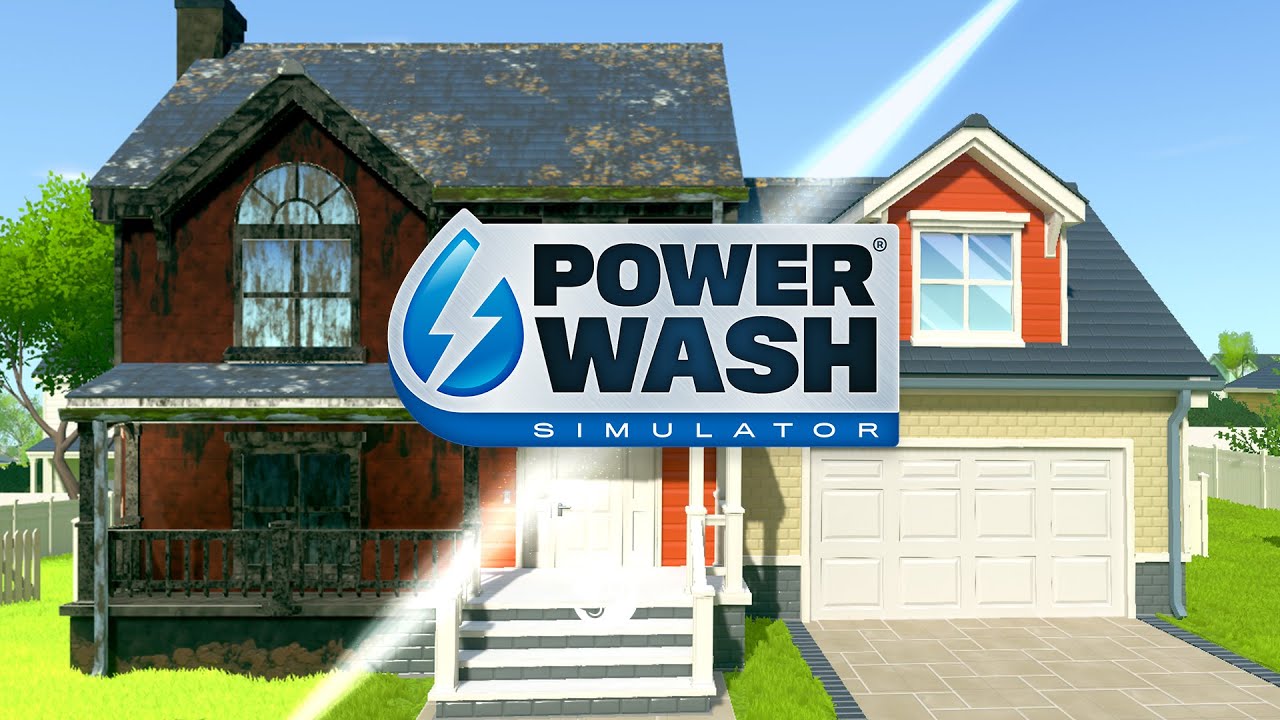
Wash away your worries with the soothing sounds of high-pressure water. Fire up your power washer and blast away every speck of dirt and grime you can find. Build your own power-washing business and unlock new tools, upgrades and more – all with the simple satisfaction of power-washing to a sparkling finish.
Relax, unwind in single player, or play with friends in Online Co-Op; either way, have good, clean fun. No dirt is too tough for your range of washers, nozzles, cleaners, and extensions. From casual, clean freaks to players looking to get into the nitty-gritty, everyone can pick up and play to feel immersed. Absorb the relaxing atmosphere and stress-free pace as you strip dirt from patios, pavements, vehicles, and public parks. Get creative and make art. Your nozzles are your brushes; the neighbourhood is your canvas. Sit back, relax, and wash your worries down the drain.
TIME TO CLEAN UP THE NEIGHBOURHOOD
Build up your business in Career Mode and complete a variety of dirty jobs across the dusty town of Muckingham. There's no right or wrong; no time pressure or final score, just you and the tools you need to soak away your stress. Want a clean start? Chill out and replay your favourite jobs in Free Play.
POWERWASH AND CHILL
Relax, unwind, and play with friends in Online Co-Op! Lend a helping hand to your closest pal in Career Mode, or up to 6 friends can splash around in Free Play, tackling any job the host has already completed.
KEEP IT CLEAN
For those looking for a little more pressure, beat your best scores in Challenge Mode! Fight grime in different scenarios; wash against the clock in Time Challenge or test your accuracy by using as little water as possible in Water Challenge.
GOOD CLEAN FUN
Graffiti, grime, moss, and mould, no dirt is too tough for your range of washers, nozzles, cleaners, and extensions. Different dirt types have different levels of toughness, so make sure you're getting tactical with your equipment. Feeling fancy? Then customise your look with washer skins and gloves!
RELAXATION, SATISFACTION GUARANTEED
From casual, clean freaks to players looking to get into the nitty-gritty, everyone can pick up and play to feel immersed. Absorb the relaxing atmosphere and stress-free pace as you strip dirt from patios, pavements, vehicles, and public parks. Stress gets to us all, so sit back, relax, and wash your worries down the drain.
THE WORLD IS YOUR CANVAS
Create art by cleaning the way you want.
System Requirements
Minimum
- OS: Windows 8 (64-bit) or newer
- Processor: Intel i5-760 (4*2800), AMD Phenom II
- Memory: 4 GB RAM
- Graphics: GeForce GTX 760, AMD R7-260X
- DirectX: Version 11
- Storage: 6 GB available space
- Additional Notes: Requires a 64-bit processor and operating system
How to activate
- Launch the Steam desktop client and log in to your account, or visit store.steampowered.com/account/registerkey in your browser.
- Click the "Games" menu at the top of the client (or click "+ Add a Game" at the bottom-left) and select "Activate a Product on Steam...".
- Follow the on-screen prompts, accept the Steam Subscriber Agreement, and enter your CD-Key in the "Product Code" field.
- Click "Next" and "Finish" to register the game. It will now appear permanently in your Steam Library ready to install.
Customer Reviews
Frequently asked questions
Which region is this for?
This is the Europe version. Make sure your account is registered in that region before buying.
How do I activate PowerWash Simulator PC Steam CD Key (EU) on Steam?
1. Launch the Steam desktop client and log in to your account, or visit store.steampowered.com/account/registerkey in your browser. 2. Click the "Games" menu at the top of the client (or click "+ Add a Game" at the bottom-left) and select "Activate a Product on Steam...". 3. Follow the on-screen prompts, accept the Steam Subscriber Agreement, and enter your CD-Key in the "Product Code" field. 4. Click "Next" and "Finish" to register the game. It will now appear permanently in your Steam Library ready to install.
How fast is delivery?
Your key appears in your account and is emailed to you right after payment.