Solarpunk PC Steam CD Key (EU)
Solarpunk PC Steam CD Key (EU) is a digital key for Steam, valid in Europe. Delivered instantly after payment. Price: $15.48, 32% below the Steam MSRP of $22.99.
⭐ 153,000+ orders delivered since 2018
 Pago Móvil
 Binance Pay
About this game
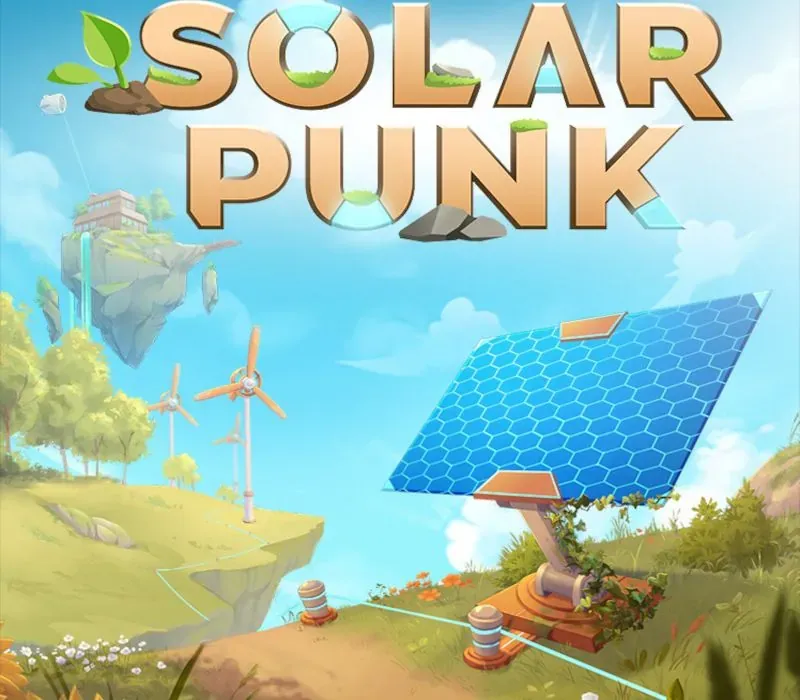
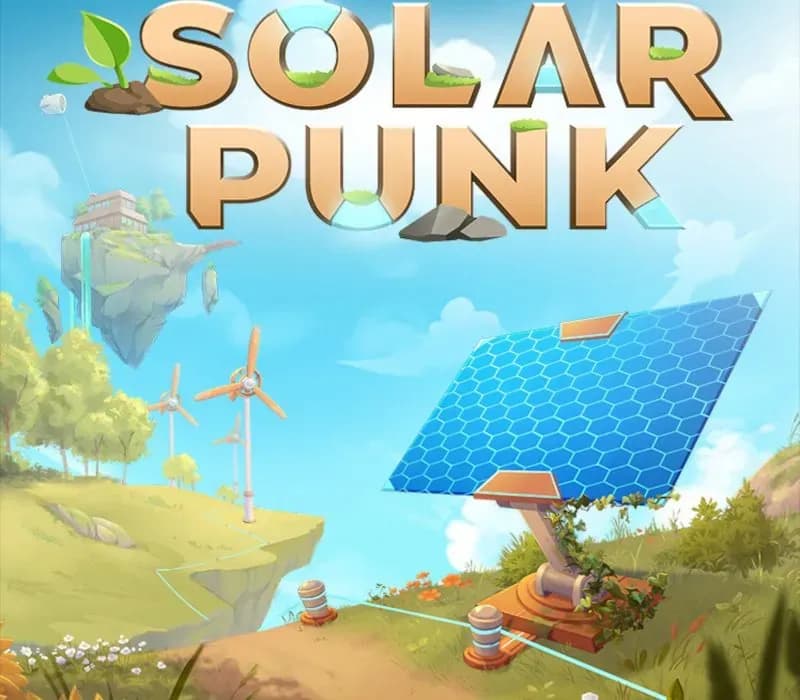
Solarpunk is a survival game in a technologically advanced world of floating islands. Alone or together with 4 friends, you can construct buildings, grow food, craft gadgets and explore distant islands with your own airship.
Use sunlight, wind and water to create an energy system and automate your processes like gathering resources and watering your plants.
🏠 Build freely
Design your dream home base with a wide range of materials and decorations. You’re free to build cozy spaces, add tiny details, and make your island feel just like home.
These buildings were crafted by our amazing community in the demo!
⚡ Energy system
Generate electricity using wind and solar energy. Weather conditions affect how much energy you produce, so you’ll need to plan ahead. Store energy in batteries and use wireless power to keep your base running smoothly.
👥 Multiplayer
Play solo or with friends. Everyone has their own inventory, and you can decide whether to build something together or create your own little corner in the sky.
🐷 Animals & Farming
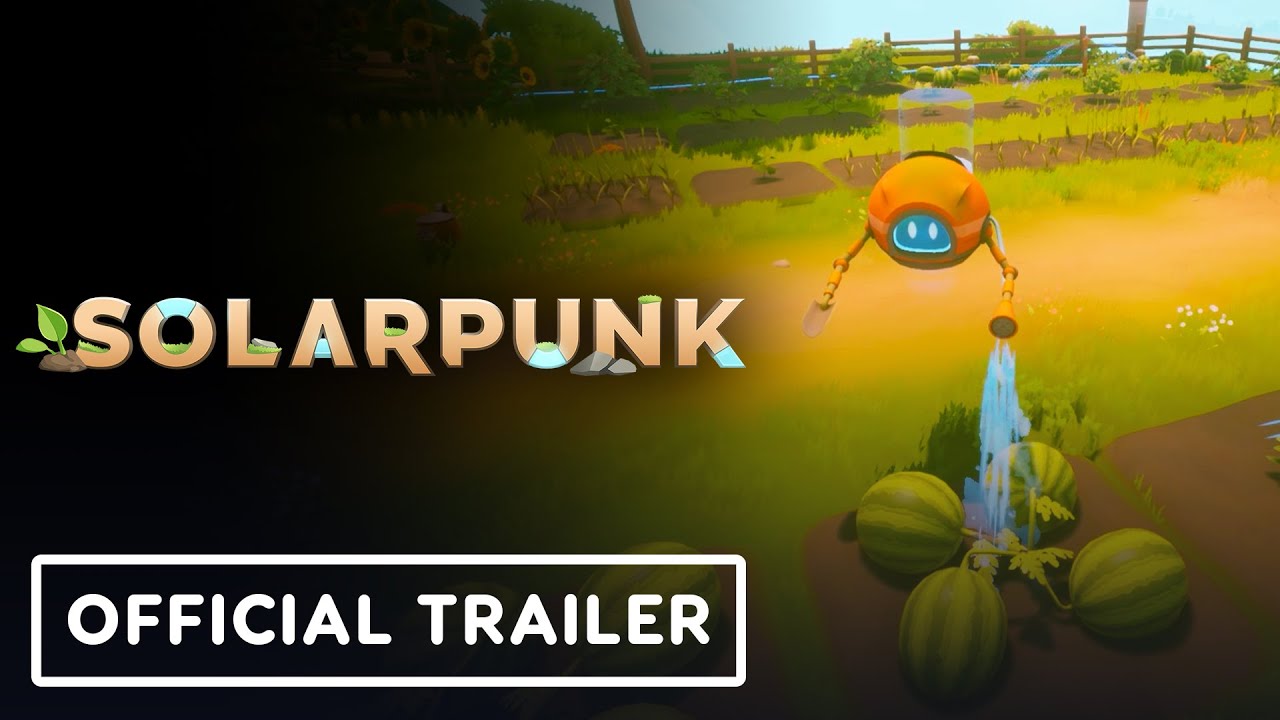
In Solarpunk, you live in symbiosis with animals. There is no exploitation, only coexistence. Pigs, for example, will dig up truffles if treated well. Growing fruits and vegetables is your main source of food. Plant seeds in the ground and harvest them once they’re fully grown.
🤖 Automation
Automate your tasks using transport drones to gather resources, giving you more time to build and explore your skybound home.
✈️ Airship
Each player can build their own airship. Use it to travel to surrounding islands and discover new resources.
System Requirements
Minimum
- OS: Windows 10/11 64-bit
- Processor: Intel Core i5-8400 / AMD Ryzen 5 2600
- Memory: 6 GB RAM
- Graphics: GeForce GTX 1660 6GB | RX 5500 XT 6GB
- Network: Broadband Internet connection
- Storage: 5 GB available space
Recommended
- OS: Windows 11 64-bit
- Processor: Intel Core i7 / AMD Ryzen 7
- Memory: 8 GB RAM
- Graphics: NVIDIA RTX 3060 | AMD RX 7600XT or better
- Network: Broadband Internet connection
- Storage: 5 GB available space
How to activate
- Launch the Steam desktop client and log in to your account, or visit store.steampowered.com/account/registerkey in your browser.
- Click the "Games" menu at the top of the client (or click "+ Add a Game" at the bottom-left) and select "Activate a Product on Steam...".
- Follow the on-screen prompts, accept the Steam Subscriber Agreement, and enter your CD-Key in the "Product Code" field.
- Click "Next" and "Finish" to register the game. It will now appear permanently in your Steam Library ready to install.
Customer Reviews
Frequently asked questions
Which region is this for?
This is the Europe version. Make sure your account is registered in that region before buying.
How do I activate Solarpunk PC Steam CD Key (EU) on Steam?
1. Launch the Steam desktop client and log in to your account, or visit store.steampowered.com/account/registerkey in your browser. 2. Click the "Games" menu at the top of the client (or click "+ Add a Game" at the bottom-left) and select "Activate a Product on Steam...". 3. Follow the on-screen prompts, accept the Steam Subscriber Agreement, and enter your CD-Key in the "Product Code" field. 4. Click "Next" and "Finish" to register the game. It will now appear permanently in your Steam Library ready to install.
How fast is delivery?
Your key appears in your account and is emailed to you right after payment.