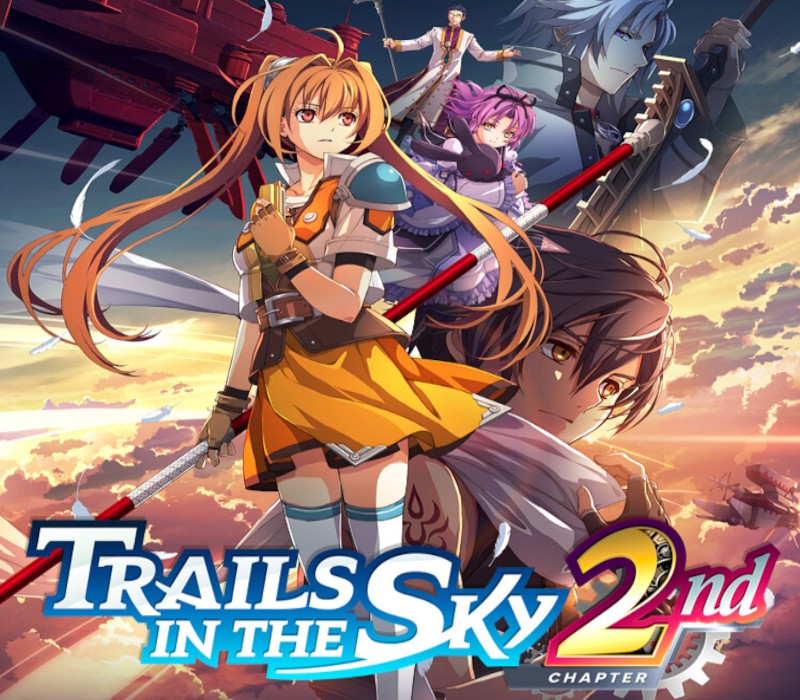
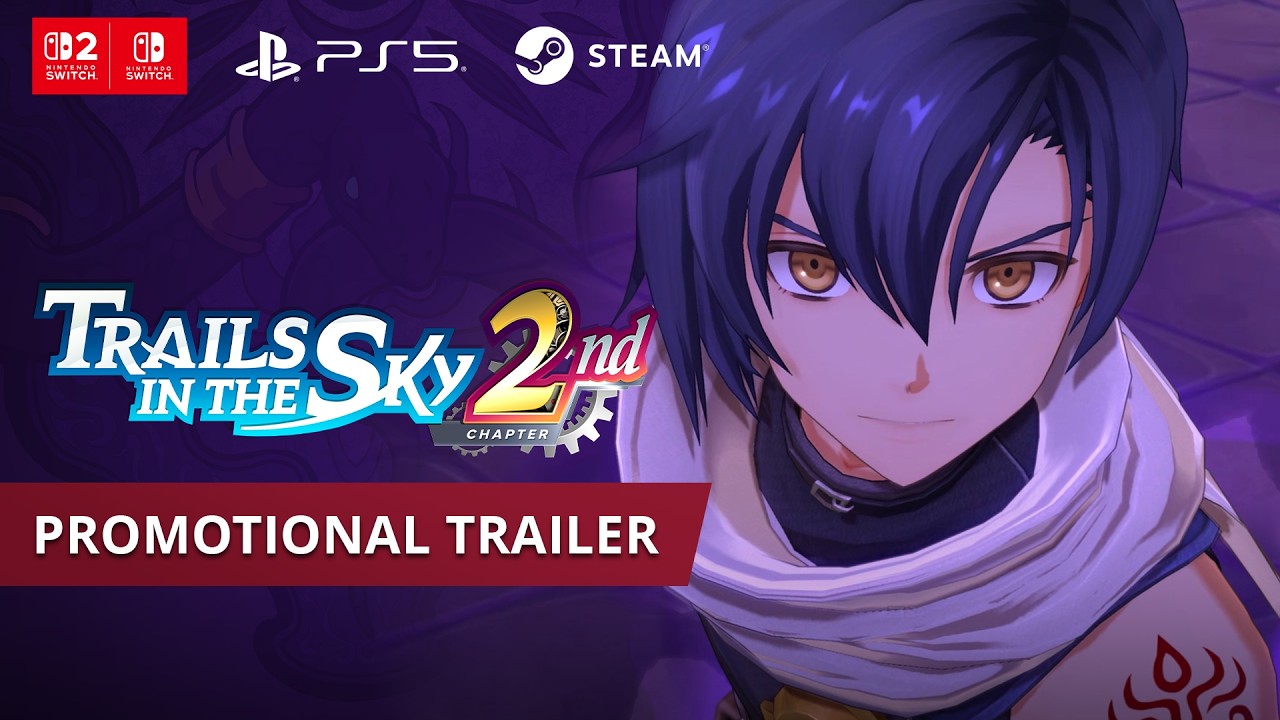
Trails in the Sky 2nd Chapter PC Steam CD Key (EU)
⭐ 153,000+ orders delivered since 2018
 Pago Móvil
 Binance Pay
About this game
Take Fate into Your Own Hands After quelling the coup d'état that shook the Kingdom of Liberl, Estelle and Joshua have finally become senior bracers. However, on the eve of the Queen's Birthday Festival, Joshua reveals the dark truth of his past before vanishing into the night, leaving only his brief farewell: "Goodbye, Estelle." Armed with Joshua's harmonica and an unshakable determination, Estelle embarks upon a continent-spanning quest to find her partner. During her journey, she must take on the sinister society of Ouroboros as it emerges from the shadows to plunge Liberl into utter chaos. The capital in flames. A colossal airship darkens the skies. The looming threat of the Shining Ring... Confronted with the greatest crisis in the history of Liberl, Estelle and her allies battle to find Joshua and untangle the web of intrigue and conspiracy woven by Ouroboros! Key Features ■ CONTINUE YOUR 1ST CHAPTER JOURNEY By carrying over your clear data from 1st Chapter, you can obtain exciting bonus items that will let you progress through the story more smoothly. ■ MORE COMBAT OPTIONS THAN EVER BEFORE Overpower your enemies with new Crafts and S-Crafts! Link your characters' attacks during Quick Battles with the new Brave Rush, and make full use of the orbment system for access to Arts. ■ AN UNFORGETTABLE STORY Dive into an intricately woven narrative to uncover the conspiracies threatening the Kingdom of Liberl. ■ EXPANSIVE SIDE CONTENT Enjoy a variety of new content in the sequel, including minigames like fishing and poker, cooking with your companions, and fan-favorite characters joining as playable party members. Experience the expansive combat system, richly realized world, and stirring story of the 2nd chapter of the Trails series!
How to activate
- Launch the Steam desktop client and log in to your account, or visit store.steampowered.com/account/registerkey in your browser.
- Click the "Games" menu at the top of the client (or click "+ Add a Game" at the bottom-left) and select "Activate a Product on Steam...".
- Follow the on-screen prompts, accept the Steam Subscriber Agreement, and enter your CD-Key in the "Product Code" field.
- Click "Next" and "Finish" to register the game. It will now appear permanently in your Steam Library ready to install.