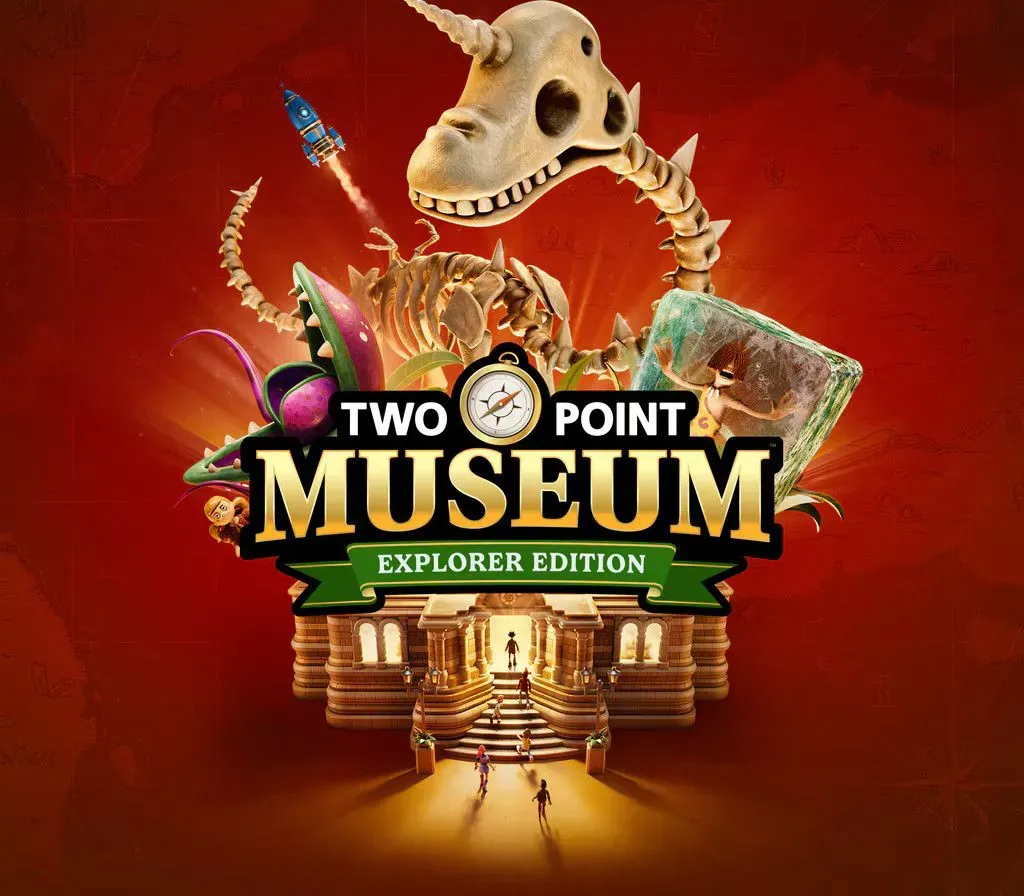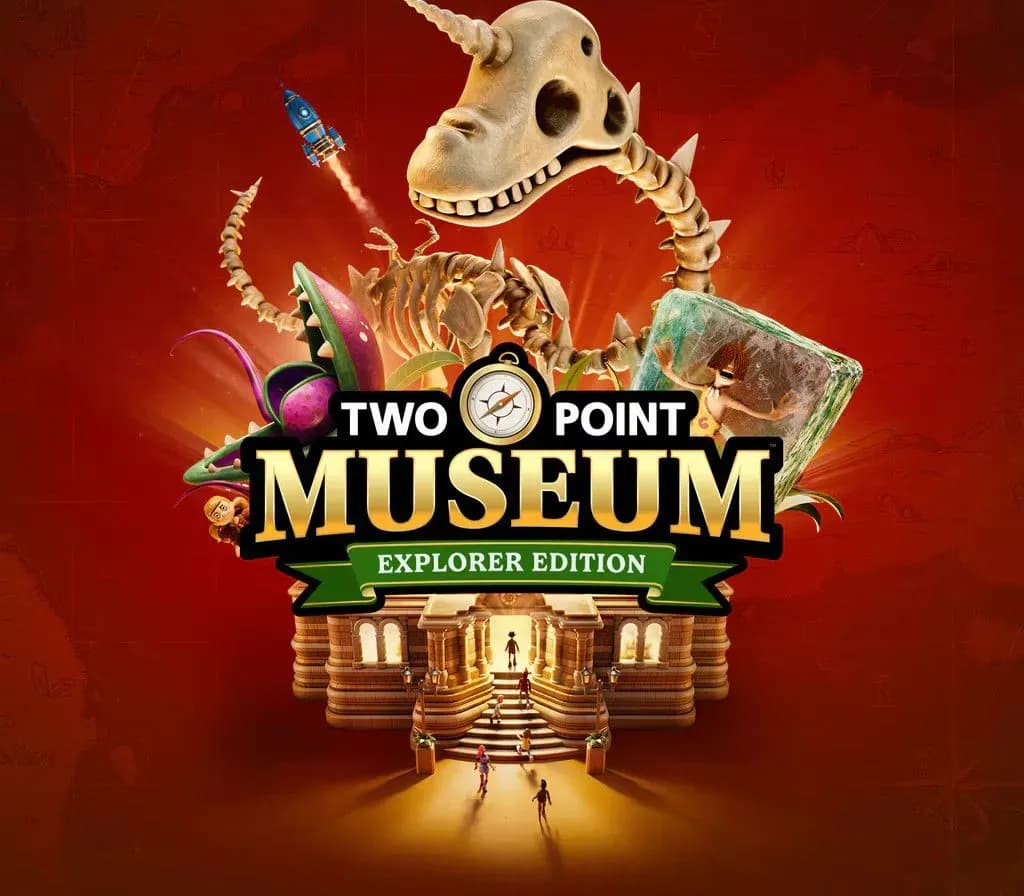

Two Point Museum Explorer Edition PC Steam CD Key (EU)
Two Point Museum Explorer Edition PC Steam CD Key (EU) is a digital key for Steam, valid in Europe. Delivered instantly after payment. Price: $16.27, 59% below the Steam MSRP of $39.99.
⭐ 153,000+ orders delivered since 2018
 Pago Móvil
 Binance Pay
About this game
Two Point Museum Includes
- Design, manage and develop incredible museums
- 5 unique main museum locations to Two Point County:
- Prehistory - Memento Mile
- Aquarium - Passwater Cove
- Supernatural - Wailon Lodge
- Science - Bungle Wasteland
- Space - Pebberley Heights
- 3 Pop up museums with set tasks and challenges
- Sandbox mode to build your very own MEGA MUSEUMS!
- 6 main exhibit types and 30+ sub categories of exhibits
- You’ll adventure through 5 different expedition maps with 100+ unique points of interest
- 200+ unique exhibits to uncover and fill your sticker book
- 350+ decorative items to make your museum uniquely you
- 18 guest types to meet and cater for …. including those meddling kids
- Unlock and manage all the museums in Two Point County!
As fledgling curators, you have the task of designing and refining your very own museums to create the ultimate guest experience. Coordinate Experts on far-flung expeditions to discover new Exhibits, generating Buzz to entice droves of knowledge-hungry guests who will expect top info-tainment if they’re to leave impressed. This is all while you keep your Exhibits safe, rooms clean, staff happy… and children off the dinosaur bones.
As Curator, the design and management of your expanding museum is in your hands! Send your team of partially trained Experts on Expeditions in search of rare and mostly well-preserved artefacts. When (and hopefully not if) your Experts return from their adventure, proudly display their fantastic finds in your museum.
You’ll unlock new locations as you decide where the next adventure takes you.
Your work doesn’t end there; Exhibit maintenance is crucial. While some Experts are gallivanting across Two Point County and beyond, you’re in charge of managing staff back home to ensure Exhibits and the museum stay in tip-top condition. If taking care of the carnivorous Chomper isn’t enough, there are also meddling thieves to watch out for. Thieves, and more frequently, children, are known for touching and grubbing up the displays, so make sure enough security is guarding your prized collection!
Get creative to design your museum layout your way! You have decorative freedom, so design thematic areas to guide your guests’ visit. Splash paint and lay carpet as you lovingly arrange each prehistoric fern, potentially melting iceman, and dinosaur remains wherever you see fit.
Once you’ve created the perfect atmosphere, arrange guided tours with custom routes led by a charismatic Expert.
System Requirements
Minimum
- OS: Windows 10 version 21H1 (build 19043) or newer
- Processor: Intel Core i3-8100 or Ryzen 5 1400
- Memory: 6 GB RAM
- Graphics: Nvidia GeForce GT 1030 (2 GB) or AMD Radeon RX 560 (2 GB) or Intel UHD Graphics 630
- DirectX: Version 11
- Storage: 8 GB available space
- Additional Notes: Very Low, 720p @ 30 FPS. Microsoft no longer supports Windows 10 or older versions.
Recommended
- OS: Windows 10 version 21H1 (build 19043) or newer
- Processor: Intel Core i5-11600 or AMD Ryzen 5 5600
- Memory: 8 GB RAM
- Graphics: Nvidia GeForce GTX 1070 (8 GB) or AMD Radeon RX 5600 XT (6 GB) or Intel Arc A750 (8 GB)
- DirectX: Version 11
- Storage: 8 GB available space
- Additional Notes: High, 1080p @ 60 FPS. Microsoft no longer supports Windows 10 or older versions.
How to activate
- Launch the Steam desktop client and log in to your account, or visit store.steampowered.com/account/registerkey in your browser.
- Click the "Games" menu at the top of the client (or click "+ Add a Game" at the bottom-left) and select "Activate a Product on Steam...".
- Follow the on-screen prompts, accept the Steam Subscriber Agreement, and enter your CD-Key in the "Product Code" field.
- Click "Next" and "Finish" to register the game. It will now appear permanently in your Steam Library ready to install.
Customer Reviews
Frequently asked questions
Which region is this for?
This is the Europe version. Make sure your account is registered in that region before buying.
How do I activate Two Point Museum Explorer Edition PC Steam CD Key (EU) on Steam?
1. Launch the Steam desktop client and log in to your account, or visit store.steampowered.com/account/registerkey in your browser. 2. Click the "Games" menu at the top of the client (or click "+ Add a Game" at the bottom-left) and select "Activate a Product on Steam...". 3. Follow the on-screen prompts, accept the Steam Subscriber Agreement, and enter your CD-Key in the "Product Code" field. 4. Click "Next" and "Finish" to register the game. It will now appear permanently in your Steam Library ready to install.
How fast is delivery?
Your key appears in your account and is emailed to you right after payment.