
Universe Sandbox PC Steam CD Key (EU)
Universe Sandbox PC Steam CD Key (EU) is a digital key for Steam, valid in Europe. Delivered instantly after payment. Price: $19.11, 36% below the Steam MSRP of $29.99.
⭐ 153,000+ orders delivered since 2018
 Pago Móvil
 Binance Pay
About this game
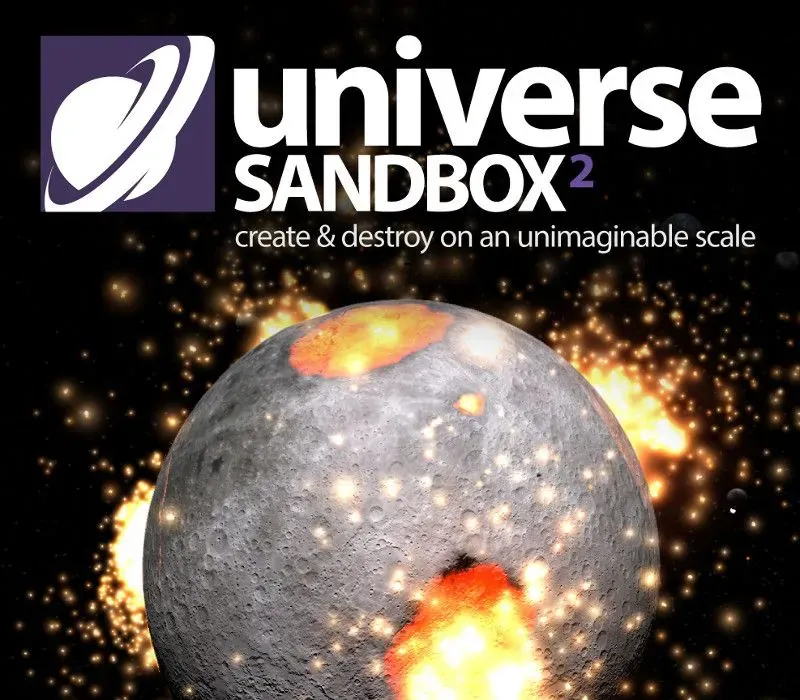
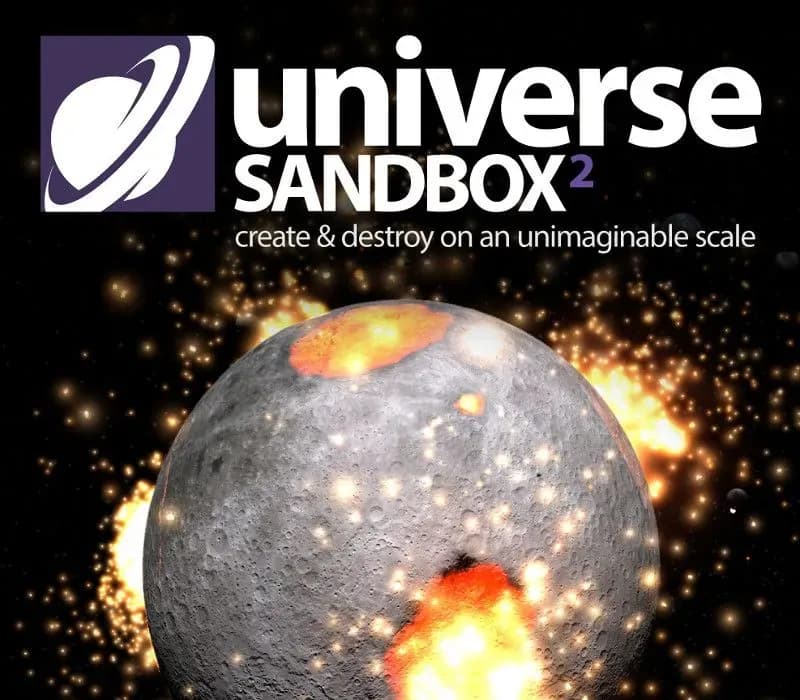
Universe Sandbox is a realistic physics-based space simulator that allows you to create, destroy, and interact on an unimaginable scale.
It merges real-time gravity, climate, collision, and material interactions to reveal the beauty of our universe and the fragility of our planet.
Simulate Gravity
N-body simulation at almost any speed using Newtonian mechanics. Real science, real physics, no supercomputer required.
Collide Planets & Stars
Epic, mind blowing collisions of massive planetary bodies that leave behind molten craters.
Create Your Own Systems
Start with a star, then add a planet. Spruce it up with moons, rings, comets, or even a black hole.
Model Planetary Climate
Watch sea ice grow and recede with the seasons because of a planet’s tilt - change the tilt and change the seasons. Or move planets close to a star and see the oceans boil away as the surface heats up.
Supernova a Star
Watch a supernova unfold by colliding two stars, cranking up their mass, or making them explode at your whim.
Explore Historical Events
Hitch a ride with spacecraft including Juno and New Horizons, or view a total solar eclipse.
And more...
- Build and terraform planets with 12 materials, including water, oxygen, & carbon dioxide
- Stellar flares & volatile trails
- Procedurally generated planets, stars, & galaxies
- Pulsars
- Light-warping black holes
- Epic space lasers
- Shape oceans & mountains on planet surfaces
- Spin planets apart with centrifugal force
- Original soundtrack by Macoubre
- Support for 20+ languages
- Share & explore simulations on Steam Workshop
System Requirements
Minimum
- OS: Windows 10 21H1+ (64-bit, x86)
- Processor: 1.6 GHz dual-core
- Memory: 4 GB RAM
- Graphics: 4 GB Video Memory†, Shader Model 6.0
- DirectX: Version 12
- Storage: 4 GB available space
- Additional Notes: † Laptops or other computers that use integrated graphics (rather than separate graphics hardware) require DirectX 12 Feature Level 12_2 or higher and may see issues with Universe Sandbox even if they meet the video memory requirement. Discrete video hardware is recommended.
Recommended
- OS: Windows 11
- Processor: 3.6 GHz quad-core
- Memory: 8 GB RAM
- Graphics: 8+ GB Video Memory
- DirectX: Version 12
How to activate
- Launch the Steam desktop client and log in to your account, or visit store.steampowered.com/account/registerkey in your browser.
- Click the "Games" menu at the top of the client (or click "+ Add a Game" at the bottom-left) and select "Activate a Product on Steam...".
- Follow the on-screen prompts, accept the Steam Subscriber Agreement, and enter your CD-Key in the "Product Code" field.
- Click "Next" and "Finish" to register the game. It will now appear permanently in your Steam Library ready to install.
Customer Reviews
Frequently asked questions
Which region is this for?
This is the Europe version. Make sure your account is registered in that region before buying.
How do I activate Universe Sandbox PC Steam CD Key (EU) on Steam?
1. Launch the Steam desktop client and log in to your account, or visit store.steampowered.com/account/registerkey in your browser. 2. Click the "Games" menu at the top of the client (or click "+ Add a Game" at the bottom-left) and select "Activate a Product on Steam...". 3. Follow the on-screen prompts, accept the Steam Subscriber Agreement, and enter your CD-Key in the "Product Code" field. 4. Click "Next" and "Finish" to register the game. It will now appear permanently in your Steam Library ready to install.
How fast is delivery?
Your key appears in your account and is emailed to you right after payment.