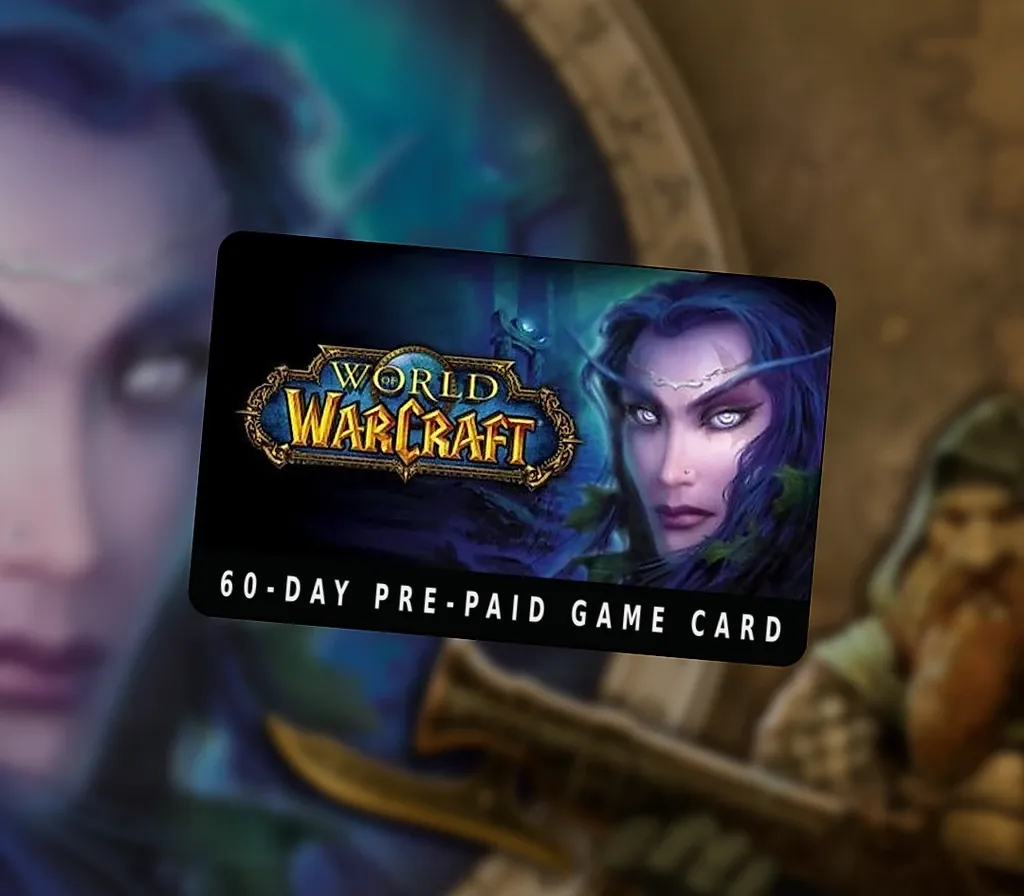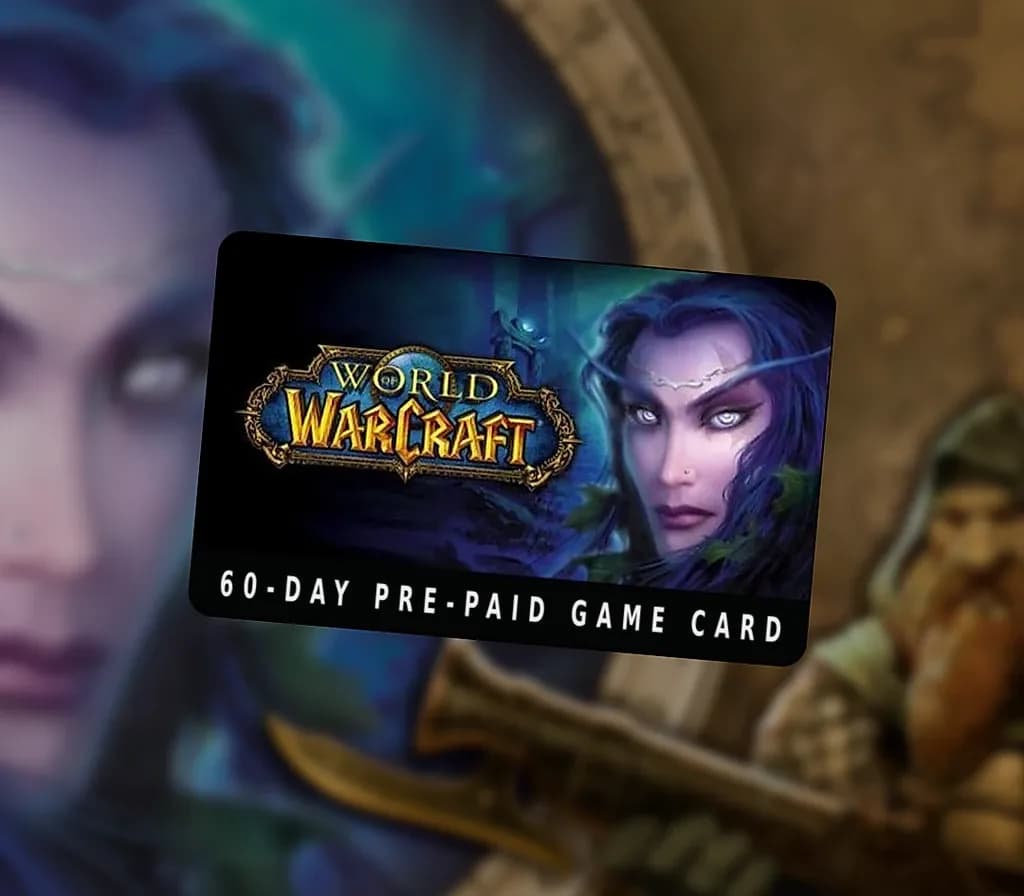

World of Warcraft 60 DAYS Pre-Paid Time Card EU
World of Warcraft 60 DAYS Pre-Paid Time Card EU is a digital key for Battle.net, valid in Europe. Delivered instantly after payment.
⭐ 153,000+ orders delivered since 2018
 Pago Móvil
 Binance Pay
About this game
Experience the World of Warcraft! World of Warcraft is an online role-playing experience set in the award-winning Warcraft universe. Players assume the roles of Warcraft heroes as they explore, adventure, and quest across a vast world. Being "Massively Multiplayer, " World of Warcraft allows thousands of players to interact within the same world.
Whether adventuring together or fighting against each other in epic battles, players will form friendships, forge alliances, and compete with enemies for power and glory.
System Requirements
- Windows: OS: Windows® XP / Windows Vista® / Windows® 7 / Windows® 8 / Windows® 8.1 with the latest service pack Windows® 7 / Windows® 8 / Windows® 8.1 64-bit with latest service pack Processor: Intel® Core™ 2 Duo E6600 or AMD Phenom™ X3 8750Intel® Core™ i5 2400, AMD FX™ 4100, or better Video: NVIDIA® GeForce® 8800 GT, ATI Radeon™ HD 4850, or Intel® HD Graphics 3000 NVIDIA® GeForce® GTX 470, ATI Radeon™ HD 5870, or better Memory: 2 GB RAM (1 GB Windows® XP), 4 GB RAM Storage: 35 GB available hard drive space Internet: Broadband internet connection
How to activate
- Open the Battle.net Desktop App and log in, or visit account.battle.net/overview in your browser.
- In the desktop app, click your BattleTag profile icon in the top-right corner and select "Redeem a Code" (or use the "Redeem a Code" box on the website).
- Enter your product code into the field and click "Redeem Code".
- Confirm the product details to add the game license permanently to your Battle.net account.
- Select the game under "All Games" in the Battle.net Desktop App and click "Install".
US or EU? Read our WoW game time guide →
Customer Reviews
Frequently asked questions
Which region is this for?
This is the Europe version. Make sure your account is registered in that region before buying.
How do I activate World of Warcraft 60 DAYS Pre-Paid Time Card EU on Battle.net?
1. Open the Battle.net Desktop App and log in, or visit account.battle.net/overview in your browser. 2. In the desktop app, click your BattleTag profile icon in the top-right corner and select "Redeem a Code" (or use the "Redeem a Code" box on the website). 3. Enter your product code into the field and click "Redeem Code". 4. Confirm the product details to add the game license permanently to your Battle.net account. 5. Select the game under "All Games" in the Battle.net Desktop App and click "Install".
How fast is delivery?
Your key appears in your account and is emailed to you right after payment.