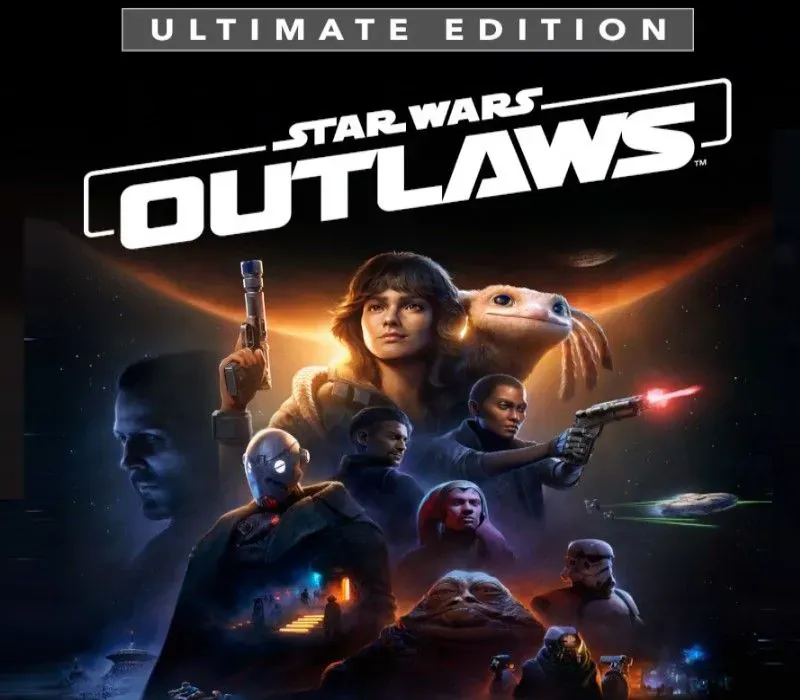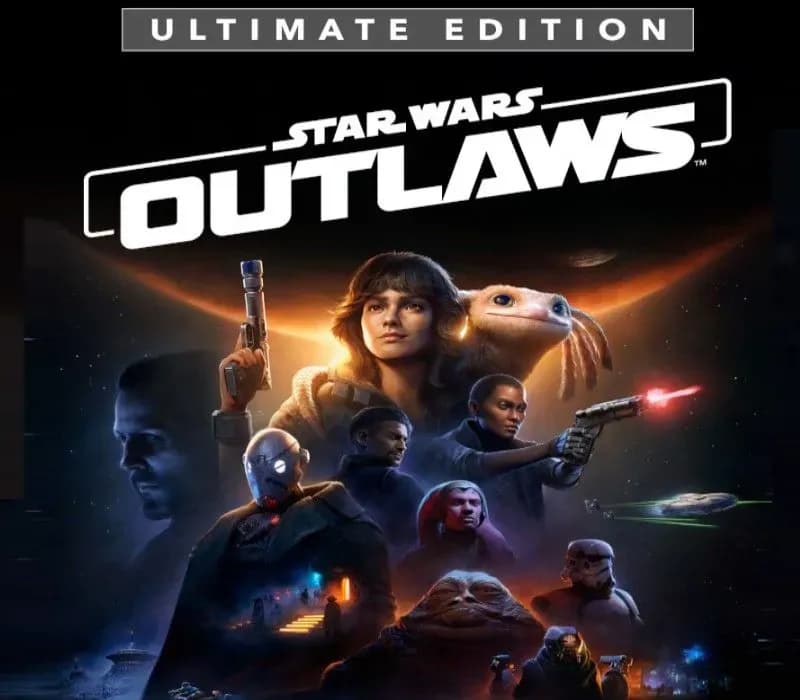

Star Wars Outlaws Ultimate Edition PC Ubisoft Connect CD Key (EU)
Star Wars Outlaws Ultimate Edition PC Ubisoft Connect CD Key (EU) is a digital key for Ubisoft, valid in Europe. Delivered instantly after payment. Price: $30.14, 76% below the MSRP of $129.99.
⭐ 153,000+ orders delivered since 2018
 Pago Móvil
 Binance Pay
About this game
Experience the first-ever open world Star Wars™ action-adventure game and explore distinct locations across the galaxy, both iconic and new. Risk it all as scoundrel Kay Vess, seeking freedom and the means to start a new life. Fight, steal, and outwit your way through the galaxy’s crime syndicates as you join the galaxy’s most wanted.
If you’re willing to take the risk, the galaxy is full of opportunity.
DISCOVER A GALAXY OF OPPORTUNITY
Explore distinct locations with bustling cities and cantinas. Race across sprawling outdoor landscapes on your speeder. Each location brings new adventures, unique challenges, and enticing rewards if you’re willing to take the risk.
EXPERIENCE AN ORIGINAL SCOUNDREL STORY
Live the high-stakes lifestyle of an outlaw. Turn any situation to your advantage with Nix by your side: fight with your blaster, overcome enemies with stealth and gadgets, or find the right moments to distract enemies and gain the upper hand.
EMBARK ON HIGH-STAKES MISSIONS
Take on high-risk, high-reward missions from the galaxy’s crime syndicates. Steal valuable goods, infiltrate secret locations, and outwit enemies as one of the galaxy’s most wanted. Every choice you make influences your ever-changing reputation.
JUMP INTO THE PILOT SEAT
Pilot your ship, the Trailblazer, as you engage in thrilling dogfights with the Empire and other foes. Find the right opportunities to chase, evade, and attack to get the upper hand.
Offer, content, and dates subject to change.
System Requirements
Minimum
- OS: Windows 10, Windows 11 (64-bit versions)
- Processor: AMD Ryzen 5 3600 @ 3.6 GHz, Intel Core i7-8700K @ 3.70 GHz, or better
- Memory: 16 GB RAM
- Graphics: NVIDIA GeForce GTX 1660 (6 GB), AMD RX 5600XT (6 GB), Intel Arc A750 (8 GB, with ReBAR on) or better
- DirectX: Version 12
- Storage: 65 GB available space
- Additional Notes: SSD Required. Visual settings: 1080p at 30 frames per second, Low graphics preset, Upscaler set to Quality
Recommended
- OS: Windows 10, Windows 11 (64-bit versions)
- Processor: AMD Ryzen 5 5600X @ 3.7 GHz, Intel Core i5-10400 @ 2.9 GHz, or better
- Memory: 16 GB RAM
- Graphics: NVIDIA GeForce RTX 3060 Ti (8 GB), AMD Radeon RX 6700 XT (12 GB) or better
- DirectX: Version 12
- Storage: 65 GB available space
- Additional Notes: SSD Required. Visual settings: 1080p at 60 frames per second, High graphics preset, Upscaler set to Quality
How to activate
- Open the Ubisoft Connect PC application and log in with your Ubisoft account.
- Click on the key icon in the top header or click the three-line menu icon in the top-left and select "Activate a key".
- Enter your activation key into the "Activation Code" text box.
- Click "Activate" to register the game to your Ubisoft account.
- Navigate to the "Games" tab, select the game, and click "Download" to install it.
Customer Reviews
Frequently asked questions
Which region is this for?
This is the Europe version. Make sure your account is registered in that region before buying.
How do I activate Star Wars Outlaws Ultimate Edition PC Ubisoft Connect CD Key (EU) on Ubisoft?
1. Open the Ubisoft Connect PC application and log in with your Ubisoft account. 2. Click on the key icon in the top header or click the three-line menu icon in the top-left and select "Activate a key". 3. Enter your activation key into the "Activation Code" text box. 4. Click "Activate" to register the game to your Ubisoft account. 5. Navigate to the "Games" tab, select the game, and click "Download" to install it.
How fast is delivery?
Your key appears in your account and is emailed to you right after payment.